Voicetypr
Offline-first dictation for Mac and Windows with a one-time price
What is Voicetypr?
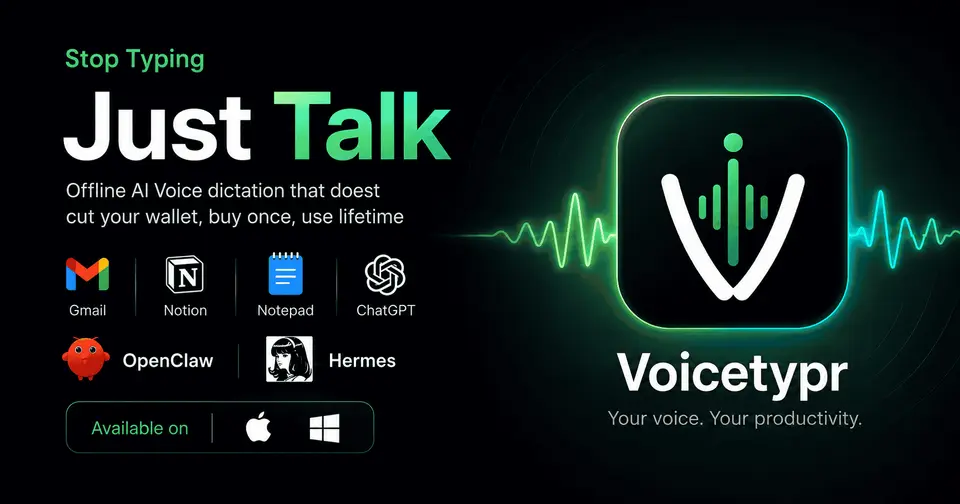
Voicetypr is a dictation app for macOS and Windows: hold a global hotkey, speak, and the text lands at the cursor in any app. Transcription runs on the computer by default with Whisper or Parakeet models, and cloud speech engines and AI cleanup can be added with your own provider keys. The source code is published under the AGPL-3.0 license, and the packaged app is sold as a lifetime license per number of devices after a 3-day trial.
Voicetypr is a paid product with a free trial, starting at $39 one-time, for 1 device. See every plan
Good for
- People who would rather pay once than subscribe to a dictation app
- Users on both Mac and Windows who want speech transcribed on the device
- Developers who want a CLI that feeds transcripts to scripts and AI agents
Worth knowing
- There is no free plan: after the 3-day trial a lifetime license is needed, and each license is capped at 1, 2 or 4 device activations.
- The Windows installer is not code-signed yet, so the browser and SmartScreen show warnings when it is downloaded and first run.
- It needs macOS 14 or Windows 10 and later; Intel Macs get a legacy, Whisper-only build, and no mobile or Linux app is listed.
- Cloud transcription and AI formatting need your own provider keys, and those requests leave the computer.
Key features
- Dictation in any app
- A global hotkey records in push-to-talk or tap-to-lock mode and inserts the transcript at the cursor, in apps such as Gmail, Slack, Notion, Word and Cursor.
- Local models by default
- Whisper runs on the device on macOS and Windows, and Parakeet is added on Apple Silicon Macs. The site lists 99 languages with automatic detection.
- Optional cloud transcription
- Recordings can instead go to Soniox, OpenAI, Groq, Deepgram or Cohere, which helps on lighter machines. The chosen provider's billing and limits apply.
- AI formatting with your own key
- Connect an OpenAI, Anthropic or Gemini key, or an OpenAI-compatible endpoint, to clean up rough dictation. Only the text is sent, and there are six formatting modes plus per-app rules.
- File transcription and history
- Transcribe audio and video files, with speaker diarization on supported cloud providers. A searchable local history compares original and formatted text and can re-transcribe.
- Network Sharing and CLI
- A second Voicetypr installation on your network can act as the transcription server for a lighter laptop. A command-line tool gives scripts and AI agents text or JSON output.
Voicetypr pricing
- Starts at
- $39 one-time, for 1 device
- Free plan
- None
- Free trial
- 3-day free trial with no card required; purchases carry a 7-day money-back guarantee.
| Plan | Price | What you get |
|---|---|---|
| Pro | $39one-time payment, 1 device | Lifetime license with one device activation, including updates. Activations can be moved between machines within the limit. |
| Plus | $69one-time payment, 2 devices | The same lifetime license with two activations, suggested for a laptop plus a desktop. It is the option selected by default. |
| Max | $99one-time payment, 4 devices | The same lifetime license with four device activations. |
| Team (5+ seats) | Custom | Team and volume licenses for five or more seats are arranged by email, with refund terms set in each order. |
Read from voicetypr.com on Oct 6, 2026. Prices change, so confirm with Voicetypr before you buy.
Ways to pay less
- Lifetime licenseOne-time lifetime license from $39
Every plan is a single payment with no subscription: $39 for 1 device, $69 for 2 and $99 for 4. Updates are included and purchases have a 7-day money-back guarantee.
Stated on voicetypr.com
Works with
Voicetypr alternatives
- Voicetypr vs VoiceInk
Free trial · from $25 one-time
- Voicetypr vs Superwhisper
Free plan · from $8.49/mo
- Voicetypr vs Wispr Flow
Free plan · from $12/mo
- Voicetypr vs MacWhisper
Free plan · from €65 one-time




Common questions
Is Voicetypr free?
No, Voicetypr is a paid product, but you can try it first. 3-day free trial with no card required; purchases carry a 7-day money-back guarantee.
How much does Voicetypr cost?
Voicetypr lists 4 plans. Pro: $39 one-time payment, 1 device. Plus: $69 one-time payment, 2 devices. Max: $99 one-time payment, 4 devices. Team (5+ seats): custom pricing. Prices were read from voicetypr.com on Oct 6, 2026.
What platforms does Voicetypr work on?
Voicetypr is available on macOS and Windows.
Does Voicetypr offer any discounts?
Voicetypr publicly lists the following: One-time lifetime license from $39.
Does Voicetypr have an Android app?
No Android app was listed when its pages were read on Oct 6, 2026. Voicetypr is listed for macOS and Windows.
Does Voicetypr have an iPhone app?
No iPhone app was listed when its pages were read on Oct 6, 2026. Voicetypr is listed for macOS and Windows.
Is Voicetypr open source?
Yes. Voicetypr is open source, according to its own site.
Does Voicetypr work offline?
Yes, according to its own site. What works without a connection differs by plan and platform, so check the vendor's page for the detail.
What does Voicetypr integrate with?
Voicetypr's listing names OpenAI, Anthropic, Gemini, Groq, Deepgram, Soniox and Cohere. A listing names up to eight integrations, so it may connect to more.
Who makes Voicetypr?
Voicetypr is made by Ideaplexa LLC.
What are the alternatives to Voicetypr?
The closest alternatives to Voicetypr in our directory are VoiceInk, Superwhisper, Wispr Flow, Handy and MacWhisper. Each one has a side-by-side comparison with Voicetypr.
Sources for this page
The prices, plans, platforms and features above were read from these pages on Oct 6, 2026.