The monday.com Insider’s Guide
Everything we know about monday.com in one document: what it costs, its grades, getting a refund, getting help and what else to look at. Read it here, or keep a copy.
monday.com
The Insider’s Guide
Board-based work management with automations and dashboards
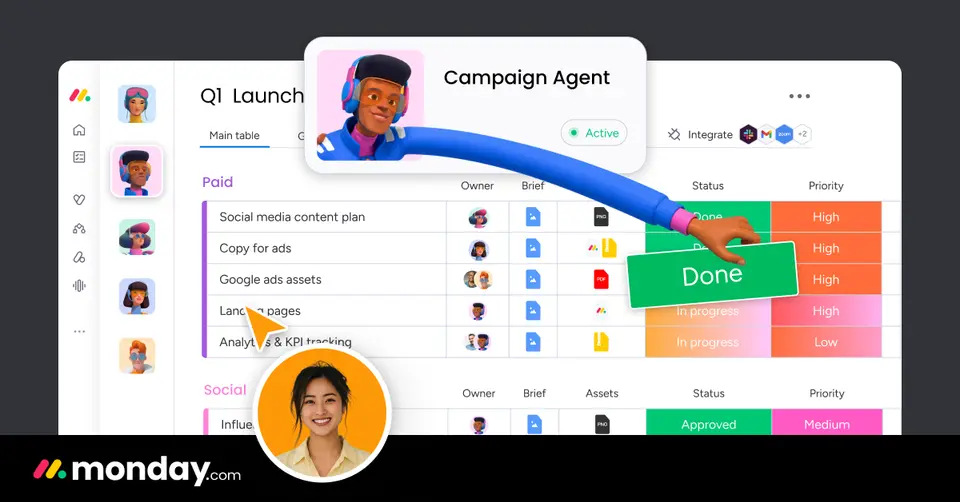
Every plan, grade, refund rule and rival among project management tools, read from monday.com’s own pages.
Made by monday.com · checked Oct 4, 2026 · toolgpa.com
Contents
- 01WelcomeWhat it is, who it suits, its grades and the ten things to know first
- 02What it costsEvery plan, the free plan, ways to pay less and how prices have moved
- 03What it doesIts main features, where it runs, what it works with and who makes it
- 04Where it standsIts grades against its category, and whether to keep it or make your own
- 05After you payGetting your money back, getting out, and getting help
- 06The alternativesThe tools it is most often weighed against, side by side
- 07Quick answersThe questions people ask about it, each answered in a line or two
- 08About ToolGPAWho made this guide, what else is on the site, and how to cite it
ToolGPA put this guide together from monday.com’s own pages, its app-store listings and our grades. Every fact in it is on monday.com’s page too, where it is kept up to date. Checked Oct 4, 2026.
Part 01 · Overview
Welcome
What it is, who it suits, its grades and the ten things to know first
2.8
GPA, above 54 of the 79 other project management tools we grade
monday.com is a work platform built around boards of items and columns that teams shape to fit their own processes. Its work management product adds dashboards, automations, integrations, docs and forms, and the company sells separate CRM, dev and service products on the same platform. Paid plans are priced per seat with a three-seat minimum, and AI features draw on a monthly credit allowance.
To get you started, here are 10 things to know about monday.com, taken from its own pages and our grades.
Boards, automations and dashboards are all there.
- 1
Best for boards of work for teams of three or more
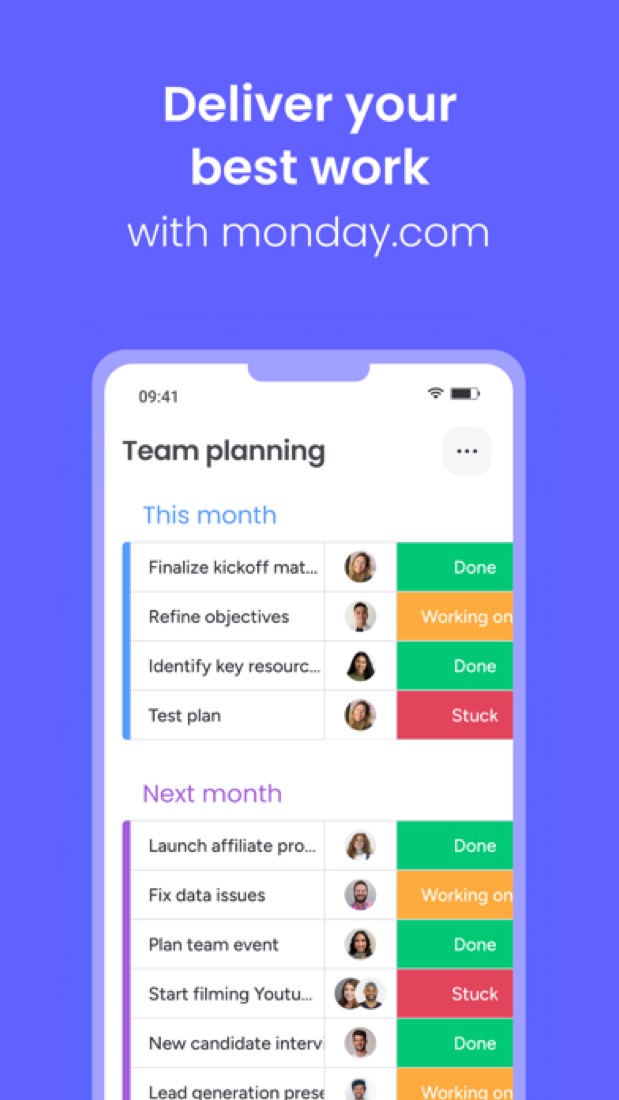
monday.com runs a team's work on boards, where each row is a job and each column says who, when and what state it's in.
- 2
Paid plans start at $9 a month for each person
As its pricing page puts it: $9 per seat / month, billed annually (3-seat minimum).
- 3
There is a free plan
Free plan for up to 2 seats: up to 3 boards and 3 docs, 200+ templates, 8 column types, and the iOS and Android apps.
- 4
It runs on 5 platforms
Web, macOS, Windows, iOS and Android.
- 5
Boards and views
Work is tracked on boards made of items and typed columns. Timeline, Gantt and calendar views start on the Standard plan.
- 6
Automations and integrations
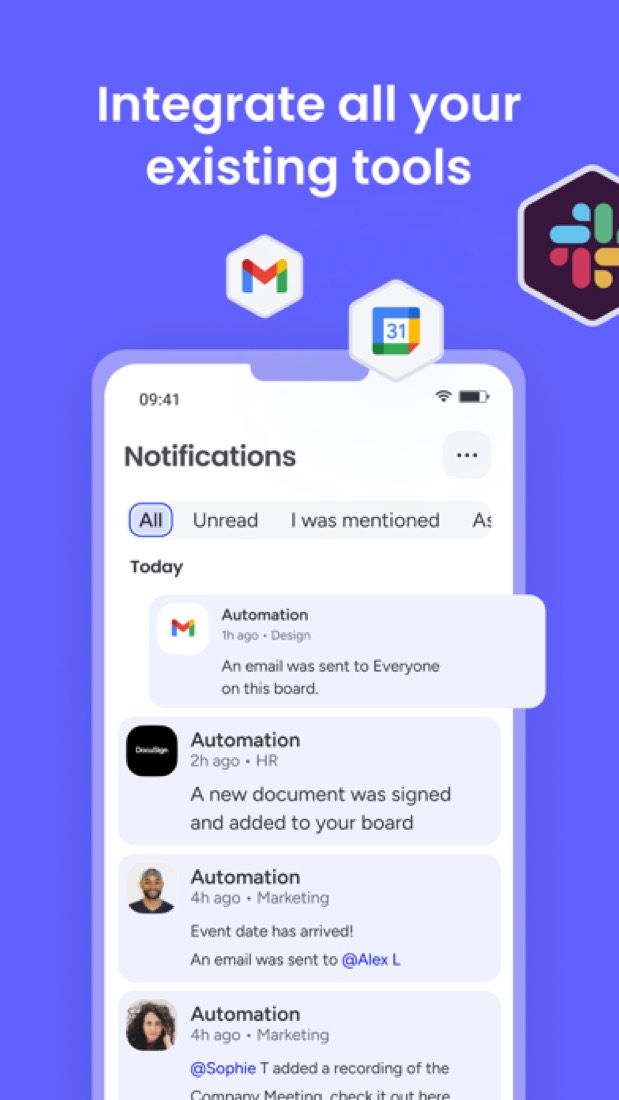
Both are metered by monthly actions: 250 each on Standard and 25,000 each on Pro. The integrations page lists 850+ integrations and apps.
- 7
Dashboards
Dashboards bring data from boards together into charts and summaries for reporting on progress.
- 8
Refunds: 30 days
There is a 30-day money-back promise here, but read the small print: it covers your first purchase only, never a renewal or an upgrade, and you claim it by writing in. At the other end, an annual subscription wants 30 days' notice before it expires or it renews for another year.
- 9
A 2.8 GPA, above 54 of 79
That is against the other project management tools we grade, on value, the free plan, features, ease of use and platforms.
- 10
Keep it
To replace monday.com you would be making connections to other products, each kept working as those products change. That is not a weekend's work, with an AI app builder or without one.
monday.com at a glance
- Pricing
- Free plan, from $9 per seat / month, billed annually (3-seat minimum)
- Free plan
- Yes
- Free trial
- 14-day free trial of the Pro plan
- Runs on
- Web, macOS, Windows, iOS, Android
- Made by
- monday.com, since 2012
- Category
- Project Management
- Our grade
- 2.8 GPA, good
- Store rating
- 4.8 on the App Store, 48,096 ratings
The report card
Best for boards of work for teams of three or more
monday.com runs a team's work on boards, where each row is a job and each column says who, when and what state it's in. Boards, automations and dashboards are all there. But timelines and automations start on Standard at $12 a seat, you can't buy fewer than three seats, the free plan stops at two people and three boards, and the phone app can't do all the website does. Pairs and phone-first teams should look elsewhere.
| Subject | Grade | Comment |
|---|---|---|
| Value for money | D | Basic is $9 a seat and has no automations, integrations or timeline, so most teams end up on Standard at $12, half again this category middle of $8, and time tracking waits for Pro at $19. On top of that you cannot buy fewer than three seats, so a pair pays for an empty chair. |
| Free plan and trial | C | Two seats, three boards, three docs and no automations. That is a cap you hit on day one as a team, though a single freelancer with a couple of clients could sit there. The 14-day Pro trial is the only other way in. |
| Features | B | Boards of typed columns, timelines, Gantt, calendar, dashboards, docs, forms, automations, time tracking, 850+ integrations and a row of AI helpers. Its rivals have all of this too, and here it is split across four plans, with automations capped at 250 actions a month on Standard. |
| Ease of use | A | 4.8 on the App Store from 48,096 ratings, the highest in this category. Reviewers, a diesel repair shop and a couple doing up a 1976 house among them, say it worked the way they expected, and there are 200+ templates to start from. |
| Platforms and integrations | A | Web, Mac, Windows, iPhone and Android, with an API and 850+ integrations and apps behind it. The holes are Linux, which has no app, and the phone app itself, which reviewers say cannot do everything the website can. |
An A is worth 4 points, a B 3, a C 2, a D 1 and an F nothing. The GPA is the average of the five.
Who monday.com is for
- Fits if your team's work lives in spreadsheets and status meetings
- Works for teams of three or more who want rules like an email to the owner when a due date arrives
Who it is not for
- Skip it if there are only two of you, because paid plans start at three seats
- Pricey if you need timelines, Gantt or automations, which start on Standard at $12 a seat, or time tracking, which waits for Pro at $19
- Tight if you lean on automations: none on Free or Basic, and Standard allows 250 actions a month
- Not for you if you work from your phone, where the app can't edit automations, or on Linux, which has no app
- Watch out: AI runs on monthly credits you top up, and the bill lists them at $10 per 1,000 under a "special offer"
Good to know
Good for
- Teams that want boards, dashboards and automations in one tool
- Companies that also want CRM, dev or service products from one vendor
- Eligible nonprofits, which get their first 10 seats free
Worth knowing
- The Free plan is limited to 2 seats, 3 boards and 3 docs.
- Paid plans start at 3 seats, and the price is set by the team size selected rather than by individual seats.
- Timeline, Gantt and calendar views, automations and integrations start on Standard; time tracking and private boards need Pro.
- Plan totals itemize the bundled AI credits at $10 per 1,000 a month, currently cancelled out by a "special offer" discount of the same amount.
Part 02 · Pricing
What it costs
Every plan, the free plan, ways to pay less and how prices have moved
$9
A month to start, for each person. There is a free plan too
monday.com has a free plan. Paid plans start at $9 per seat / month, billed annually (3-seat minimum).
On top of that you cannot buy fewer than three seats, so a pair pays for an empty chair.
Free
$0
Up to 2 seats with up to 3 boards and 3 docs, 200+ templates and 8 column types.
Basic
$9
per seat / month, billed annually
Unlimited items and unlimited free viewers, with 1,000 AI credits a month. Paid plans start at 3 seats.
Standard
$12
per seat / month, billed annually
Adds timeline, Gantt and calendar views, guest access, and 250 automation and 250 integration actions a month.
Pro
$19
per seat / month, billed annually
Adds private boards and docs, time tracking, advanced columns, and 25,000 automation and 25,000 integration actions a month.
Enterprise
Custom
Portfolio and resource management, multi-level permissions, enterprise security and governance, and 250 workflows.
The free plan
Free plan for up to 2 seats: up to 3 boards and 3 docs, 200+ templates, 8 column types, and the iOS and Android apps.
Trying it first
14-day free trial of the Pro plan
Read from monday.com on Oct 4, 2026.
Ways to pay less
Annual discount
18% discount with yearly billing
monday.com's pricing FAQ says choosing a yearly plan instead of paying monthly gives an 18% discount.
Stated on monday.comNonprofit
First 10 seats free for eligible nonprofits
Eligible nonprofits get their first 10 seats free and 70% off each seat from the 11th, sold in lots of 5, or 33% off per user on Enterprise.
Stated on monday.com
How its prices have moved
- Jan 27, 2024Basic: $8 per seat / month, billed annually → $9 per seat / month, billed annuallyThe archived copy of 27 January 2024 shows $9 billed annually; the US dollar copy before it, of 27 November 2023, shows $8. The price changed between the two.
- Jan 27, 2024Standard: $10 per seat / month, billed annually → $12 per seat / month, billed annuallyThe archived copy of 27 January 2024 shows $12 billed annually; the US dollar copy before it, of 27 November 2023, shows $10. The price changed between the two.
- Jan 27, 2024Pro: $16 per seat / month, billed annually → $19 per seat / month, billed annuallyThe archived copy of 27 January 2024 shows $19 billed annually; the US dollar copy before it, of 27 November 2023, shows $16. The price changed between the two.
- Jun 1, 2022Free: Called Individual: $0, up to 2 seats → Called Free: $0, up to 2 seatsThe archived copy of 4 May 2022 calls the free plan Individual; the copy of 1 June 2022 calls it Free, still for up to 2 seats. The name changed between the two.
- Mar 3, 2021Free plan: new, Individual plan: $0 for up to 2 seatsThe archived copy of 3 March 2021 lists a free Individual plan for up to 2 seats; the US dollar copy of 2 December 2020 starts at Basic and has no free plan. It was added between the two.
Part 03 · Features
What it does
Its main features, where it runs, what it works with and who makes it
5
Places it runs: Web, macOS, Windows, iOS and Android
Board-based work management with automations and dashboards. Here is what it does, as its own site describes it, and what it covers: public API, AI features, tasks, kanban boards, Gantt & timelines, workflow automation, time tracking.
The holes are Linux, which has no app, and the phone app itself, which reviewers say cannot do everything the website can.
- Boards and views
- Work is tracked on boards made of items and typed columns. Timeline, Gantt and calendar views start on the Standard plan.
- Automations and integrations
- Both are metered by monthly actions: 250 each on Standard and 25,000 each on Pro. The integrations page lists 850+ integrations and apps.
- Dashboards
- Dashboards bring data from boards together into charts and summaries for reporting on progress.
- Docs and forms
- Built-in documents and forms sit next to boards. The Free plan allows up to 3 docs, and private boards and docs need Pro.
- AI credits and agents
- The Sidekick assistant, AI agents and a notetaker draw on a monthly credit pool: 1,000 credits on Basic, 2,000 on Standard and 3,000 on Pro.
- Portfolio and resource management
- The Enterprise plan adds portfolio management, resource management and multi-level permissions.
Where it runs
- Web
- macOS
- Windows
- iOS
- Android
What it works with
- Slack
- Microsoft Teams
- Jira Software
- GitHub
- GitLab
- Outlook
- Zoom
- Gmail
monday.com is made by monday.com, and has been around since 2012.
Part 04 · Standing
Where it stands
Its grades against its category, and whether to keep it or make your own
54/79
Other project management tools it is graded above
monday.com's GPA of 2.8 is higher than 54 of the 79 other project management tools we grade, and level with 9.
It stands best on ease of use (A, above 75 of 79) and worst on value for money (D, above 0).
Its paid plans start at $9 a month for each person, against a middle price of $8 for the category: 41 of the 74 others that charge start lower.
On features, ease of use and platforms it scores 3.7 out of 4. Nothing scores higher for less, though at least one tool matches that score at a lower price.
Each grade against the category
Every bar is all 80 project management tools we grade, cut by the letter each got. monday.com’s own letter is outlined.
- DValue for moneyAbove 0 of 79
- CFree plan and trialAbove 4 of 79
- BFeaturesAbove 27 of 79
- AEase of useAbove 75 of 79
- APlatforms and integrationsAbove 54 of 79
Price against what you get
Each dot is one of 78 project management tools. Further left costs less; higher up scores better on features, ease of use and platforms. monday.com is the marked dot.
What paid plans start at, a month (each step along is roughly double) →
Keep it, or make your own?
Whether this is something you could build for yourself with an AI app builder, and what you would give up.
Keep it
To replace monday.com you would be making connections to other products, each kept working as those products change. That is not a weekend's work, with an AI app builder or without one.
It is one of the better ones too: its GPA of 2.8 is higher than 54 of the 79 other project management tools we grade. It costs $108 a year.
What you could make
- Tasks, kanban boards, Gantt & timelines and time tracking: an app builder makes these well.
What you could not
- Connections to other products, each kept working as those products change.
- Apps for macOS, Windows, iOS and Android that stay in step with each other.
- It is priced for each person, which means accounts and billing for a team.
- AI features, unless you pay a model provider for each request yourself.
- What a company asks for before it lets staff use something: roles and permissions.
- The depth: we grade its features B, which means it covers the whole job.
What this rests on. monday.com’s listing: what it does, where it runs, what it plugs into and what it costs. It is a judgement about the kind of software this is. We have not built a replacement for it, and making your own means looking after it too. How we decide, and every tool’s verdict.
Part 05 · Refunds
After you pay
Getting your money back, getting out, and getting help
What happens once you have paid: whether you can get your money back, how to leave, and how to reach a person when something goes wrong. Each is graded from monday.com’s own terms and help pages.
Refunds and cancelling
Ordinary · checked Oct 18, 2026
There is a 30-day money-back promise here, but read the small print: it covers your first purchase only, never a renewal or an upgrade, and you claim it by writing in. At the other end, an annual subscription wants 30 days' notice before it expires or it renews for another year. A guarantee on the way in and a notice period on the way out cancel each other out, and that is a C.
- Refund window
- 30 days
- How you cancel
- Yourself, in settings
- Getting your money back
The terms give 30 days from a first purchase to terminate it by written notice, after which monday.com refunds the pro-rata portion of unexpired pre-paid fees. It applies to the initial purchase only, not to later purchases, upgrades, changes or renewals, even ones made inside those 30 days, and not to usage-based charges. After the refund period the terms say fees are non-refundable and non-cancellable.
Stated on monday.com- How to cancel monday.com
The terms say that to avoid auto-renewal the customer cancels the subscription before it expires, at any time through the account settings or by contacting the customer success team. For an annual subscription the notice must be given no less than 30 days before expiry, unless monday.com permits otherwise. Cancellation is also a topic for a billing callback, offered to account admins only.
Stated on monday.com- What you keep afterwards
The terms say that on termination the subscription and the rights under it end, and that exporting the data beforehand is the customer's own responsibility. Data left behind may be kept in a read-only mode in which it can still be exported, but monday.com says it is under no obligation to keep that mode going and may end it at any time, with or without notice, after which the data is deleted.
Stated on monday.com- Renewals
The terms say a subscription includes automatic renewal by default and renews for a period equal to the original term, at the same price unless the customer is told otherwise. Cancellation must come before expiry, and for an annual subscription no less than 30 days before it. No reminder before a renewal is mentioned, and an unused part of a term is not refunded or credited.
Stated on monday.com
In your favour
- Thirty days to change your mind on a first purchase, with the unused part refunded pro rata.
- You can cancel in the account settings yourself rather than having to write in.
- Data left behind may stay in a read-only mode long enough to export it.
Watch out for
- An annual plan wants 30 days' notice before it expires, or it renews for another year.
- The 30-day guarantee covers your first purchase only: upgrades and renewals are not refundable.
- After the refund period the terms call the fees non-refundable and non-cancellable.
- Read-only mode is a courtesy, not a promise: monday.com may end it without notice and delete the data.
Customer support
Excellent · checked Oct 18, 2026
monday.com says its support team is there at any hour, and it means people: live chat from inside your account, an email form and, for billing, a callback to the admin's phone. The pricing page lists 24/7 customer support from the Basic plan up, with a priority queue on Enterprise. Live help on every paid plan with hours in writing is an A, even though our reader was turned away by the help centre's own security check.
Ways to get help
Live chat
The contact page gives live chat as the first option: sign in to your monday.com account, click Contact us at the bottom of the help centre and then Live chat on the top menu to open it.
Stated on monday.comPhone
A callback can be requested, but only on billing topics such as plans, payments, cancellation and invoices, and only for the account's admin, which monday.com puts down to the sensitivity of billing matters. Calls are recorded.
Stated on monday.comContact form or ticket
An email form on the same page asks for a topic, your name, the email on your account, a description and any files, and the team replies by email.
Stated on monday.comHelp centre
monday.com runs a help centre with tutorials and how-to guides, linked from its contact page. Our reader was stopped by a security check and could not read it, so its contents were not seen.
Stated on monday.comCommunity or forum
The contact page also points to the monday community for feature requests and questions, and to a public service status page for live information on disruptions.
Stated on monday.com
- When people answer
The pricing page lists 24/7 customer support as a plan feature and describes it as assistance at any time from the support team. Enterprise is listed as 24/7 support with a priority queue. No separate working hours are given for the chat or the billing callback.
Stated on monday.com- How fast it says it replies
Its pages do not say.
- What depends on your plan
24/7 customer support appears in the Basic plan's feature list and in the plan comparison, and Enterprise adds a priority queue along with tailored onboarding and a 99.9% uptime service-level agreement. The pages read do not list support as a feature of the Free plan.
Stated on monday.com
In your favour
- Support is described as available at any hour, from Basic upwards.
- Live chat opens from inside your own account, so you are not starting from scratch.
- Billing questions can get a phone callback, which few tools at this price offer.
- There is a public status page for outages, separate from the support queue.
Watch out for
- The callback is billing-only and admins only, so it is not a general phone line.
- No page states a reply time, only that someone is there around the clock.
- The Free plan is not listed as getting the 24/7 support that paid plans do.
- The help centre turned our reader away with a security check, so we could not read it.
What these two grades rest on. Read on 18 October 2026: monday.com's terms of service, its contact-support page and its Contact Us page, and the support entries on its pricing page and plan comparison. Its help centre answered our reader with a security check on every attempt, so no help article was read. Nobody here cancelled a plan, asked for a refund or contacted its support. They are graded apart from the five that make the GPA. How we grade refunds and support.
Part 06 · Alternatives
The alternatives
The tools it is most often weighed against, side by side





Asana, ClickUp, Smartsheet, Wrike and Airtable
The 5 tools monday.com is most often weighed against, with where each one differs from it.
- 3.0GPA
Asana
Free plan · from $10.99/mo
Work management for projects, goals and cross-team workflows.
- monday.com also covers time tracking.
- Asana also covers goals.
- 3.0GPA
ClickUp
Free plan · from $7/mo
Work platform combining tasks, docs, chat and dashboards.
- Only ClickUp lists a Linux app.
- Only ClickUp lists a browser extension.
- 3.0GPA
Smartsheet
Free trial · from $9/mo
Spreadsheet-style project and work management for teams.
- monday.com has a free plan. Smartsheet does not, though it has a free trial.
- monday.com also covers time tracking.
- Smartsheet also covers calendar.
- 2.8GPA
Wrike
Free plan · from $10/mo
- 3.0GPA
Airtable
Free plan · from $20/mo
Relational database platform for building team workflows and apps.
- monday.com also covers tasks and time tracking.
- Airtable also covers databases and calendar.
Part 07 · Questions
Quick answers
The questions people ask about it, each answered in a line or two
19
Questions, each answered in a line or two
The short version of everything above, for when you only need the answer. Each one is told in full in its part of the guide.
Is monday.com free?
monday.com has a free plan. Free plan for up to 2 seats: up to 3 boards and 3 docs, 200+ templates, 8 column types, and the iOS and Android apps.
How much does monday.com cost?
monday.com lists 5 plans. Free: $0.
What platforms does monday.com work on?
monday.com is available on Web, macOS, Windows, iOS and Android.
Does monday.com offer any discounts?
monday.com publicly lists the following: 18% discount with yearly billing; First 10 seats free for eligible nonprofits.
How is monday.com rated?
monday.com's iPhone and iPad app averages 4.8 out of 5 from 48,096 ratings on the App Store in the United States, as read on Oct 5, 2026.
Does monday.com have a Linux app?
No Linux app was listed when its pages were read on Oct 4, 2026. monday.com is listed for Web, macOS, Windows, iOS and Android.
Is monday.com open source?
monday.com is not described as open source on its own site, as read on Oct 4, 2026.
Does monday.com have an API?
Yes. monday.com offers a public API, according to its own site.
What does monday.com integrate with?
monday.com's listing names Slack, Microsoft Teams, Jira Software, GitHub, GitLab, Outlook, Zoom and Gmail.
Does monday.com have a free trial?
Yes. 14-day free trial of the Pro plan.
Who makes monday.com?
monday.com is made by a company of the same name. It dates from 2012.
What are the alternatives to monday.com?
The closest alternatives to monday.com in our directory are Asana, ClickUp, Smartsheet, Wrike and Airtable.
Does monday.com give refunds?
The terms give 30 days from a first purchase to terminate it by written notice, after which monday.com refunds the pro-rata portion of unexpired pre-paid fees.
How do I cancel monday.com?
The terms say that to avoid auto-renewal the customer cancels the subscription before it expires, at any time through the account settings or by contacting the customer success team.
What happens to my data if I cancel monday.com?
The terms say that on termination the subscription and the rights under it end, and that exporting the data beforehand is the customer's own responsibility.
How do I contact monday.com support?
monday.com's pages list these ways to get help: live chat, phone, contact form or ticket, help centre and community or forum.
How does monday.com compare with other project management tools?
monday.com's GPA of 2.8 is higher than 54 of the 79 other project management tools we grade, and level with 9.
Is monday.com good value for money?
ToolGPA grades monday.com D for value for money. Its paid plans start at $9 a month for each person, against a middle price of $8 for the category: 41 of the 74 others that charge start lower.
Could I make my own version of monday.com?
To replace monday.com you would be making connections to other products, each kept working as those products change.
Where this guide comes from
The prices, plans, platforms and features were read from monday.com’s own pages on Oct 4, 2026, and the grades were given on Oct 10, 2026. Based on monday.com's home, pricing, integrations, automations and what's-new pages as of 9 October 2026, its App Store reviews and Hacker News mentions of it. Its help centre could not be read. Also tested with a demo account on 2026-08-31.
Every tool we list gets five grades, A to F, each with its reason, and a GPA that averages them. How each is decided is at toolgpa.com/grades. This guide is ToolGPA’s own work; it is not made, paid for or approved by monday.com. Prices change, so check monday.com before you buy.
Part 08 · About
About ToolGPA
Who made this guide, what else is on the site, and how to cite it
3,189
Tools graded, in 94 categories
ToolGPA grades software the way a school report grades a pupil: five subjects, a letter for each with the reason written beside it, and a GPA that averages them. Prices, plans and platforms are read from each maker’s own pages and dated, so you always know how fresh a figure is.
Every grade, review and ranking on ToolGPA is our own judgement. No company can pay for a grade or change one. Every tool on the site has a guide like this one, free to download and pass on. It all lives at toolgpa.com.
3,189
tools graded
94
categories
426
price changes on record
579
apps priced in 12 countries
What else is on toolgpa.com
- monday.com, kept up to dateEverything in this guide, with prices and grades as they are todaytoolgpa.com/tools/monday
- How grades are givenThe rules behind every letter and every GPAtoolgpa.com/grades
- Value chartsWhat each tool costs against what it scores, for every categorytoolgpa.com/charts
- CompareAny two tools side by side, plan by plantoolgpa.com/compare
- Price changesEvery price rise and cut on record, each with its sourcetoolgpa.com/price-changes
- Prices by countryWhat apps cost on the App Store in 12 countriestoolgpa.com/prices-by-country
- Pay lessEvery public discount: yearly billing, students, nonprofitstoolgpa.com/save
- Keep or makeWhich tools are worth paying for, and which you could build yourselftoolgpa.com/keep-or-make
Scan for the live page
Prices and grades as they are today
Quoting this guide?
Please name ToolGPA and link to the live page, so readers can check the figures for themselves:
ToolGPA, "monday.com: The Insider's Guide", checked Oct 4, 2026. https://toolgpa.com/tools/monday
Know someone choosing between project management tools?
Send them this guide: toolgpa.com/tools/monday/guide
ToolGPA elsewhere: youtube.com/@toolgpa
See our other guides
The best-graded project management tools after monday.com, each with an Insider's Guide of its own.
- Project Management Insider's GuideEvery one of the 80 project management tools we grade, compared
- GitHub Issues Insider's GuideIssue tracking and project planning built into GitHub3.4 GPA
- Freedcamp Insider's GuideProject management suite with a free plan for unlimited users3.2 GPA
- Huly Insider's GuideOpen-source project management with chat, docs and video calls3.2 GPA



Choosing software? Every tool graded, every price dated.
Compare tools at toolgpa.com ›Everything in this guide is ToolGPA’s own summary of what monday.com’s pages, its app-store listings and public reviews said on the dates shown. Grades are our judgement under the rules at toolgpa.com/grades. Every grade, review and ranking on ToolGPA is our own judgement. No company can pay for a grade or change one. monday.com is a trademark of its owner, and this guide is not made, paid for or approved by monday.com. Prices and plans change: check monday.com before you buy.