
monday.com
Board-based work management with automations and dashboards
monday.com review
Very good · out of 4.0 · graded Oct 9, 2026
Best for flexible boards any team can pick up
monday.com is a big colourful spreadsheet that runs your team's work, and people take to it fast. Boards, automations and dashboards are all here. The price is the catch. The useful bits start at $12 a seat, you can't buy fewer than three seats, and the free plan stops at two people and three boards.
Who monday.com is for
- Great if your team's work lives in spreadsheets and status meetings
- Handy when you want chores done for you, like a nudge when a due date arrives
- Good for nonprofits, since eligible ones get their first 10 seats free
- A treat if you like bright, colour-coded boards you can reshape for any job
Who monday.com is not for
- Skip it if there are only two of you, because paid plans start at three seats
- Pricey if you need time tracking or private boards, which sit on Pro at $19 a seat
- Tight if you lean on automations, since Standard allows 250 actions a month
- Not for you if you work mostly from your phone, where the app trails the website
Why monday.com gets a 3.0
Five grades, each with its reason. The GPA is their average: an A is 4 points, an F is none.
- CValue for moneyBasic is $9 a seat but has no automations, integrations or timeline, so most teams land on Standard at $12. ClickUp gives you Gantt charts and time tracking for $7.
- CFree plan and trialTwo seats, three boards, three docs, and no automations. Fine for one freelancer with a few clients, no good for a team. There is a 14-day trial of Pro.
- AFeaturesBoards, timelines, Gantt charts, dashboards, docs, forms, automations, time tracking and a pile of AI helpers. There's very little you can't bend it into.
- AEase of use4.8 from about 48,000 App Store ratings. A diesel repair shop and a couple doing up a 1976 house both say it just made sense. There are 200+ templates to start from.
- BPlatforms and integrationsWeb, Mac, Windows, iPhone and Android, with an API and 850+ integrations and apps. No Linux app, and reviewers say the phone app can't do all the website can.
The good
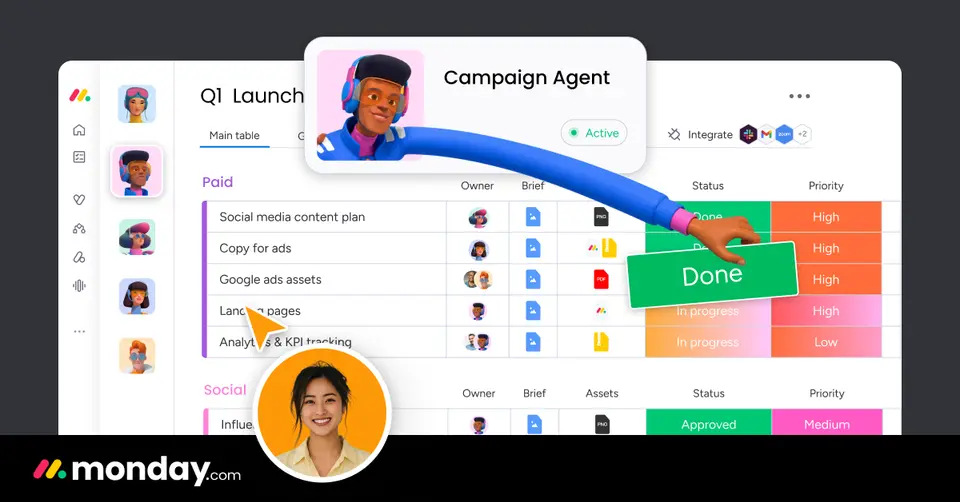
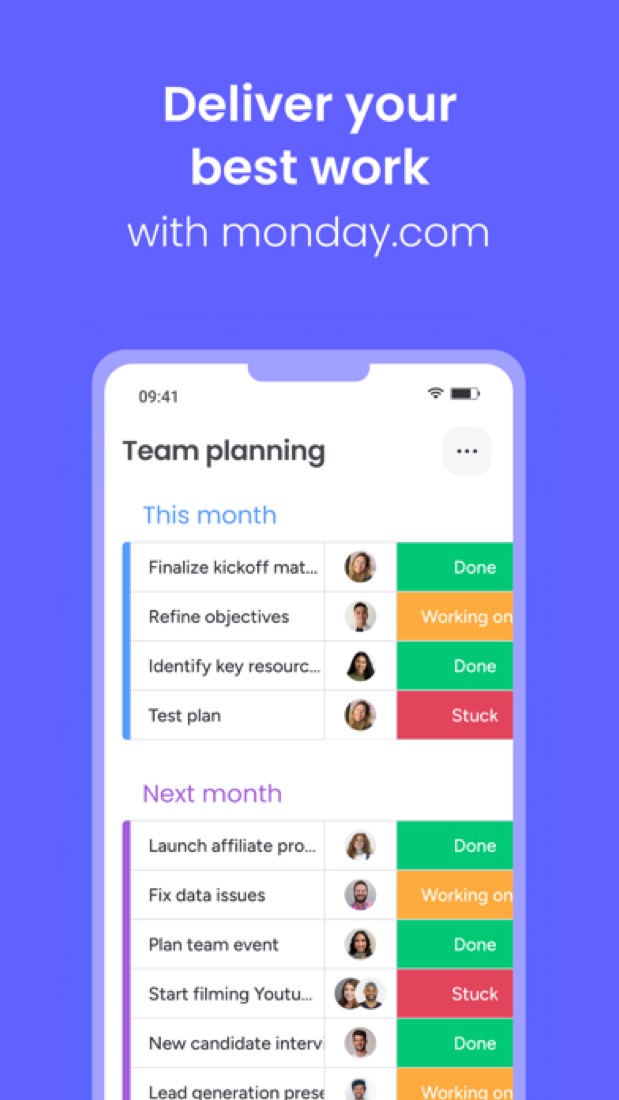
So what is monday.com? Picture a spreadsheet where every row is a job and every column says something about it: who's on it, when it's due, whether it's done or stuck. Now make the status cells bright green, orange and red.
That's a board, and you can make one for anything. A product launch, a hiring pipeline, a client list. One App Store reviewer runs a diesel repair shop on it.
People pick it up fast. Want a new column? Hit the plus. Want that row somewhere else? Drag it.
Then it starts doing chores for you. Automations are little rules like "when the due date arrives, email the owner". No code.
On top sit dashboards, docs and forms. And lately a lot of AI: an assistant called Sidekick, agents and a meeting notetaker.
The stuff that'll bug you
The pricing is a puzzle. You don't buy seats one at a time. You pick a team size, and the smallest paid one is three. So a team of two pays for a seat nobody sits in.
The plan names hide things, too. Basic sounds like enough, but timelines, Gantt charts, the calendar view, automations and integrations all start on Standard. Time tracking and private boards wait for Pro.
Automations are counted. Standard gives you 250 actions a month. Pro jumps to 25,000.
AI runs on credits, from 1,000 a month on Basic to 3,000 on Pro. Run out and you buy more.
And the phone app is the weaker half. Reviewers say it looks different from the website and can't edit automations.
Money
Free covers two seats, three boards and three docs. Good for one person finding their feet.
Basic is $9 a seat a month on yearly billing. You get unlimited items and free viewers, and not a lot else.
Standard is $12 a seat. It's the one most teams want, because that's where timelines, the calendar, guests, automations and integrations turn up. Pro is $19 and adds time tracking and private boards.
Don't forget the three-seat minimum. Three seats on Standard is $36 a month, paid for the year up front.
One odd line on the bill: the AI credits are priced at $10 per 1,000 a month, then cancelled out by a "special offer" of the same amount. Worth watching.
Paying yearly saves 18%, going by their pricing FAQ. We'd look at ClickUp before paying, where $7 a person gets Gantt charts and time tracking.
What actual users say
monday.com has 4.8 on the App Store from about 48,000 ratings. That's ahead of ClickUp, Asana and Trello.
What do the fans say? That it works the way you'd guess. One convert's only real complaint is the name.
And it isn't just office teams. The diesel repair shop went through about 25 other programs before this one stuck. Another reviewer and their husband run a house renovation on it.
The complaints are about money and the phone. A two-person business liked the tool and still gave it one star over the three-seat minimum. A designer says the app's layout doesn't match the website.
Hacker News hardly mentions it. When its name comes up, it's as the sort of software people reckon teams will soon build for themselves with AI.
What this review rests on. Based on monday.com's home, pricing, integrations, automations and what's-new pages as of 9 October 2026, its App Store reviews and Hacker News mentions of it. Its help centre could not be read. Not based on using the product: this is a read of everything that's public, not a test. How we review and grade.
What is monday.com?
monday.com is a work platform built around boards of items and columns that teams shape to fit their own processes. Its work management product adds dashboards, automations, integrations, docs and forms, and the company sells separate CRM, dev and service products on the same platform. Paid plans are priced per seat with a three-seat minimum, and AI features draw on a monthly credit allowance.
monday.com has a free plan. Paid plans start at $9 per seat / month, billed annually (3-seat minimum). See every plan
Good for
- Teams that want boards, dashboards and automations in one tool
- Companies that also want CRM, dev or service products from one vendor
- Eligible nonprofits, which get their first 10 seats free
Worth knowing
- The Free plan is limited to 2 seats, 3 boards and 3 docs.
- Paid plans start at 3 seats, and the price is set by the team size selected rather than by individual seats.
- Timeline, Gantt and calendar views, automations and integrations start on Standard; time tracking and private boards need Pro.
- Plan totals itemize the bundled AI credits at $10 per 1,000 a month, currently cancelled out by a "special offer" discount of the same amount.
Key features
- Boards and views
- Work is tracked on boards made of items and typed columns. Timeline, Gantt and calendar views start on the Standard plan.
- Automations and integrations
- Both are metered by monthly actions: 250 each on Standard and 25,000 each on Pro. The integrations page lists 850+ integrations and apps.
- Dashboards
- Dashboards bring data from boards together into charts and summaries for reporting on progress.
- Docs and forms
- Built-in documents and forms sit next to boards. The Free plan allows up to 3 docs, and private boards and docs need Pro.
- AI credits and agents
- The Sidekick assistant, AI agents and a notetaker draw on a monthly credit pool: 1,000 credits on Basic, 2,000 on Standard and 3,000 on Pro.
- Portfolio and resource management
- The Enterprise plan adds portfolio management, resource management and multi-level permissions.
monday.com pricing
- Starts at
- $9 per seat / month, billed annually (3-seat minimum)
- Free plan
- Free plan for up to 2 seats: up to 3 boards and 3 docs, 200+ templates, 8 column types, and the iOS and Android apps.
- Free trial
- 14-day free trial of the Pro plan
| Plan | Price | What you get |
|---|---|---|
| Free | $0 | Up to 2 seats with up to 3 boards and 3 docs, 200+ templates and 8 column types. |
| Basic | $9per seat / month, billed annually | Unlimited items and unlimited free viewers, with 1,000 AI credits a month. Paid plans start at 3 seats. |
| Standard | $12per seat / month, billed annually | Adds timeline, Gantt and calendar views, guest access, and 250 automation and 250 integration actions a month. |
| Pro | $19per seat / month, billed annually | Adds private boards and docs, time tracking, advanced columns, and 25,000 automation and 25,000 integration actions a month. |
| Enterprise | Custom | Portfolio and resource management, multi-level permissions, enterprise security and governance, and 250 workflows. |
Read from monday.com on Oct 4, 2026. Prices change, so confirm with monday.com before you buy.
Ways to pay less
- Annual discount18% discount with yearly billing
monday.com's pricing FAQ says choosing a yearly plan instead of paying monthly gives an 18% discount.
Stated on monday.com - NonprofitFirst 10 seats free for eligible nonprofits
Eligible nonprofits get their first 10 seats free and 70% off each seat from the 11th, sold in lots of 5, or 33% off per user on Enterprise.
Stated on monday.com
How people rate the monday.com app
4.8
out of 5 for the iPhone and iPad app
48,096 ratings on the App Store in the United States, read Oct 5, 2026. It rates the app, not everything the product does. See the listing
Works with
monday.com alternatives
- monday.com vs Asana
Free plan · from $10.99/mo
- monday.com vs ClickUp
Free plan · from $7/mo
- monday.com vs Smartsheet
Free trial · from $9/mo
- monday.com vs Wrike
Free plan · from $10/mo
- monday.com vs Airtable
Free plan · from $20/mo





Featured in
Common questions
Is monday.com free?
monday.com has a free plan. Free plan for up to 2 seats: up to 3 boards and 3 docs, 200+ templates, 8 column types, and the iOS and Android apps. Paid plans start at $9 per seat / month, billed annually (3-seat minimum).
How much does monday.com cost?
monday.com lists 5 plans. Free: $0. Basic: $9 per seat / month, billed annually. Standard: $12 per seat / month, billed annually. Pro: $19 per seat / month, billed annually. Enterprise: custom pricing. Prices were read from monday.com on Oct 4, 2026.
What platforms does monday.com work on?
monday.com is available on Web, macOS, Windows, iOS and Android.
Does monday.com offer any discounts?
monday.com publicly lists the following: 18% discount with yearly billing; First 10 seats free for eligible nonprofits.
How is monday.com rated?
monday.com's iPhone and iPad app averages 4.8 out of 5 from 48,096 ratings on the App Store in the United States, as read on Oct 5, 2026. That is the store's rating of the app, not a score from us.
Does monday.com have a Linux app?
No Linux app was listed when its pages were read on Oct 4, 2026. monday.com is listed for Web, macOS, Windows, iOS and Android.
Is monday.com open source?
monday.com is not described as open source on its own site, as read on Oct 4, 2026.
Does monday.com have an API?
Yes. monday.com offers a public API, according to its own site.
What does monday.com integrate with?
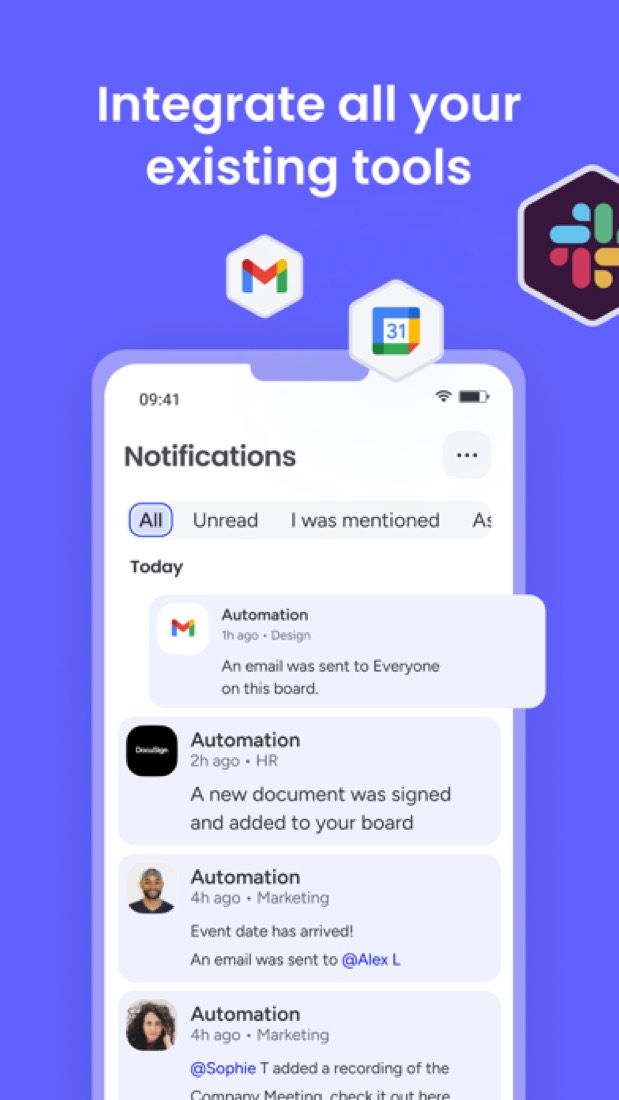
monday.com's listing names Slack, Microsoft Teams, Jira Software, GitHub, GitLab, Outlook, Zoom and Gmail. A listing names up to eight integrations, so it may connect to more.
Does monday.com have a free trial?
Yes. 14-day free trial of the Pro plan.
Who makes monday.com?
monday.com is made by monday.com. It dates from 2012.
What are the alternatives to monday.com?
The closest alternatives to monday.com in our directory are Asana, ClickUp, Smartsheet, Wrike and Airtable. Each one has a side-by-side comparison with monday.com.
Sources for this page
The prices, plans, platforms and features above were read from these pages on Oct 4, 2026. What people say is linked where it appears.