
ClickUp
Work platform combining tasks, docs, chat and dashboards
Our verdict
First of our top three project management tools
For: Most teams
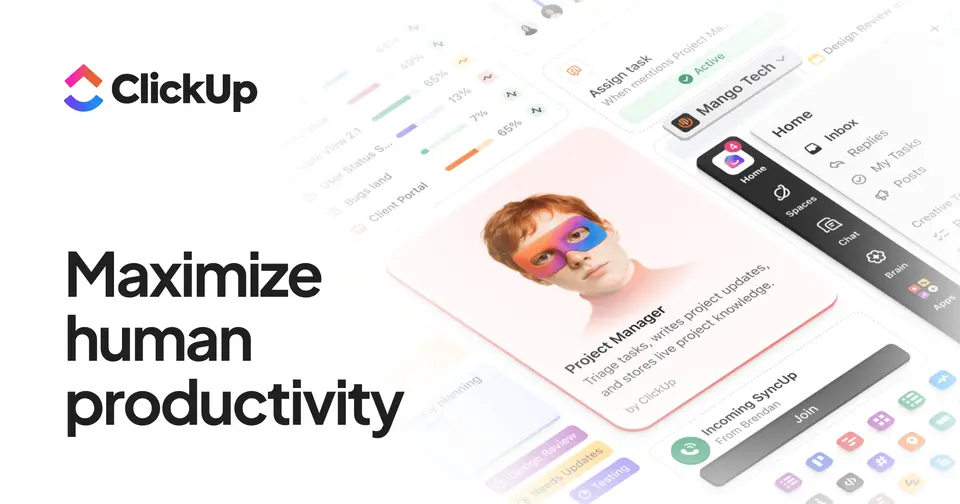
ClickUp puts tasks, docs, chat, whiteboards and dashboards in one workspace and shows the same tasks as a list, board, Gantt chart or calendar. It runs on the web, Mac, Windows, Linux, iPhone and Android. The Free Forever plan has unlimited tasks and members, and Unlimited is $7 per user a month, billed yearly, with Gantt charts and time tracking. Its iPhone and iPad app averages 4.7 from about 9,800 ratings. Know the limits: the free plan stops at 60MB of storage and 5 spaces, timeline view and unlimited dashboards need Business at $12 per user a month, billed yearly, and AI is billed separately.
See all three and how we rankClickUp review
Very good · out of 4.0 · graded Oct 9, 2026
Best for teams that want everything in one app
ClickUp packs tasks, docs, chat, whiteboards and dashboards into one workspace, and charges $7 a person for most of it. We don't know a big rival that gives a team this much for the money, and the free plan lets everyone in. But there's a lot to learn, and people on it every day say it can be slow and buggy.
Who ClickUp is for
- Great if your team pays for a task app, a docs app and a chat app and wants one bill
- Handy when one person wants a list, another a board and the boss a Gantt chart
- Good for small teams starting out, since the free plan has no member limit
- A treat if you love tweaking, with custom statuses, fields and automations
Who ClickUp is not for
- Skip it if you just want a simple shared to-do list, because this is a lot of app
- Not for you if slow screens drive you mad, as speed is a common complaint
- Pricey if you want the AI, which is $9 or $28 a person on top of your plan
- Tight if you attach files on the free plan, where storage stops at 60MB
- Not for you if you'll mostly work from your phone, where the app is weaker
Why ClickUp gets a 3.4
Five grades, each with its reason. The GPA is their average: an A is 4 points, an F is none.
- AValue for money$7 a person a month on yearly billing gets unlimited storage, Gantt charts, time tracking and guests. Asana and monday.com both start higher. Just know AI is a separate bill.
- BFree plan and trialUnlimited tasks and unlimited members for free is rare. But storage stops at 60MB, you get 5 spaces and 1 form, and the fancier features are only there to try.
- AFeaturesTasks in 15+ views, docs, chat, whiteboards, dashboards, goals, time tracking and automations, all in one workspace. It's hard to name a thing it doesn't have a go at.
- CEase of useHere's where it loses marks. Reviewers describe confusing menus and a week of videos without it clicking, and the phone app gets called slow and cluttered.
- APlatforms and integrationsWeb, Mac, Windows, Linux, iPhone, Android and a Chrome extension. There's a public API, and it hooks into Slack, GitHub, GitLab, HubSpot, Google Drive, Figma and more.
The good
What's the pitch? One app in place of five. Tasks, docs, chat, whiteboards and dashboards all sit in the same workspace.
Why bother? Fewer tabs, for a start. The brief, the task list and the argument about the deadline are all in one place.
The views are the best bit. The same tasks can be a list for you, a board for the designer and a Gantt chart for whoever's planning the launch. Nobody keeps a second copy.
It bends to how you work, too. Make your own statuses, like "waiting on client". Add your own fields. Set a rule so a task gets passed along the moment it's marked done.
And honestly, the price is hard to argue with. $7 a person gets you most of it.
The stuff that'll bug you
There's a lot of it. Maybe too much. Work sits in spaces, then folders, then lists, and every new task has to live somewhere in that. One App Store reviewer was still lost after a week of how-to videos.
So if you want to open an app and jot down a to-do, this isn't that app.
Speed is the other one. On Hacker News, people who are in it every day call it slow. One says search can take five to ten seconds and still miss an exact match. Another team looked at it and went with Basecamp.
The phone app gets a rough ride as well. Reviewers who love ClickUp on a laptop call the app slow and cluttered, and one long-time user says dates and repeating tasks have become unreliable.
And AI is extra. Brain AI is $9 a person a month and Everything AI is $28, on top of your plan.
Money
Start on Free Forever. Unlimited tasks, unlimited members. A small team can run on it for a good while.
What stops you? Storage, mostly. You get 60MB, which a few slide decks will fill. You're also held to 5 spaces, 1 form and 3 whiteboards.
Unlimited is $7 a person a month on yearly billing, or $10 monthly. That lifts the storage and space caps and adds Gantt charts, time tracking and guest permissions. For most small teams, this is the plan.
Business is $12 a person on yearly billing, or $19 monthly. That's a big gap, so pay yearly if you're sure. You'd move up for timeline view, unlimited dashboards, mind maps and 5,000 automation runs a month.
You can't upgrade just yourself, by the way. The whole workspace moves up together, so every member is a paid seat. Their pricing page promises a full refund if you ask within 30 days.
One thing to watch: the pricing page we read was carrying a second, different set of plans, which looks like a trial of new prices. So what you're shown may not match ours.
What actual users say
ClickUp's phone app has 4.7 on the App Store from nearly 10,000 ratings. So plenty of people are happy with it.
The fans love how much you get. One reviewer with twenty years of corporate project tools behind them called it the best of the lot, and couldn't believe what the free plan includes.
Support gets praise too. One reviewer who gave it two stars still said the customer service was among the best they'd come across.
But the written reviews lean grumpy, and the same things keep coming up. Too complicated. The phone app. Bugs that hang around.
One long-time user with thousands of tasks in it told people to run, after waiting years for a fix. Another found the help articles no longer matched the app.
Hacker News is harsher still. The handful of people who mention it mostly call it slow.
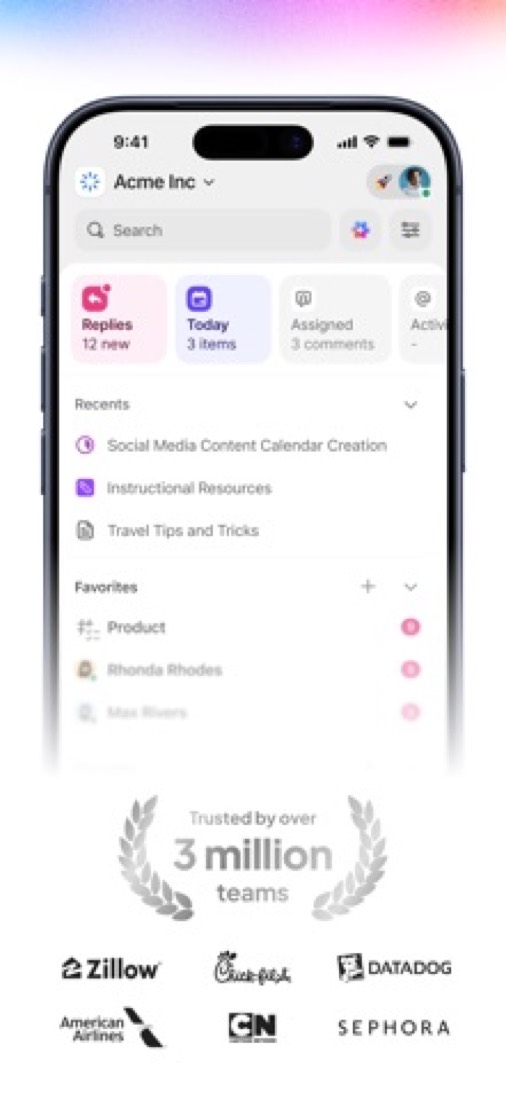
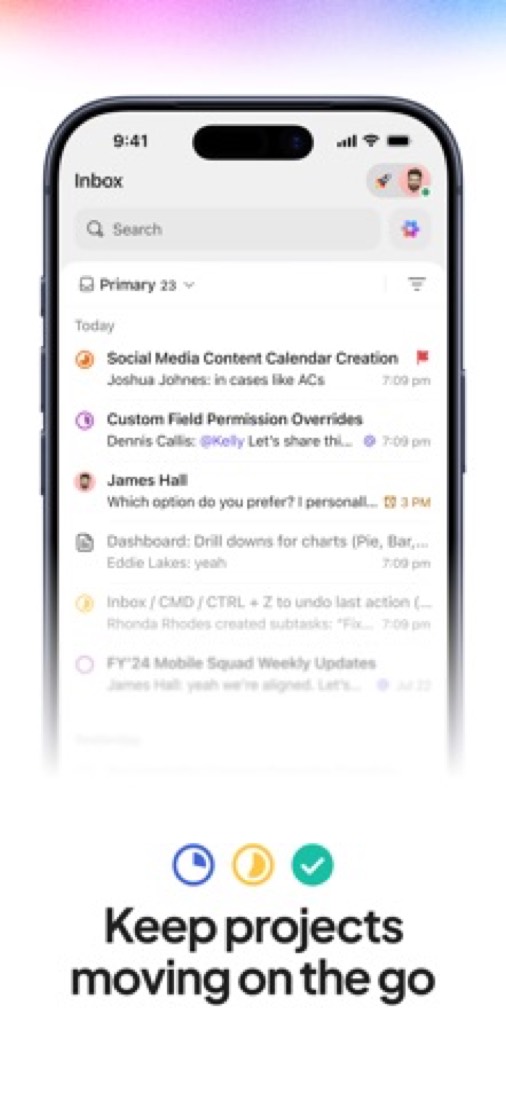
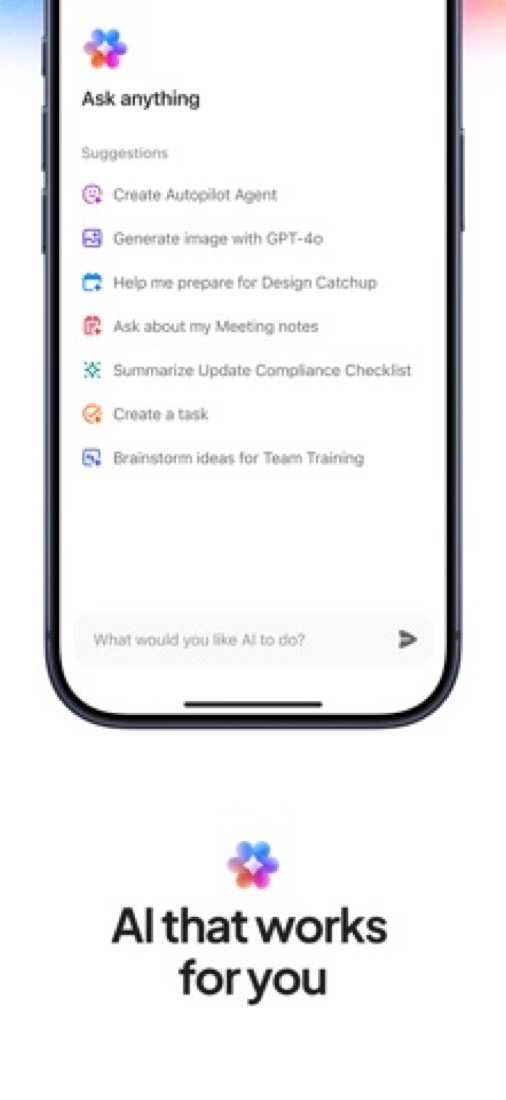
What this review rests on. Based on ClickUp's pricing, features, download and integrations pages as of 9 October 2026, its App Store reviews and Hacker News threads about it. Not based on using the product: this is a read of everything that's public, not a test. How we review and grade.
What is ClickUp?
ClickUp is a work management platform that puts tasks, docs, chat, whiteboards and dashboards in one workspace. Work is organized into spaces, folders and lists, and the same tasks can be shown in more than 15 layouts, including list, board, Gantt and calendar. AI features are sold as separate per-user plans on top of the workspace subscription.
ClickUp has a free plan. Paid plans start at $7 per user / month, billed yearly ($10 billed monthly). See every plan
Good for
- Teams that want tasks, docs and chat under one subscription
- Workspaces that need many different views of the same work
- Small teams starting on a free plan with unlimited members
Worth knowing
- The Free Forever plan is capped at 60MB of storage, 5 spaces, 1 form and 3 whiteboards.
- AI is billed separately: Brain AI is listed at $9 and Everything AI at $28 per user / month.
- Timeline view, unlimited dashboards and mind maps start on the Business plan.
- SAML SSO, SCIM provisioning and audit logs are limited to Enterprise.
Key features
- Tasks in 15+ views
- Show the same tasks as a list, board, Gantt chart, calendar, table and more. Gantt charts are unlimited from the Unlimited plan; timeline view needs Business.
- Docs and wikis
- Collaborative documents that link to tasks and can serve as wikis or standard operating procedures inside the same workspace.
- Chat
- Real-time team messaging that sits inside the workspace, next to tasks and docs.
- Automations
- Rules that update tasks when conditions are met. Business includes 5,000 automation runs a month and Enterprise 250,000.
- Dashboards, goals and time tracking
- Dashboards chart project progress, goals roll up from linked tasks, and a built-in timer records time against tasks. Native time tracking starts on Unlimited.
- ClickUp Brain
- An AI assistant that works across tasks, docs and chat. The paid AI plans, Brain AI and Everything AI, are priced per user on top of the workspace plan.
ClickUp pricing
- Starts at
- $7 per user / month, billed yearly ($10 billed monthly)
- Free plan
- Free Forever plan: unlimited tasks and members, 60MB of storage, 5 spaces, 1 form and 3 whiteboards, with trial-only access to advanced features.
- Free trial
- None listed
| Plan | Price | What you get |
|---|---|---|
| Free Forever | $0 | Unlimited tasks and members with 60MB of storage, 5 spaces, 1 form and 3 whiteboards. |
| Unlimited | $7per user / month, billed yearly ($10 billed monthly) | Unlimited storage, spaces, forms and Gantt charts, plus native time tracking, guest permissions and integrations. |
| Business | $12per user / month, billed yearly ($19 billed monthly) | Everything in Unlimited, plus unlimited dashboards, timeline view, mind maps and 5,000 automation runs a month. |
| Enterprise | Custom | SAML SSO and SCIM provisioning, audit log, custom roles, data residency and 250,000 automation runs a month. |
Read from clickup.com on Oct 4, 2026. Prices change, so confirm with ClickUp before you buy.
Ways to pay less
- Annual discountYearly billing lowers the per-user price
Unlimited is $7 per user / month billed yearly against $10 billed monthly, and Business is $12 against $19.
Stated on clickup.com - NonprofitNonprofit discount on request
ClickUp's pricing FAQ says nonprofits can claim a discount through its nonprofit page. The size of the discount is not published.
Stated on clickup.com - EducationAcademic discount for students and educators
The pricing FAQ says students, educators and administrators can claim an academic discount. The amount is not published.
Stated on clickup.com - StartupsStartup credit by application
The pricing FAQ says startups can apply for a startup credit through a form. The amount and eligibility rules are not published.
Stated on clickup.com
How people rate the ClickUp app
4.7
out of 5 for the iPhone and iPad app
- 5 stars84%
- 4 stars8%
- 3 stars2%
- 2 stars1%
- 1 star4%
9,823 ratings on the App Store in the United States, read Oct 5, 2026. It rates the app, not everything the product does. See the listing
Works with
ClickUp alternatives
- ClickUp vs Asana
Free plan · from $10.99/mo
- ClickUp vs monday.com
Free plan · from $9/mo
- ClickUp vs Notion
Free plan · from $10/mo
- ClickUp vs Wrike
Free plan · from $10/mo
- ClickUp vs Trello
Free plan · from $5/mo





Featured in
- The best Notion alternatives in 2026Alternatives
- The best Trello alternatives in 2026Alternatives
- The best project management software in 2026Best of
Common questions
Is ClickUp free?
ClickUp has a free plan. Free Forever plan: unlimited tasks and members, 60MB of storage, 5 spaces, 1 form and 3 whiteboards, with trial-only access to advanced features. Paid plans start at $7 per user / month, billed yearly ($10 billed monthly).
How much does ClickUp cost?
ClickUp lists 4 plans. Free Forever: $0. Unlimited: $7 per user / month, billed yearly ($10 billed monthly). Business: $12 per user / month, billed yearly ($19 billed monthly). Enterprise: custom pricing. Prices were read from clickup.com on Oct 4, 2026.
What platforms does ClickUp work on?
ClickUp is available on Web, macOS, Windows, Linux, iOS and Android. It also has a browser extension.
Does ClickUp offer any discounts?
ClickUp publicly lists the following: Yearly billing lowers the per-user price; Nonprofit discount on request; Academic discount for students and educators; Startup credit by application.
How is ClickUp rated?
ClickUp's iPhone and iPad app averages 4.7 out of 5 from 9,823 ratings on the App Store in the United States, as read on Oct 5, 2026. That is the store's rating of the app, not a score from us.
Is ClickUp open source?
ClickUp is not described as open source on its own site, as read on Oct 4, 2026.
Does ClickUp have an API?
Yes. ClickUp offers a public API, according to its own site.
What does ClickUp integrate with?
ClickUp's listing names Slack, GitHub, GitLab, HubSpot, Google Drive, Figma, Zoom and Microsoft Teams. A listing names up to eight integrations, so it may connect to more.
Does ClickUp have a student discount?
Academic discount for students and educators. The pricing FAQ says students, educators and administrators can claim an academic discount. The amount is not published.
Who makes ClickUp?
ClickUp is made by ClickUp (Mango Technologies, Inc.).
What are the alternatives to ClickUp?
The closest alternatives to ClickUp in our directory are Asana, monday.com, Notion, Wrike and Trello. Each one has a side-by-side comparison with ClickUp.
Sources for this page
The prices, plans, platforms and features above were read from these pages on Oct 4, 2026. What people say is linked where it appears.