
Raycast
Keyboard launcher with extensions, clipboard history and AI
Our verdict
First of our top three desktop utilities
For: Most people, on a Mac or a Windows PC
Raycast is a keyboard launcher for Mac and Windows that also does the work of several small utilities. Its free plan includes clipboard history kept for 3 months, snippets, quicklinks, a calculator, window management and a store of thousands of extensions. Pro is $96 a year, or $10 a month, and adds Raycast AI, cloud sync and unlimited notes. People who discuss it name the extensions and the built-in window management as strengths. Know the limits: AI is not part of the free plan, the Windows app does not yet have every Mac feature, no Linux version is listed, and version 2 draws objections over higher memory use and bugs.
See all three and how we rankRaycast review
Very good · out of 4.0 · graded Oct 9, 2026
Best for running your computer from the keyboard
Raycast is a search bar for your Mac or PC that does far more than search. It opens apps, remembers what you copied, moves windows around and plugs into thousands of other tools, and nearly all of that is free. The catch? AI and syncing between devices are Pro only, and version 2 has annoyed some long-time fans.
Who Raycast is for
- Great if you'd rather type two letters than hunt for an app with the mouse
- Handy when you paste the same things all day, like your address or a stock reply
- Good for swapping separate clipboard, snippet and window apps for one free one
- A treat if you can code a bit and fancy building your own commands
Who Raycast is not for
- Skip it if you're on Linux or Android, because there's no Raycast for either
- Pricey if AI is the main draw, since it needs Pro and the top models need the $20 tier
- Tight if you want your setup synced between computers for free, as sync is Pro only
- Not for you if you want a launcher on your phone, as the iPhone app is mostly AI and notes
Why Raycast gets a 3.4
Five grades, each with its reason. The GPA is their average: an A is 4 points, an F is none.
- BValue for moneyThe free app is the bargain. Pro is $96 a year, or $10 a month, and it's mostly AI plus sync. You can't buy sync without the AI, and the top AI models need the $20 tier.
- AFree plan and trialLauncher, clipboard history, snippets, window management and the whole extension store, all free, even at work. What's held back is AI, sync and notes past the first 5.
- AFeaturesA launcher, clipboard manager, text expander and window manager in one. Add thousands of extensions for Linear, Slack, Notion, Spotify and the rest, or build your own.
- BEase of usePress a hotkey, type, hit Enter. That bit takes a minute. The rest is hotkeys, aliases and extensions you set up yourself, and some users say version 2 came with bugs.
- BPlatforms and integrationsMac, Windows, iPhone and iPad, plus a browser extension. No Android or Linux, and Raycast says the Windows app doesn't have every Mac feature yet. The extension API is a real plus.
The good
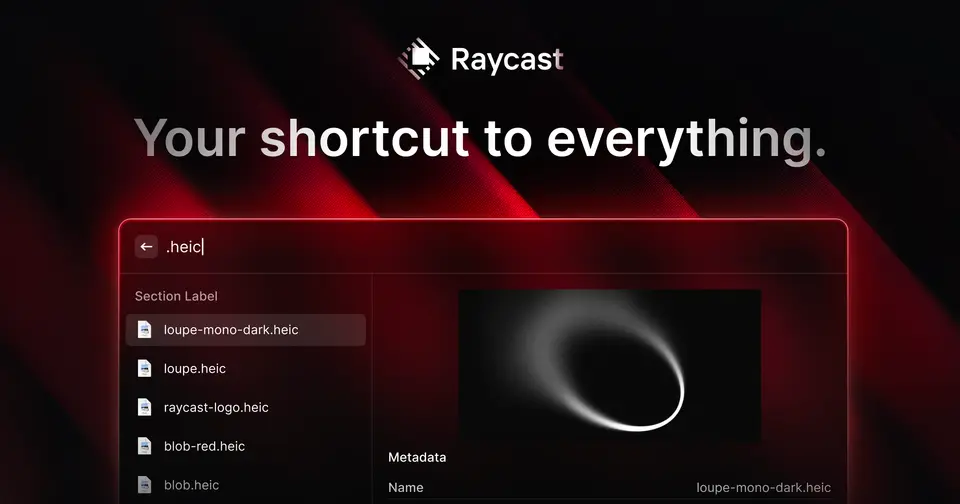
So what is Raycast? A little search bar that pops up when you press a hotkey. You type, it does the thing.
Type "spo" and Spotify opens. Type "120 x 4 - 28" and you get the answer. Type "!addr" in an email and it drops in your full address.
The built-in tools are the clever bit. Clipboard history remembers what you copied this morning. Window management moves and resizes windows from the keyboard. Quicklinks open the sites and folders you go to all day. People usually install three separate apps for those jobs.
Then there's the extension store, with thousands of add-ons. Check your Linear issues, pause Spotify, search Notion or grab a login from 1Password, all without leaving the bar.
And it's free. Not a trial. Free at the office too, which their pricing page spells out.
The stuff that'll bug you
AI isn't on the free plan. At all. Raycast AI, syncing between devices and more than 5 notes all need Pro.
And you can't pick and choose. Want your snippets on two Macs but couldn't care less about AI? It's still the full Pro plan. Their pricing page says there's no Pro without AI.
Version 2 has been a sore spot. On Hacker News, one commenter points out it uses more memory than the old version, and another uninstalled it over where it's heading. The update on 8 October 2026 says the launcher now uses up to 35% less memory when idle, so they've clearly heard.
Windows is still catching up. Raycast says it's bringing the Mac features across.
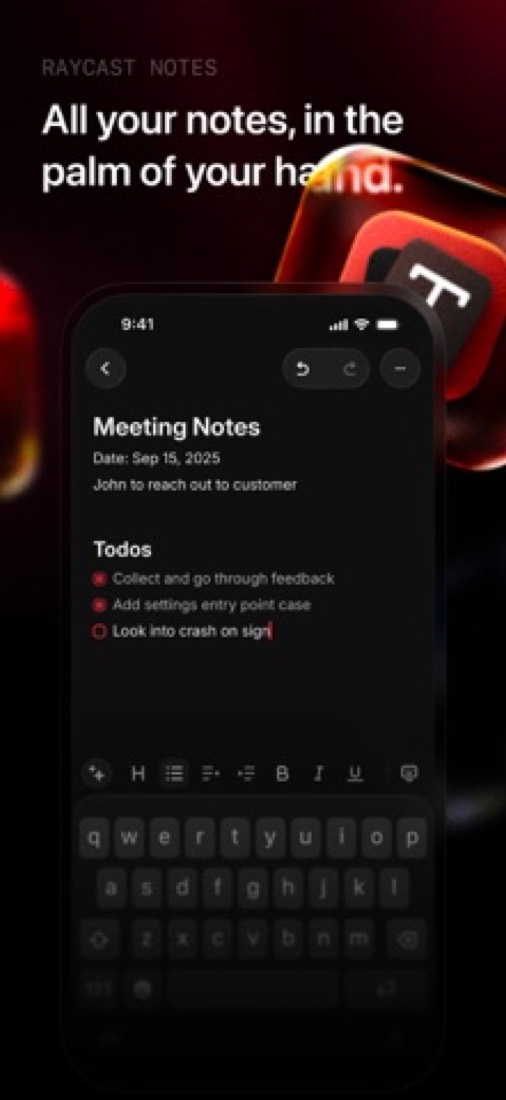
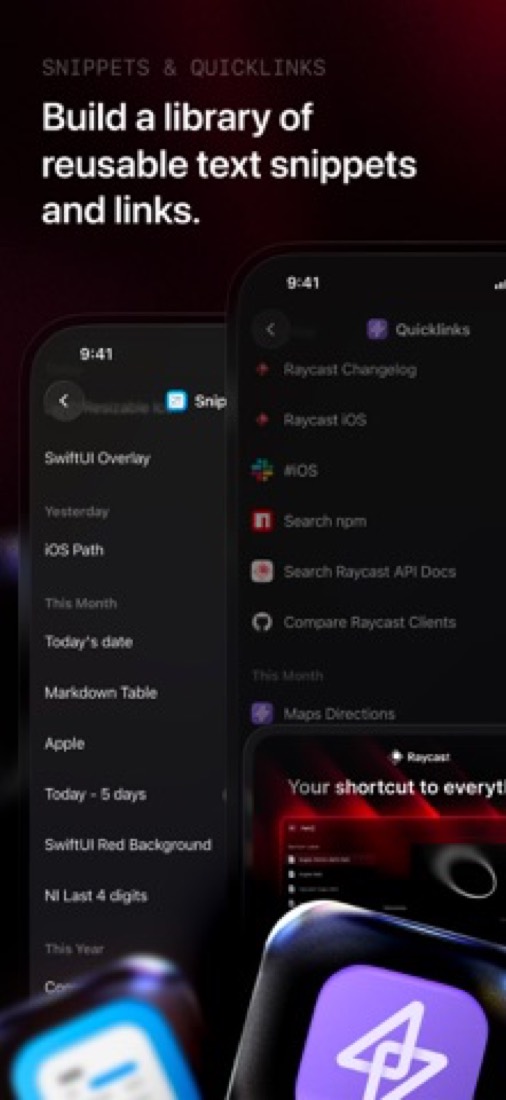
The iPhone app isn't a launcher at all. It's AI chat, notes, snippets and quicklinks, with no extension store. One reviewer's verdict was that it's Raycast in name only.
Money
For most people this one's easy. Pay nothing. The free plan is the real product, not a teaser.
Pro is $96 a year, or $10 if you pay month to month, so yearly saves 20%. You get Raycast AI with 500 credits a month, cloud sync, unlimited notes, dictation and a translator.
Is the AI worth it? Depends what you'd pay for otherwise. The top-tier models aren't in plain Pro. Those need the Plus tier at $20 a month, or Max at $50.
Teams get a free plan as well, capped at 30 shared snippets and 30 shared quicklinks. Teams Pro is $144 a person a year, or $15 monthly.
Students get 50% off Pro. And eligible new accounts can try Pro free, though the trial's AI credits run out after 7 days.
What actual users say
We don't have a star rating to give you. The App Store listing is for the iPhone app, and it has too few ratings to lean on.
So what do Mac users say? On Hacker News, Raycast keeps turning up in "what's on your Mac" lists. People set a hotkey for each app, one for Slack, one for the terminal, and jump straight there.
A couple say they wandered off to other launchers and came back, because too much just works.
The unhappy ones are mostly unhappy about version 2. More memory, some bugs, and more AI than they asked for. A couple have moved to other launchers.
iPhone reviews are split. Long-time Mac users are glad to have their notes and snippets along. Others wanted a launcher and got a chat app, and one Pro subscriber says the AI answers come slower than rivals'.

What this review rests on. Based on Raycast's home, pricing, Windows, iOS and changelog pages as of 9 October 2026, the App Store reviews of its iPhone app and Hacker News threads about it. Not based on using the product: this is a read of everything that's public, not a test. How we review and grade.
What is Raycast?
Raycast is a keyboard-driven launcher for Mac and Windows that bundles a set of utilities: clipboard history, snippets, quicklinks, window management, a calculator and file search. A store of extensions connects it to other apps, and developers can build their own with its extension API. The paid Pro plan adds Raycast AI, cloud sync and unlimited notes.
Raycast has a free plan. Paid plans start at $96 / year, billed annually. See every plan
Good for
- Mac and Windows users who prefer the keyboard to the mouse
- Replacing separate clipboard, snippet and window utilities with one app
- Developers who want to build their own commands and extensions
- Teams that share snippets, quicklinks and internal extensions
Worth knowing
- AI is not part of the free plan; Raycast AI, cloud sync and unlimited notes need Pro.
- The free plan keeps 3 months of clipboard history and allows 5 Raycast Notes.
- Top-tier AI models need the Plus or Max tier, at $20 or $50 a month.
- The Windows app does not yet have every macOS feature; Raycast says it is still bringing them across.
Key features
- Launcher with hotkeys and aliases
- Open apps, search files and run commands from one keyboard-driven window, and assign hotkeys or aliases to the commands and apps you use most.
- Extension store
- Thousands of extensions for tools such as Linear, Slack, Notion and Spotify. The extension API lets anyone with web development skills build their own.
- Clipboard history, snippets, quicklinks
- Built-in utilities included in the free plan. Free keeps clipboard history for 3 months.
- Window management
- Window management commands are part of the free core features; creating custom window management commands needs Pro.
- Raycast AI
- Pro adds Quick AI and AI Chat on a monthly credit allowance. A browser extension for Safari, Chrome, Firefox and Chromium browsers passes the active tab to the AI.
- Notes and iOS companion app
- Raycast Notes captures quick thoughts: 5 notes on Free and unlimited on Pro. The iOS app carries AI, notes, snippets and quicklinks; syncing them across devices needs Pro.
Raycast pricing
- Starts at
- $96 / year, billed annually
- Free plan
- Core features such as clipboard history (kept 3 months), snippets, quicklinks, calculator and window management, the extension store, and up to 5 Raycast Notes. AI is not included.
- Free trial
- Free Pro trial for eligible new accounts; trial AI credits expire after 7 days
| Plan | Price | What you get |
|---|---|---|
| Free | $0 | Core launcher features, thousands of extensions, custom extensions, 3 months of clipboard history and 5 Raycast Notes. No AI. |
| Pro | $96per year, or $10 / month billed monthly | Raycast AI with 500 credits a month, cloud sync, dictation, translator, custom themes, unlimited notes and custom window management commands. |
| Pro (Plus tier) | $192per year, or $20 / month billed monthly | Pro features with 3,000 AI credits a month and access to top-tier AI models. |
| Pro (Max tier) | $480per year, or $50 / month billed monthly | Pro features with 7,500 AI credits a month and access to top-tier AI models. |
| Teams Pro | $144per user / year, or $15 / user / month billed monthly | Pro for each member plus unlimited shared commands and a private store. Plus and Max tiers cost more; a free Teams plan caps sharing at 30 snippets and 30 quicklinks. |
| Enterprise | Custom | Teams Pro plus an AI Control Center and admin controls such as SAML/SCIM, domain capture, enforced 2FA and extension and IP allow-lists. |
Read from raycast.com on Oct 4, 2026. Prices change, so confirm with Raycast before you buy.
Ways to pay less
- Annual discountAnnual billing saves 20%
Pro is $96 a year against $10 a month, which is $120 over twelve months. Teams Pro is $144 per user a year against $15 per user a month. Both work out 20% cheaper.
Stated on raycast.com - Education50% off Pro for verified students
Raycast's pricing FAQ says verified students get a 50% discount on the Pro plan through an application form.
Stated on raycast.com
What people say about Raycast
Often praised
- Commenters describe assigning hotkeys that jump straight to a chosen app or window, and relying on its built-in window management. Hacker News 1, 2, 3
- Reviewers and commenters name its extensions, including those the community publishes, as one of its strengths. Hacker News · App Store reviews
Often criticised
- Version 2 draws objections over higher memory use, bugs and a change of direction that some dislike. Hacker News 1, 2 · App Store reviews
Based on 18 Hacker News comments from April to September 2026, mostly about the Mac app, and 10 App Store reviews of its iPhone app, read Oct 5, 2026. These are themes summarised in our words, not our own verdict. Follow the links to read what was said.
Works with
Raycast alternatives
- Raycast vs Alfred
Free plan · from £34 one-time
- Raycast vs Paste
Free trial · from $2.49/mo
- Raycast vs TextExpander
Free plan · from $5/mo




Featured in
Common questions
Is Raycast free?
Raycast has a free plan. Core features such as clipboard history (kept 3 months), snippets, quicklinks, calculator and window management, the extension store, and up to 5 Raycast Notes. AI is not included. Paid plans start at $96 / year, billed annually.
How much does Raycast cost?
Raycast lists 6 plans. Free: $0. Pro: $96 per year, or $10 / month billed monthly. Pro (Plus tier): $192 per year, or $20 / month billed monthly. Pro (Max tier): $480 per year, or $50 / month billed monthly. Teams Pro: $144 per user / year, or $15 / user / month billed monthly. Enterprise: custom pricing. Prices were read from raycast.com on Oct 4, 2026.
What platforms does Raycast work on?
Raycast is available on macOS, Windows and iOS. It also has a browser extension.
Does Raycast offer any discounts?
Raycast publicly lists the following: Annual billing saves 20%; 50% off Pro for verified students.
Is Raycast any good?
We have not tested Raycast, so this is what reviewers say. Often praised: Commenters describe assigning hotkeys that jump straight to a chosen app or window, and relying on its built-in window management. Often criticised: Version 2 draws objections over higher memory use, bugs and a change of direction that some dislike. The reviews page has every theme with its sources.
Does Raycast have an Android app?
No Android app was listed when its pages were read on Oct 4, 2026. Raycast is listed for macOS, Windows and iOS.
Does Raycast have a Linux app?
No Linux app was listed when its pages were read on Oct 4, 2026. Raycast is listed for macOS, Windows and iOS.
Is Raycast open source?
Raycast is not described as open source on its own site, as read on Oct 4, 2026.
Does Raycast work offline?
Yes, according to its own site. What works without a connection differs by plan and platform, so check the vendor's page for the detail.
What does Raycast integrate with?
Raycast's listing names Linear, Slack, Notion, Jira, 1Password, Spotify, Todoist and Zoom. A listing names up to eight integrations, so it may connect to more.
Does Raycast have a student discount?
50% off Pro for verified students. Raycast's pricing FAQ says verified students get a 50% discount on the Pro plan through an application form.
Does Raycast have a free trial?
Yes. Free Pro trial for eligible new accounts; trial AI credits expire after 7 days.
Who makes Raycast?
Raycast is made by Raycast Technologies Ltd.
What are the alternatives to Raycast?
The closest alternatives to Raycast in our directory are Alfred, Rectangle, Paste and TextExpander. Each one has a side-by-side comparison with Raycast.
Sources for this page
The prices, plans, platforms and features above were read from these pages on Oct 4, 2026. What people say is linked where it appears.