Google Chrome review (2026): is it any good?
Google's free browser for desktop and mobile, with Gemini built in
Our verdict
First of our top three browsers
For: Most people
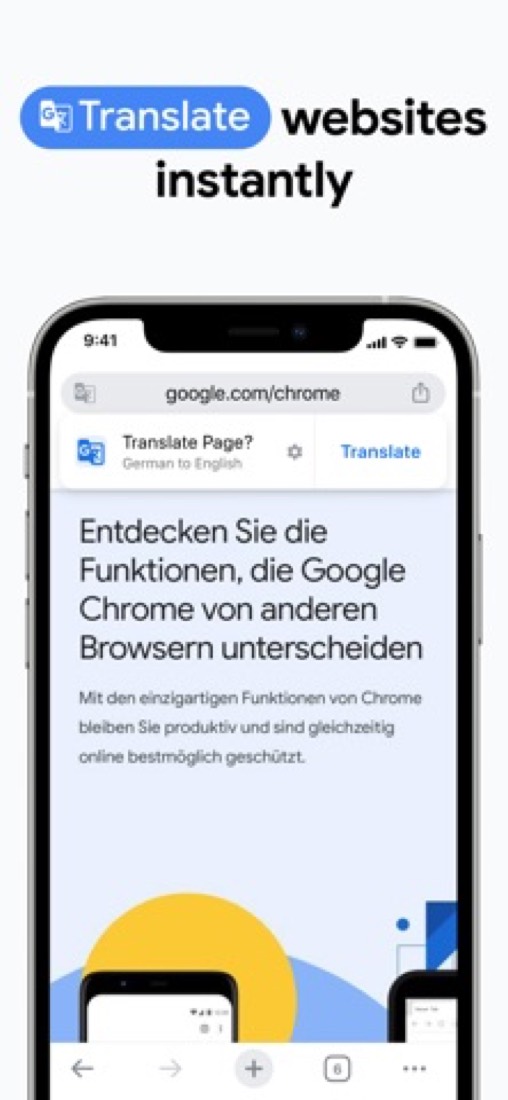
Chrome is free to download on Windows, Mac, Linux, iPhone and Android. Signing in with a Google Account syncs bookmarks, saved passwords, payment info and open tabs between devices, Google Password Manager and passkeys are built in, and extensions come from the Chrome Web Store. Its iPhone and iPad app averages 4.7 from about 3.9 million ratings. Know the limits: its listing shows no built-in ad or tracker blocker, Enhanced Safe Browsing sends browsing data to Google, and Gemini in Chrome needs an eligible account in a supported country, with auto browse limited to Google AI Pro and Ultra subscribers in the U.S.
See all three and how we rankGoogle Chrome review
Excellent · out of 4.0 · graded Oct 10, 2026
Best for the same browser on every device you own
Chrome is Google's free browser for every phone and computer, and once you sign in your bookmarks, passwords and open tabs follow you. It has no built-in ad or tracker blocker, older-style extensions are now switched off for good, people keep complaining about its memory use, and its AI depends on your country and skips Android. If you want ads blocked out of the box, Brave and Opera do that.
Who Google Chrome is for
- Fits if you have a Google Account and want the same bookmarks and passwords on every device
- Works for mixed households, with versions for Windows, Mac, Linux, iPhone and Android
Who Google Chrome is not for
- Skip it if you want ads and trackers blocked out of the box, which Brave and Opera do
- Not for you if your computer is short on memory, going by how often people grumble about Chrome's appetite
- Watch out: older-style extensions are switched off for good, and third-party cookies are only blocked by default in Incognito
- Pricey if auto browse is the draw: it needs a Google AI Pro or Ultra plan, priced nowhere on Chrome's pages, and is U.S. only
- Watch out: Gemini in Chrome isn't on Android, Enhanced Safe Browsing sends data to Google, and desktop needs Windows 10 or macOS 13
Why Google Chrome gets a 3.6
Five grades, each with its reason. The GPA is their average: an A is 4 points, an F is none.
- AValue for moneyFree on every platform, with nothing in the browser itself held back: sync, the password manager, tab groups, extensions and Safe Browsing all come with it. The only paid thing nearby is auto browse, which wants a Google AI Pro or Ultra subscription, works in the U.S. only, and has no price on Chrome's pages.
- AFree plan and trialFree outright, on every device, and there's no second tier of the browser to be sold up to. Sync, Google Password Manager, passkeys, Safe Browsing, tab groups and the Chrome Web Store are all in the free version. Only auto browse sits behind a subscription.
- BFeaturesTab groups, vertical tabs, split view, a password manager with passkeys, Safe Browsing and Safety Check, and the biggest extension store there is. The hole is blocking. There's no ad or tracker blocker on the feature list, and Gemini depends on your account, country and device.
- BEase of use4.69 from about 3.9 million App Store ratings, a hair under the 4.7 the top browsers here manage, and the iPhone reviews explain why: tabs closing on an update, typing that lags in text boxes. Setting it up is nothing, mind: sign in and your bookmarks are already there.
- APlatforms and integrationsWindows, Mac, Linux, iPhone, iPad and Android, with bookmarks, passwords, payment details and open tabs syncing across the lot once you sign in. You can throw a tab from the laptop to the phone and walk out of the house.
The good
So why do so many people end up with Chrome? It's free, and it's on everything.
It runs on Windows, Mac, Linux, iPhone and Android, and one sign-in ties them together. Bookmarks, saved passwords, payment details and open tabs all follow you.
Reading something on your laptop when it's time to leave? Send the tab to your phone and go.
Too many tabs? You can group and color them, stack them down the side of the window, or put two side by side in split view.
The password manager is built in. It suggests new passwords, saves them, and does passkeys, so you sign in with your fingerprint or face.
Safe Browsing warns you before you open a dodgy site or download, and Safety Check looks over your saved passwords and extensions.
The stuff that'll bug you
No ad blocker. Chrome's feature list doesn't have one, and there's no tracker blocker on it either. Brave and Opera build both in.
You can add an extension for that, but check it still works. Google's developer pages say older-style extensions are now switched off in Chrome for good, and the last of them left the Chrome Web Store in August 2026.
Cookies are a similar story. Chrome's help page says third-party cookies are blocked by default in Incognito mode. For everyday browsing, blocking them is a setting you have to go and find.
It's hungry, too. Memory was the complaint we saw most on Hacker News, and one commenter caught a single idle tab using 900 MB. Chrome does have a Memory Saver.
The AI isn't for everyone. Gemini in Chrome needs an eligible account in a supported country, and Google says it hasn't reached Android yet. Auto browse needs a paid Google AI plan and is U.S. only.
Enhanced Safe Browsing sends your browsing data to Google. That's on Google's own page.
On iPhone and iPad, reviewers report an update that closed every tab in a window, and typing that lags in text boxes. And on desktop you need at least Windows 10 or macOS 13.
Money
There's no price list, because Chrome is free. Google's help page says you can download and install it at no charge.
Nothing in the browser itself is locked. Sync, the password manager, tab groups, extensions and Safe Browsing all come with it.
So what could you pay for? Auto browse. That's the part of Gemini that goes off and does a multi-step job for you, like a booking. It needs a Google AI Pro or Ultra subscription, and it's U.S. only.
Chrome's pages don't say what that subscription costs. So look it up before you sign up on the strength of one feature.
Would we pay for it? Not for the browser's sake. Everything else in Chrome is in the free part.
What actual users say
Chrome has 4.69 on the App Store from about 3.9 million ratings.
Be careful with the written reviews, though. Half of the ten Apple shows aren't about the browser. They're about Google search, and one is about a restaurant that turned away a service dog.
Of the ones that are, the happiest is from someone who's been on Chrome for over a decade. They like tabs and bookmarks syncing between phone and desktop, and say extensions have saved them hours.
The unhappy ones are about glitches on iPhone and iPad. An update that closed a window and every tab in it. A 2026 reviewer whose typing lags and freezes in text boxes.
Hacker News is where the memory complaints live. One person wants a browser that can hold 30 tabs without eating gigabytes. A Brave user calls Chrome bloated by comparison.
So why do people stay? One commenter put it plainly. Another browser would block the ads, but all their bookmarks are in Chrome.
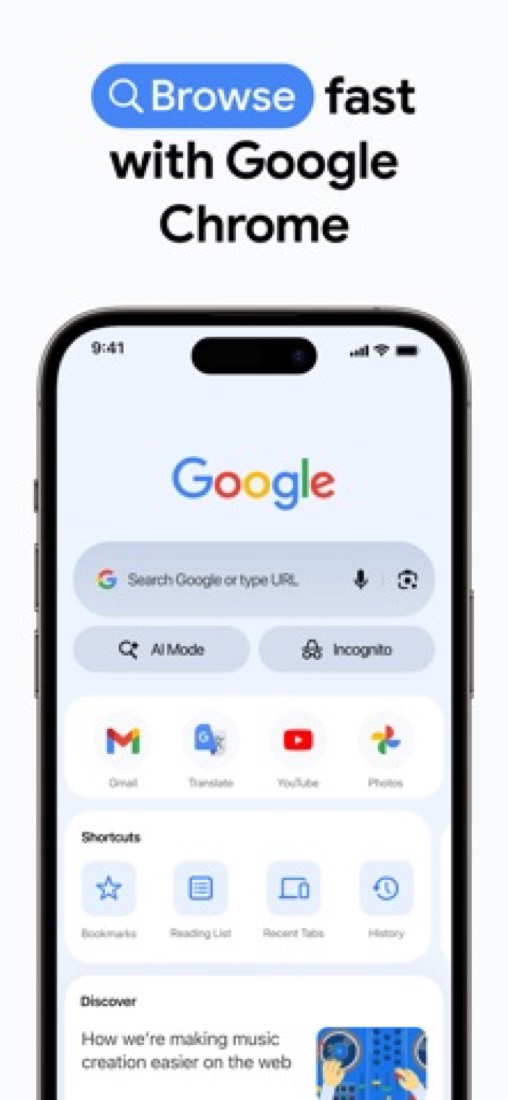
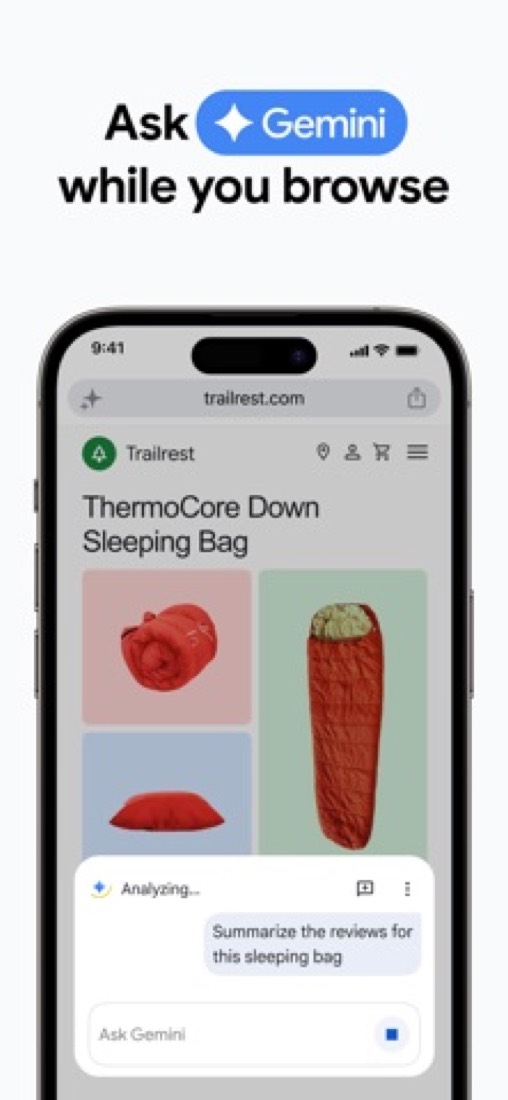
What this review rests on. Based on Google's Chrome home, AI and mobile pages, Chrome help pages and its developer page on extensions as of 9 October 2026, its App Store reviews and Hacker News threads about it. Also tested with a demo account on 2026-09-06. How we review and grade.
Make Google Chrome? Put this grade on your site
Paste this where you want the badge. It links here and follows the grade if it changes. About badges
<a href="https://toolgpa.com/tools/google-chrome#review"><img src="https://toolgpa.com/badge/google-chrome.svg" alt="Google Chrome: 3.6 GPA on ToolGPA" width="196" height="56"></a>Where Google Chrome stands among browsers
Google Chrome's GPA of 3.6 is higher than 55 of the 60 other browsers we grade, and level with 2.
It stands best on platforms and integrations (A, above 58 of 60) and worst on ease of use (B, above 28).
Google Chrome has no paid plan.
On features, ease of use and platforms it scores 3.3 out of 4. Nothing scores higher for less, though at least one tool matches that score at a lower price.
Each grade against the category
Every bar is all 61 browsers we grade, cut by the letter each got. Google Chrome’s own letter is outlined.
- AValue for moneyAbove 22 of 60, level with 38
- AFree plan and trialAbove 21 of 60, level with 39
- BFeaturesAbove 49 of 60, level with 7
- BEase of useAbove 28 of 60, level with 26
- APlatforms and integrationsAbove 58 of 60, level with 2
Price against what you get
Each dot is one of 54 browsers. Further left costs less, and higher up scores better on features, ease of use and platforms. Point at a dot to see which tool it is.
Features, ease of use and platforms, averaged
What paid plans start at, a month (each step along is roughly double) →
- The best score at each price
- Has a free plan
- No free plan
Keep Google Chrome, or make your own?
Keep it
To replace Google Chrome you would be making a web browser. That is not a weekend's work, with an AI app builder or without one.
It is one of the better ones too: its GPA of 3.6 is higher than 55 of the 60 other browsers we grade.
What you could not
- A web browser.
- A password vault, the last thing anyone should make for themselves.
- Passkeys, which rest on security you cannot improvise.
- Apps for macOS, Windows, Linux, iOS and Android that stay in step with each other.
- It plugs into other products, Google Password Manager, Google Calendar and YouTube among them.
- AI features, unless you pay a model provider for each request yourself.
- The depth: we grade its features B, which means it covers the whole job.
What this rests on. Google Chrome’s listing: what it does, where it runs, what it plugs into and what it costs. It is a judgement about the kind of software this is. We have not built a replacement for it, and making your own means looking after it too. How we decide, and every tool’s verdict.
What is Google Chrome?
Chrome is Google's web browser for Windows, macOS, Linux, Android, iPhone and iPad. Signing in with a Google Account syncs bookmarks, saved passwords, payment info and open tabs between devices, and Google Password Manager, Safe Browsing and tab groups are built in. Gemini in Chrome adds an AI assistant that answers questions using the open tabs, although its availability depends on the account, country and device.
Worth knowing
- Auto browse, where Gemini carries out multi-step tasks, is available only to Google AI Pro and Ultra subscribers in the U.S.
- Gemini in Chrome needs a signed-in, eligible account in a supported country, and Google's FAQ says it is not available on Android yet.
- Enhanced Safe Browsing requires browsing data to be sent to Google.
- Desktop requirements start at Windows 10, macOS 13 Ventura, and 64-bit Ubuntu 18.04, Debian 10, openSUSE 15.5 or Fedora Linux 39.
Key features
- Tab groups, vertical tabs and split view
- Tabs can be grouped, labeled and color coded, stacked down the side of the window as vertical tabs, or shown two at a time in split view.
- Sync across devices
- Signing in to Chrome brings bookmarks, saved passwords, payment info and open tabs to any phone, tablet or computer, and a tab can be sent from one device to another.
- Google Password Manager and passkeys
- Google Password Manager is built in to save, manage and generate passwords. Passkeys allow sign-in with a fingerprint, face, PIN or pattern.
- Safe Browsing and Safety Check
- Safe Browsing warns before a dangerous site or download, with an optional enhanced mode. Safety Check reviews saved passwords, extensions and settings and points out anything that needs attention.
- Gemini in Chrome and AI Mode
- Gemini in Chrome answers questions using the context of open tabs, and Skills save prompts for reuse. AI Mode, Google's AI search, accepts tabs, files and images as context.
- Extensions and performance controls
- Extensions from the Chrome Web Store add features, Energy Saver and Memory Saver limit resource use, and Google ships a new Chrome update every four weeks.
Google Chrome tips most people miss
Privacy
Set a sync passphrase so Google can't read your synced data
Under Settings, You and Google, your account name, Encryption options, you can encrypt synced Chrome data with your own passphrase, so Google stores it but can't read it. Google Wallet cards and addresses aren't covered, and you can't check your passwords on passwords.google.com any more.
support.google.comPrivacy
Third-party cookies are only blocked in Incognito unless you say so
Chrome's help page says third-party cookies are blocked by default in Incognito. For normal windows, go to Settings, Privacy and security, Third-party cookies and pick Block third-party cookies. If a site breaks, add it to the exceptions list.
support.google.comSetting
Tell Memory Saver which sites it must never put to sleep
Memory Saver makes tabs you're not using inactive to free up memory. Under Settings, Performance, pick Moderate, Balanced or Maximum, then use Add next to Always keep these sites active for anything you need live all day, like your email or chat.
support.google.comShortcut
Type @tabs in the address bar to find an open tab
Type @tabs, press Space or Tab, then a word from the page title. @bookmarks and @history work the same way. There's also a tab search button in the tab strip, or Ctrl+Shift+A (Cmd+Shift+A on a Mac).
support.google.comShortcut
Ctrl+Shift+D bookmarks every open tab into one folder
Mid-way through research and need to shut the laptop? Ctrl+Shift+D (Cmd+Shift+D on a Mac) saves all your open tabs into a new bookmarks folder. Ctrl+Shift+T brings back the last tab you closed.
support.google.comSetting
Gemini reads the tab you're on unless you switch that off
Google's help page says Gemini in Chrome uses the content of your current tab for its answers by default. To stop that, go to Settings, AI innovations, Gemini in Chrome, and under Permissions turn off Share current tab by default.
support.google.comLeaving
Export your passwords before you switch browsers
Open the three-dot menu, Passwords and autofill, Google Password Manager, Settings, then Download file under Export passwords. Its help page warns that anyone using the computer can open a password file left on it, so delete it once you've moved.
support.google.com
Read on Oct 17, 2026. Read from Google's Chrome Help pages (sync, cookies, performance, tabs, keyboard shortcuts, Gemini in Chrome and password export) on 17 October 2026. Not tried out: these tips are what its own pages say.
Google Chrome pricing
As of Oct 5, 2026, Google Chrome is free to use.
- Starts at
- Free
- Free plan
- Chrome is downloaded and installed at no charge on every platform. The auto browse feature of Gemini in Chrome needs a separate Google AI Pro or Ultra subscription.
- Free trial
- None listed
| Plan | Price | What you get |
|---|---|---|
| Free | $0 | The full browser on Windows, macOS, Linux, Android, iPhone and iPad, with sync through a Google Account. |
Read from support.google.com on Oct 5, 2026. Prices change, so confirm with Google Chrome before you buy.
Leaving Google Chrome
Not graded · checked Oct 18, 2026
Chrome costs nothing, so there is no plan to end and nothing to refund. What there is to leave is the sign-in, and that part is yours to control: you sign out from the profile menu, you delete what Chrome saved to your Google Account from a page of Google's own, and the uninstaller will take your bookmarks and history with it if you tick the box. Read those pages first, because some of it does not come back.
- Closing your account
There is no plan to cancel. Google says signing in to Chrome is optional and the preference can be changed at any time: you sign out from the Profile menu at the top right, or choose Remove account from Chrome if the account is in an error state. Information saved to the Google Account is deleted from Chrome's own data page, and a separate article covers uninstalling Chrome on Windows, Mac and Linux.
- On your computer, open Chrome
- At the top right, select Profile, then Sign out of Chrome
- If the Google Account is in an error state, select Remove account from Chrome instead
- To delete information saved to the Google Account, open Chrome's data page
- What you keep afterwards
Google's article on deleting browsing data says history, open tabs, cookies and site data, cached files, saved passwords, autofill entries and site settings are all removed, while searches and other Google activity stay in the account and are deleted separately. Deleting data saved to the account removes it from every signed-in device. A separate article offers to delete profile data such as bookmarks.
Stated on support.google.com
In your favour
- Nothing to pay for, so nothing to cancel and nothing to claim back.
- Signing in is optional, and you can sign out from the profile menu whenever you like.
- Google gives you a page of its own for deleting what Chrome saved to your account.
- The uninstall article spells out how to remove the profile data as well as the app.
Watch out for
- Delete data saved to your Google Account and it goes from every device you are signed in on.
- Uninstalling leaves your bookmarks and history behind unless you tick the box to delete them.
- Searches and other Google activity live in your account, and are deleted separately from Chrome's data.
Google Chrome customer support
Ordinary · checked Oct 18, 2026
There is nobody at Google to write to about Chrome. You get a thorough help centre and a public forum where other users answer, and that is the whole offer: no email, no ticket form, no chat and no phone. For a browser that costs nothing, documentation plus an active forum is the ordinary arrangement, and it is a C.
Ways to get help
Help centre
Google Chrome Help, open to anyone without signing in, with articles grouped by topic from installing and signing in to privacy, passwords, browsing data and uninstalling.
Stated on support.google.comCommunity or forum
The Google Chrome Community, a public forum linked from the top of every help page, where people post questions about Chrome and others answer.
Stated on support.google.com
Not listed on Google Chrome’s pages: live chat, phone, email, contact form or ticket.
- When people answer
Its pages do not say.
- How fast it says it replies
Its pages do not say.
- What depends on your plan
Its pages do not say.
In your favour
- The help centre is large, free and readable without an account.
- A public forum sits beside the articles for the questions they do not cover.
Watch out for
- No email, no form, no chat and no phone: there is no Chrome support desk for ordinary users.
- No page states hours or a reply time, because there is no queue to join.
- Anything the articles miss means posting in a public forum and waiting for an answer.
What these two grades rest on. Read on 18 October 2026: Google's Chrome help articles on signing in to and out of Chrome, deleting browsing data, browsing history and uninstalling Chrome, the Chrome and ChromeOS additional terms of service, the Chrome help centre and the Chrome community. Chrome has no paid plan, so there is no billing or refund page to read. Nobody here closed an account or contacted its support. They are graded apart from the five that make the GPA. How we grade refunds and support.
How people rate the Google Chrome app
4.7
out of 5 for the iPhone and iPad app
- 5 stars85%
- 4 stars8%
- 3 stars3%
- 2 stars1%
- 1 star4%
3,923,672 ratings on the App Store in the United States, read Oct 7, 2026. It rates the app, not everything the product does. See the listing
Works with
- Google Password Manager
- Google Calendar
- YouTube
- Google Pay
- Google Lens
Jobs at Google
Any open roles at Google are on its own careers page. We can’t read a count from there, so have a look.
Applications go to Google, not to us.
Google Chrome alternatives
- Google Chrome vs Brave
Free plan · from $3.00/mo
- Google Chrome vs Opera
Free plan · from $4/mo




Common questions
Is Google Chrome open source?
Google Chrome is not described as open source on its own site, as read on Oct 5, 2026.
Sources for this page
The prices, plans, platforms and features above were read from these pages on Oct 5, 2026. What people say is linked where it appears.