
Lightstream review (2026): is the free plan enough?
Browser-based live streaming studio, built for console streamers
Black Friday: is there a Lightstream sale?
Lightstream report card
Good · out of 4.0 · graded Nov 12, 2026
Best for console streamers who want to skip the PC
Lightstream is a browser streaming studio that captures Xbox and PlayStation in the cloud. The free plan puts a Lightstream logo on every stream at 720p, and 1080p, guests and URL imports are Premium. It is for creators, not webinars.
Who Lightstream is for
- Fits if you stream from an Xbox or PlayStation and have no capture card
- Works for creators who want to simulcast to up to 5 places for free
Who Lightstream is not for
- Skip it if you need a clean stream for free, as the free plan carries a Lightstream logo
- Tight if you want 1080p, guests or URL imports, which need Premium at $12 a month
- Not for you if you run webinars: it has no registration or attendee tools
- Watch out: RTMP video sources are marked as coming soon on the pricing section
Why Lightstream gets a 2.8
Five grades, each with its reason. The GPA is their average: an A is 4 points, an F is none.
- AValue for moneyPremium is $12 a month, or $9 on an annual plan, well under the $16.20 mark (60% of the category's cheaper quarter of $27).
- BFree plan and trialA free plan streams to up to 5 destinations for up to 10 hours at a time, but with a Lightstream logo and 720p video.
- CFeaturesConsole capture, simulcasting, scenes, overlays and alerts, but RTMP sources are marked coming soon and there is no registration or attendee tool.
- CEase of useWeb only, with no rating on record, and you connect each destination account first.
- BPlatforms and integrationsWeb only, with Xbox, PlayStation, Twitch, YouTube, Facebook and custom RTMP.
What these grades rest on. Graded from this listing, whose facts were read from Lightstream's own pages on 12 November 2026. Not based on using the product, and shorter than our full reviews. How we review and grade.
Make Lightstream? Put this grade on your site

Paste this where you want the badge. It links here and follows the grade if it changes. About badges
<a href="https://toolgpa.com/tools/lightstream#review"><img src="https://toolgpa.com/badge/lightstream.svg" alt="Lightstream: 2.8 GPA on ToolGPA" width="196" height="56"></a>Where Lightstream stands among webinar and live streaming tools
Lightstream's GPA of 2.8 is higher than 34 of the 34 other webinar and live streaming tools we grade.
It stands best on value for money (A, above 32 of 34) and worst on features (C, above 2).
Its paid plans start at $9 a month, against a middle price of $50 for the category: 1 of the 28 others that charge start lower.
On features, ease of use and platforms it scores 2.3 out of 4. 1 tool scores higher and costs less.
Each grade against the category
Every bar is all 35 webinar and live streaming tools we grade, cut by the letter each got. Lightstream’s own letter is outlined.
- AValue for moneyAbove 32 of 34, level with 2
- BFree plan and trialAbove 32 of 34, level with 1
- CFeaturesAbove 2 of 34, level with 27
- CEase of useAbove 3 of 34, level with 30
- BPlatforms and integrationsAbove 10 of 34, level with 20
Price against what you get
Each dot is one of 30 webinar and live streaming tools. Further left costs less, and higher up scores better on features, ease of use and platforms. Point at a dot to see which tool it is.
Features, ease of use and platforms, averaged
What paid plans start at, a month (each step along is roughly double) →
- The best score at each price
- Has a free plan
- No free plan
Keep Lightstream, or make your own?
Keep it
To replace Lightstream you would be making one live stream sent to several platforms at once. That is not a weekend's work, with an AI app builder or without one.
It is one of the better ones too: its GPA of 2.8 is higher than 34 of the 34 other webinar and live streaming tools we grade. It costs $108 a year.
What you could not
- One live stream sent to several platforms at once.
- Video calls.
- It plugs into other products, Xbox, PlayStation and Twitch among them.
What this rests on. Lightstream’s listing: what it does, where it runs, what it plugs into and what it costs. It is a judgement about the kind of software this is. We have not built a replacement for it, and making your own means looking after it too. How we decide, and every tool’s verdict.
What is Lightstream?
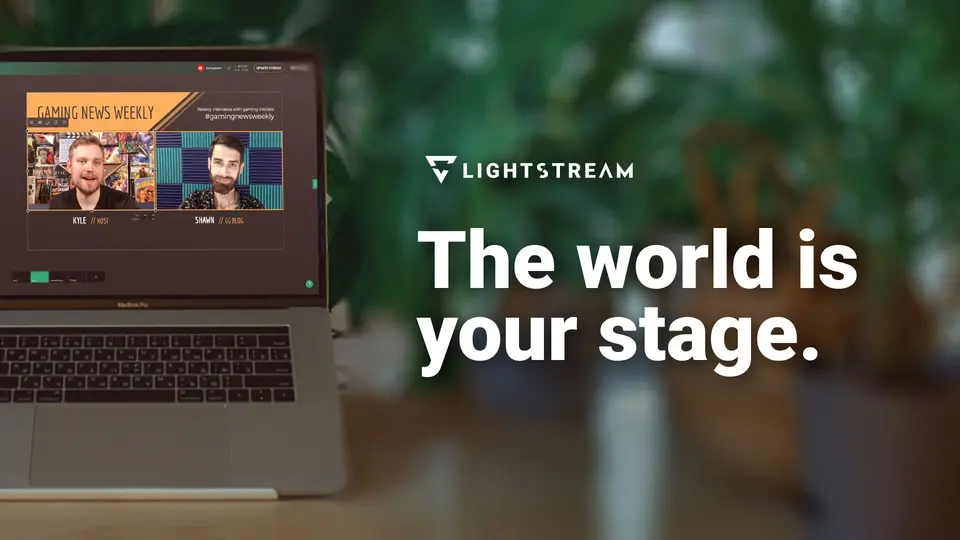
Lightstream Studio is a cloud streaming studio that runs in a browser. It captures Xbox and PlayStation gameplay in the cloud, adds overlays, alerts and scenes, and sends the stream to up to five destinations at once. A free tier puts a Lightstream logo on every stream, and a paid Premium plan removes it and adds guests and 1080p.
Worth knowing
- The free plan puts a Lightstream Studio logo on every stream and caps video at 720p.
- Guests, 1080p and URL imports are Premium-only.
- RTMP video sources are marked as coming soon on the pricing section.
- It is a streaming studio for creators and has no webinar registration or attendee tools.
Key features
- Cloud capture for consoles
- Captures Xbox and PlayStation gameplay in the cloud, so a stream does not need a PC.
- Simulcasting
- Streams to up to 5 destinations at once on both plans, including a custom RTMP destination.
- Guests
- Premium lets up to 10 guests join a stream, aimed at multiplayer games and talk-style shows.
- Overlays, alerts and templates
- Preset templates, overlays and XPN alerts are available inside Studio, and custom overlays can be uploaded.
- Scenes
- The free plan goes live with up to 3 scenes at once and Premium with up to 20.
Lightstream pricing
As of Nov 12, 2026, Lightstream has a free plan, and paid plans start at $12 per month, or $9 per month on an annual subscription.
- Starts at
- $12 per month, or $9 per month on an annual subscription
- Free plan
- Simulcasting to up to 5 destinations, 720p, 10-hour limit per stream and up to 3 scenes at once, with a Lightstream Studio logo on all streams.
- Free trial
- None listed
| Plan | Price | What you get |
|---|---|---|
| Free | $0 | Core Studio features with a Lightstream logo on every stream, 720p, up to 5 destinations, 10-hour limit per stream, 3 scenes at once. |
| Premium | $12per month, billed monthly ($9 per month on an annual subscription) | Removes the logo, adds up to 10 guests, 1080p, a 48-hour stream limit, URL imports from third-party services and up to 20 scenes at once. |
Read from golightstream.com on Nov 12, 2026. Prices change, so confirm with Lightstream before you buy.
Ways to pay less
- Annual discountAnnual subscription at $9 a month
Premium shows $12 a month, or $9 a month on an annual subscription.
Stated on golightstream.com
Works with
Lightstream alternatives
- Lightstream vs Streamlabs
Free plan · from $27/mo
- Lightstream vs Restream
Free plan · from $19/mo
- Lightstream vs Castr
Free trial · from $16.67/mo
- Lightstream vs Ecamm
Free trial · from $16/mo
- Lightstream vs Be.Live
Free plan





Common questions
Does Lightstream have an Android app?
No Android app was listed when its pages were read on Nov 12, 2026. Lightstream is listed for Web.
Does Lightstream have an iPhone app?
No iPhone app was listed when its pages were read on Nov 12, 2026. Lightstream is listed for Web.
Is Lightstream open source?
Lightstream is not described as open source on its own site, as read on Nov 12, 2026.
Sources for this page
The prices, plans, platforms and features above were read from these pages on Nov 12, 2026.