pCloud
Swiss cloud storage sold by subscription or one-time payment
pCloud review
Very good · out of 4.0 · graded Oct 9, 2026
Best for paying once for cloud storage, not every month
Sick of paying for cloud storage every month, for ever? pCloud sells lifetime plans: pay once and keep the space. It works on everything, Linux included, and you choose whether your files sit in Europe or the US. The catch is privacy. Encryption that only you hold the key to is a paid extra.
Who pCloud is for
- Great if you'd rather pay once than every month, and plan to stay for years
- Handy when your laptop's drive is small, since files show up without taking any room
- Good for Linux users, who get the same desktop drive as Windows and Mac
- Good for families of up to 5 on one lifetime plan, each with a private space
- A treat if you keep your own music, with a player and playlists built in
Who pCloud is not for
- Not for you if you want files only you can unlock as standard, since that's a $49.99 add-on
- Tight if you're staying free, because you start with 2 GB and earn your way to 10
- Skip it if you'd park photos on a free account and forget it, as idle ones are deleted after 12 months
- Skip it if you share folders across the Atlantic, as both accounts must be in the same data region
Why pCloud gets a 3.4
Five grades, each with its reason. The GPA is their average: an A is 4 points, an F is none.
- BValue for money500 GB is $49.99 a year and 2 TB is $99.99, a bit less than Dropbox. A lifetime plan pays for itself in about five years. But the private Crypto folder is another $49.99 a year.
- BFree plan and trialUp to 10 GB with no card. But you start at 2 GB and earn the rest with a tutorial and invites, and pCloud's terms say a free account left idle for 12 months gets deleted.
- BFeaturesA drive that takes no room on your laptop, photo backup from your phone, imports from other clouds, up to 30 days of old versions and a music player. But encryption only you can unlock is an add-on.
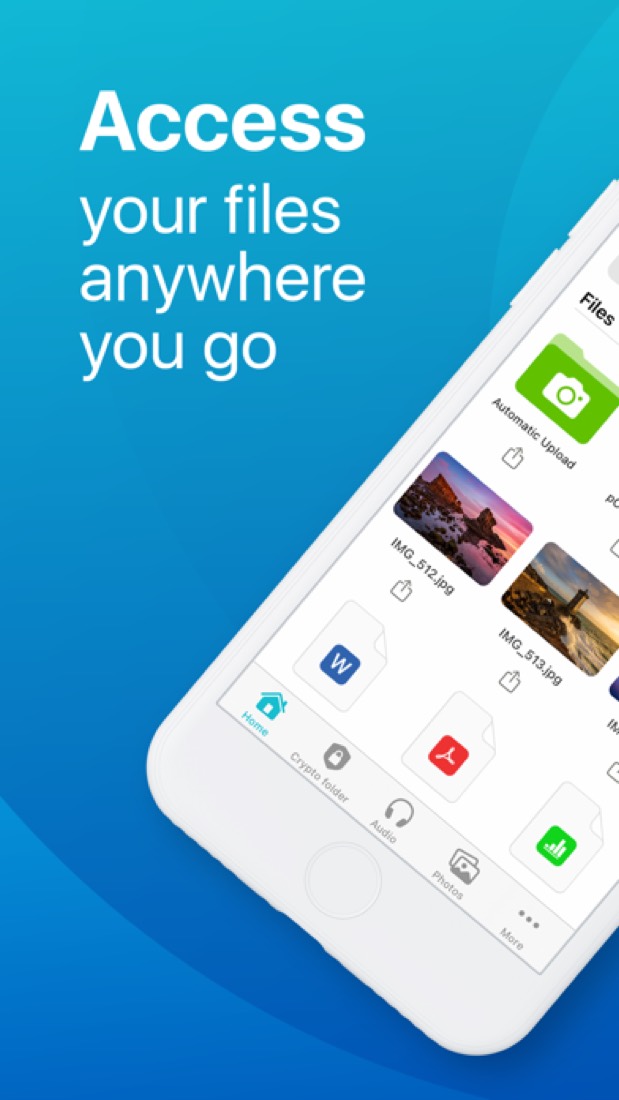
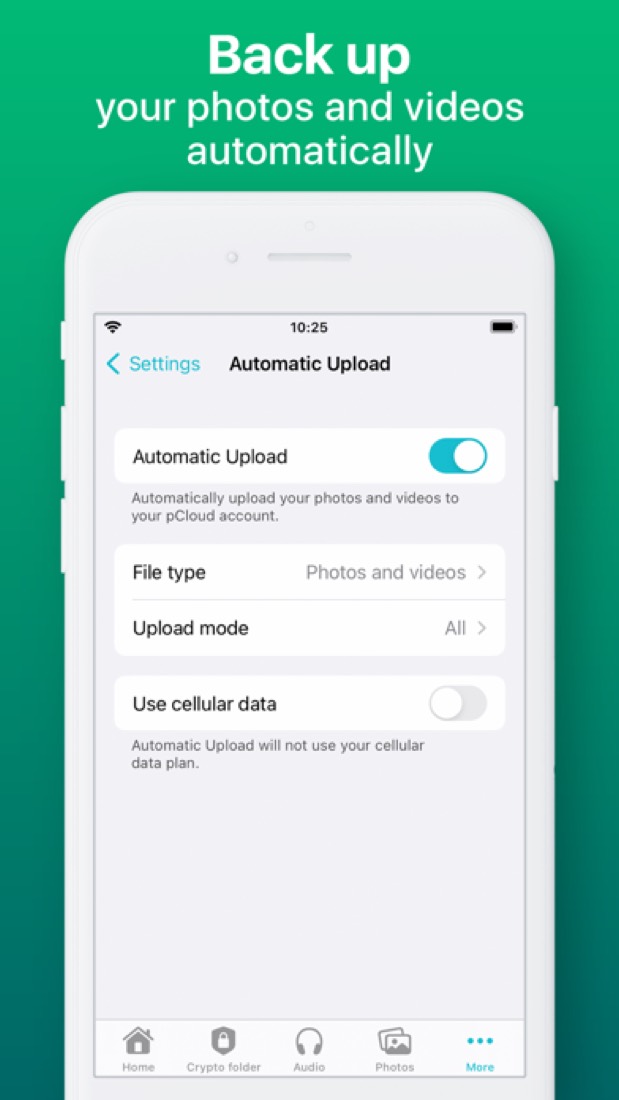
- AEase of use4.7 from about 8,200 App Store ratings. On a computer it turns up as an extra drive, so you drag files in like any folder. On a phone, one switch backs up your photos.
- APlatforms and integrationsWeb, Windows, Mac, Linux, iPhone and Android, plus a browser add-on. It pulls files in from Dropbox, Google Drive, Google Photos, OneDrive and Facebook, and there's an API for developers.
The good
Why pick pCloud over the big names? Mostly because you can stop paying.
It sells lifetime plans. You pay once and the space is yours, with no renewal landing every October. None of the big names do that.
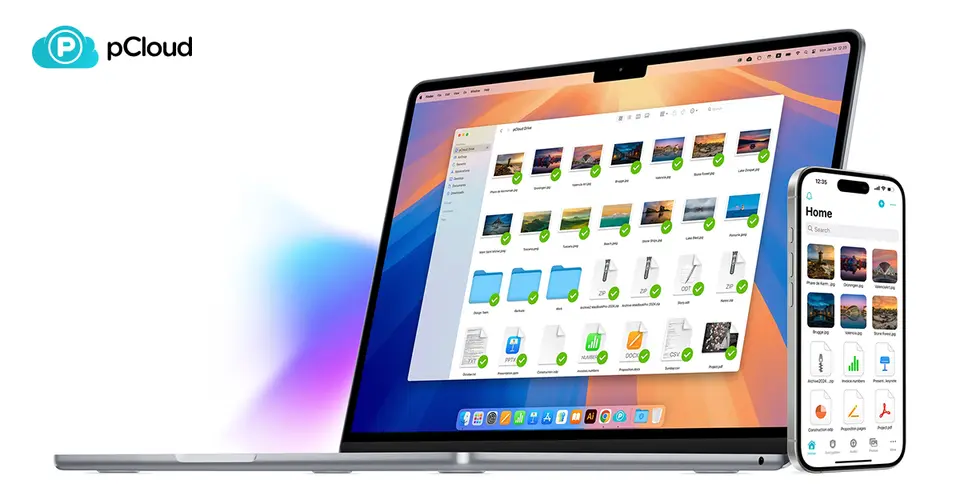
On a computer it shows up as an extra drive. Your files look like they're on your laptop but take up no room on it. One App Store reviewer runs a 256 GB MacBook with 500 GB of pCloud behind it and says they've stopped worrying about space.
It's good with music and films, too. There's a player built in, so your own albums stream to your phone, playlists and all.
Moving in is painless. It pulls your files straight across from Dropbox, Google Drive, Google Photos, OneDrive and Facebook.
And you choose where your files live, in a data centre in Luxembourg or one in Dallas. We wish more companies asked.
The stuff that'll bug you
The private bit costs extra. Encryption where only you hold the key is an add-on at $49.99 a year, and it only covers what you put in a special Crypto folder.
Everything else is encrypted on pCloud's servers, not on your own device. MEGA and Proton Drive lock files on your device as standard, free plans included.
The free plan isn't quite 10 GB, either. You start with 2 GB and unlock the rest by doing the tutorial and inviting friends.
And don't park photos there and forget them. pCloud's terms say a free account left idle for 12 months is deleted, files and all. One App Store reviewer, back in 2019, says that's how they lost thousands of pictures.
Lifetime has small print as well. The terms define it as your lifetime or 99 years, whichever is shorter. Accounts can't be handed on, and if pCloud closed there'd be no refund.
One more. Pick your region with care, because switching later costs $19.99 and shared folders only work between people in the same one.
Money
Start free. It's up to 10 GB and there's no card to hand over.
Premium is 500 GB for $4.99 a month, or $49.99 if you pay for the year. Premium Plus is 2 TB for $9.99 a month, or $99.99 a year.
Now the lifetime plans. The list prices are $279 for 500 GB and $709 for 2 TB, and the page was showing $219 and $499 when we looked. It calls that a limited-time promotion. The small print says it runs until March 2031, so there's no rush.
Is lifetime worth it? Do the sum. $499 is five years of the 2 TB plan. Stay longer and you're ahead. Just remember it's a bet that pCloud is still around.
Families can only buy lifetime: 2 TB for up to 5 people, listed at $999 and showing $749. Teams pay $9.99 a person a month, from 3 people, with a 30-day free trial.
The Crypto folder is $49.99 a year on top. And you get 14 days to change your mind and get your money back. After that, no refunds.
What actual users say
pCloud has 4.7 on the App Store from about 8,200 ratings.
What do the fans like? That it gets on with the job. It sits there as a drive, backs up the phone's photos and plays their music. One reviewer who'd been through a dozen storage apps, Google Drive and Dropbox included, puts it up with their favourites and found it easy to follow.
Lifetime buyers sound happy with the deal. One, writing in 2019, had bought the 2 TB family plan and used it to play their own music without going through iTunes.
The one-star reviews are mostly about accounts, not the storage. There's the free user whose photos went with their idle account. Another couldn't get past the sign-in screen with their Apple login, back in 2021.
On Hacker News it's the name people offer when someone's fed up with Dropbox. One commenter has used it for years with no trouble. Another found WebDAV, the standard way for other apps to reach your files, too slow to be useful.
What this review rests on. Based on pCloud's home, pricing, lifetime, family, business, encryption, download, backup, security, data regions and terms pages and its help centre as of 9 October 2026, its App Store listing and reviews, and Hacker News comments about it. Not based on using the product: this is a read of everything that's public, not a test. How we review and grade.
What is pCloud?
pCloud is a cloud storage service from a Swiss company, with apps that mount storage as a virtual drive, back up folders and share files. Individual plans come in 500 GB, 2 TB and 10 TB sizes and can be paid monthly, yearly or once as a lifetime purchase. Users choose whether their files are kept in a European or a US data center, and client-side encryption is sold as an add-on.
pCloud has a free plan. Paid plans start at $4.99 per month, or $49.99 billed yearly. See every plan
Good for
- People who prefer a one-time lifetime payment to a subscription
- Users who want to choose between EU and US data storage
- Linux users: pCloud Drive runs on Windows, macOS and Linux
Worth knowing
- Client-side, zero-knowledge encryption is a paid add-on and is not part of the standard storage plans.
- The free account is limited to up to 10 GB.
- Family plans, for up to 5 users, are offered only as lifetime purchases, and Business pricing is shown from 3 users.
- Lifetime prices are shown as promotions against a higher list price, so the amount charged can change.
Key features
- pCloud Drive
- A desktop app for Windows, macOS and Linux that makes cloud files available as if they were stored locally, without using hard drive space.
- Backup and file history
- The desktop app backs up folders from a computer, and backups can also be pulled from Dropbox, Google Drive, Google Photos, OneDrive and Facebook.
- Sharing and shared folders
- Files and folders are shared by link or through shared folders with access levels. Business adds branded links carrying a logo, cover and message.
- pCloud Encryption add-on
- Optional client-side, zero-knowledge encryption adds a Crypto folder to the account. It is priced separately at $49.99 billed yearly.
- Choice of data region
- Account holders choose whether their files are stored in a European or a US data center.
- Media player, Photos and Docs
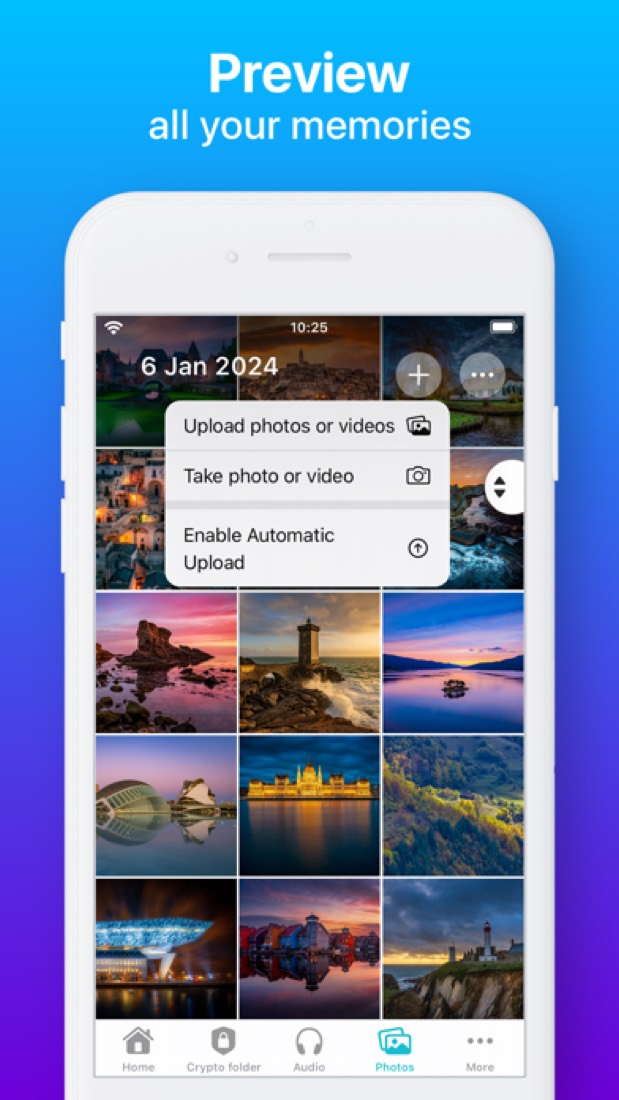
- Includes an audio and video player, a photo timeline with a built-in editor, and pCloud Docs for creating and editing documents.
pCloud pricing
- Starts at
- $4.99 per month, or $49.99 billed yearly
- Free plan
- Free account with up to 10 GB of storage.
- Free trial
- 30-day free trial of pCloud Business; other paid plans carry a 14-day money-back guarantee
| Plan | Price | What you get |
|---|---|---|
| Free | $0 | Up to 10 GB of storage on a free account. |
| Premium 500 GB | $4.99per month, or $49.99 billed yearly | 500 GB of storage for one person, with pCloud Photos and pCloud Docs. |
| Premium Plus 2 TB | $9.99per month, or $99.99 billed yearly | 2 TB of storage for one person, with pCloud Photos and pCloud Docs. |
| Ultra 10 TB | $29.99per month, or $299.99 billed yearly | 10 TB of storage for one person, with pCloud Photos and pCloud Docs. |
| Business | $9.99per user / month, billed monthly | Shown as 3 users with 3 TB for $29.97 a month, with teams, access levels, activity logs and a 30-day free trial. |
| Business Pro | $19.98per user / month, billed monthly | Shown as 3 users with 6 TB for $59.94 a month. New Business Pro accounts get 25% off, which makes it $14.98 per user. |
Read from pcloud.com on Oct 5, 2026. Prices change, so confirm with pCloud before you buy.
Ways to pay less
- Lifetime licenseLifetime plans for a one-time payment
The 500 GB, 2 TB and 10 TB lifetime plans are listed at $279, $709 and $2,799. Promotional prices of $219, $499 and $1,499 were shown when checked.
Stated on landing.pcloud.com - Lifetime licenseFamily lifetime plans for up to 5 users
Family 2 TB is listed at $999 and Family 10 TB at $3,499 as one-time payments. Promotional prices of $749 and $1,849 were shown when checked.
Stated on pcloud.com - Annual discountAbout 17% lower with yearly billing
Yearly billing costs $49.99, $99.99 or $299.99, against $59.88, $119.88 or $359.88 for twelve monthly payments on the same plans.
Stated on pcloud.com
How people rate the pCloud app
4.7
out of 5 for the iPhone and iPad app
- 5 stars84%
- 4 stars8%
- 3 stars3%
- 2 stars1%
- 1 star4%
8,183 ratings on the App Store in the United States, read Oct 6, 2026. It rates the app, not everything the product does. See the listing
Works with
- Dropbox
- Google Drive
- Google Photos
- OneDrive
pCloud alternatives
- pCloud vs Icedrive
Free plan · from $9.99/mo
- pCloud vs Internxt
Free plan · from $11.99/mo
- pCloud vs Koofr
Free plan · from €0.50/mo
- pCloud vs Sync.com
Free plan · from $6/mo
- pCloud vs MEGA
Free plan · from €3.33/mo





Common questions
Is pCloud free?
pCloud has a free plan. Free account with up to 10 GB of storage. Paid plans start at $4.99 per month, or $49.99 billed yearly.
How much does pCloud cost?
pCloud lists 6 plans. Free: $0. Premium 500 GB: $4.99 per month, or $49.99 billed yearly. Premium Plus 2 TB: $9.99 per month, or $99.99 billed yearly. Ultra 10 TB: $29.99 per month, or $299.99 billed yearly. Business: $9.99 per user / month, billed monthly. Business Pro: $19.98 per user / month, billed monthly. Prices were read from pcloud.com on Oct 5, 2026.
What platforms does pCloud work on?
pCloud is available on Web, Windows, macOS, Linux, iOS and Android. It also has a browser extension.
Does pCloud offer any discounts?
pCloud publicly lists the following: Lifetime plans for a one-time payment; Family lifetime plans for up to 5 users; About 17% lower with yearly billing.
How is pCloud rated?
pCloud's iPhone and iPad app averages 4.7 out of 5 from 8,183 ratings on the App Store in the United States, as read on Oct 6, 2026. That is the store's rating of the app, not a score from us.
Is pCloud open source?
pCloud is not described as open source on its own site, as read on Oct 5, 2026.
What does pCloud integrate with?
pCloud's listing names Dropbox, Google Drive, Google Photos, OneDrive and Facebook. A listing names up to eight integrations, so it may connect to more.
Does pCloud have a free trial?
Yes. 30-day free trial of pCloud Business; other paid plans carry a 14-day money-back guarantee.
Who makes pCloud?
pCloud is made by pCloud International AG. It dates from 2013.
What are the alternatives to pCloud?
The closest alternatives to pCloud in our directory are Icedrive, Internxt, Koofr, Sync.com and MEGA. Each one has a side-by-side comparison with pCloud.
Sources for this page
The prices, plans, platforms and features above were read from these pages on Oct 5, 2026. What people say is linked where it appears.