
Square Appointments
Booking, point of sale and payments for appointment businesses
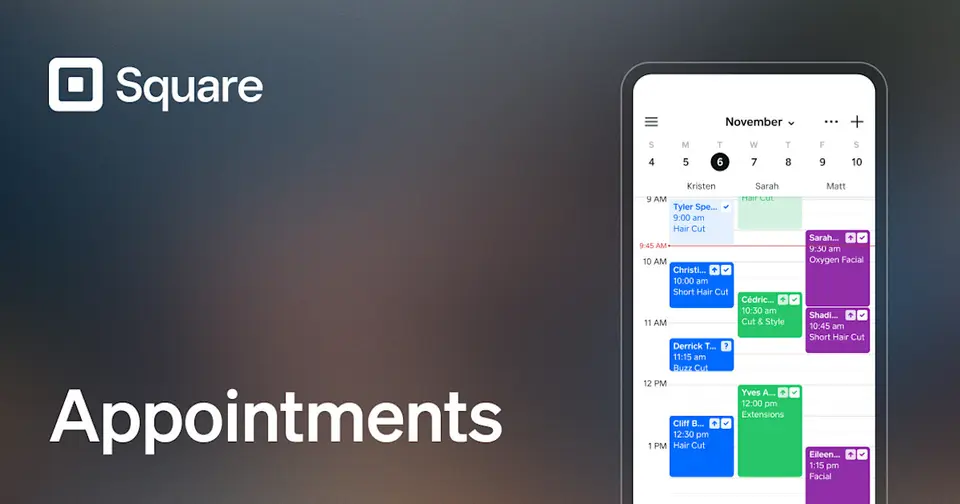
Square Appointments review
Excellent · out of 4.0 · graded Oct 9, 2026
Best for salons and solo pros who work by appointment
Cut hair, do nails or ink tattoos by appointment? Square Appointments puts bookings and card payments in one app, and the free plan is enough to run a one-person business. The catch: no-show fees and Google Calendar sync need Plus at $49 a location a month, and Square takes a cut of every card payment.
Who Square Appointments is for
- Great if you work by appointment and want booking and checkout in one app
- Handy when no-shows are eating your week, as deposits are on the free plan
- Good for salons with several chairs, since Plus is priced per location
- A treat if you already take cards with a Square reader
Who Square Appointments is not for
- Skip it if all you need is a booking link for calls and meetings
- Pricey if you're solo and just want Google Calendar sync, at $49 a month
- Not for you if you'd rather Square didn't handle your card payments
- Tight if you run classes or a waitlist and won't pay, as those need Plus
Why Square Appointments gets a 3.6
Five grades, each with its reason. The GPA is their average: an A is 4 points, an F is none.
- BValue for moneyPlus is $49 a month for a whole location, however many staff. A good deal for a busy salon. Steep if you're solo and only want Google Calendar sync.
- AFree plan and trialNo monthly fee, and you still get a booking site, unlimited staff calendars, text reminders and deposits. You only pay when you take a card.
- AFeaturesA booking site, reminders clients can reply to, deposits, a waitlist, classes, packages and a full checkout. On Premium you can book rooms and chairs too.
- AEase of use4.9 from about 195,000 App Store ratings. A tattoo artist who's been on it for years says it has always been easy.
- BPlatforms and integrationsWeb, iPhone and Android. It hooks into Instagram, Facebook, Google, Wix and QuickBooks. But Google Calendar sync and the API are held back for Plus.
The good
So what does Square Appointments do that a plain booking link doesn't? It takes the money as well.
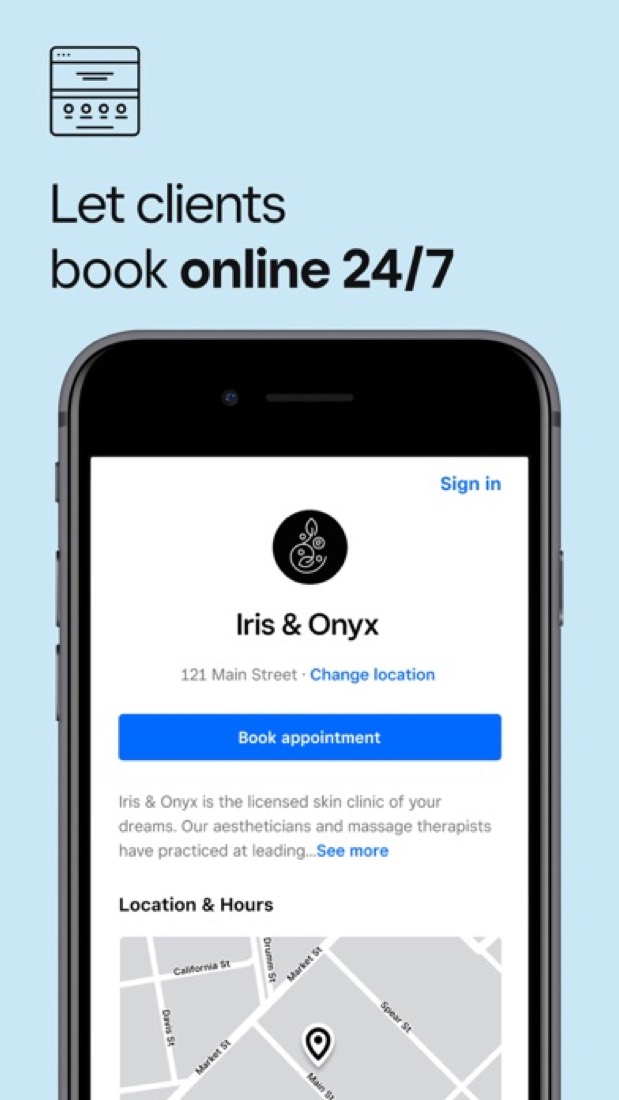
Clients book on your own booking page, any time of day. You can put a Book Now button on Instagram, Facebook and your Google listing, or print a QR code for the shop window.
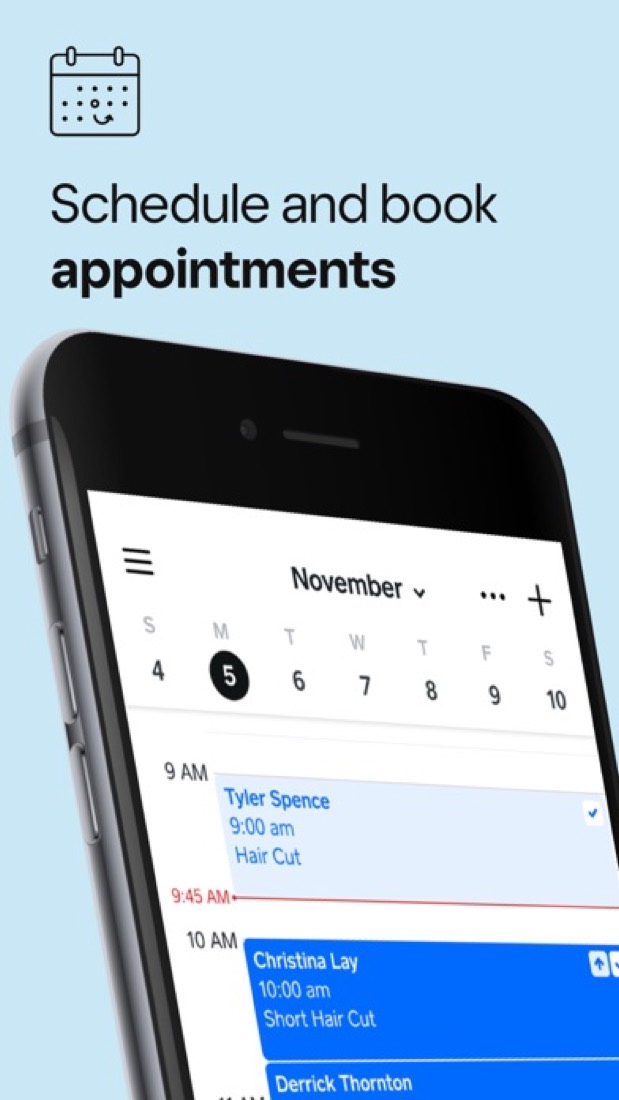
Then it reminds them by text and email, on every plan. They can reply to the text to confirm, cancel or move the appointment. No more "hey are we still on for 3?"
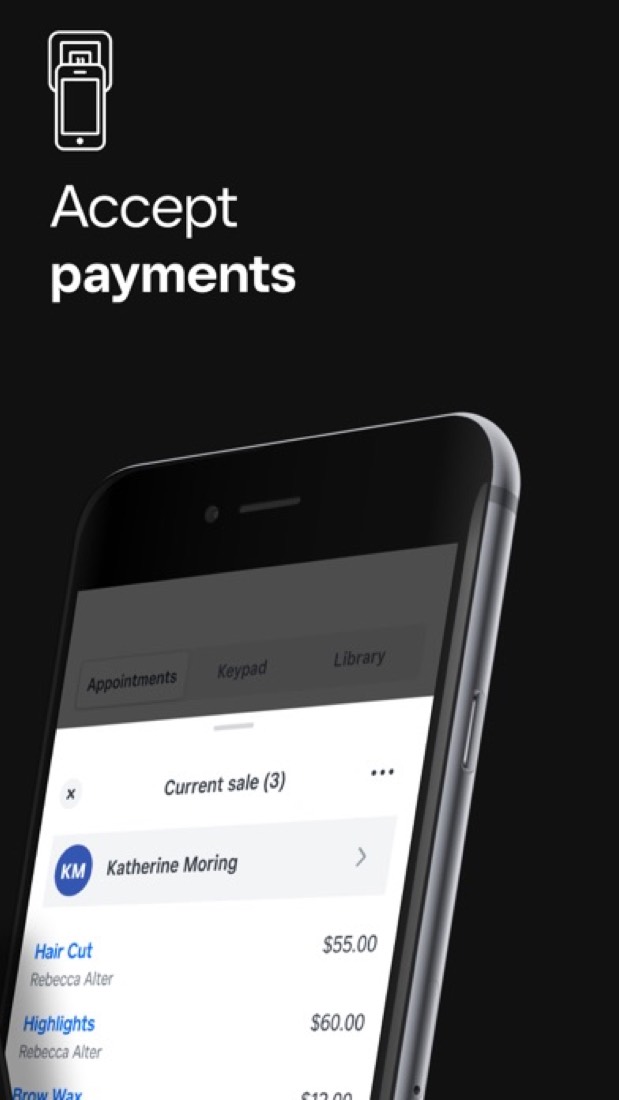
When they turn up, you check them out in the same app. Haircut, a bottle of shampoo, tip, done. You can even tap their card on your own phone, with no reader.
And staff calendars are unlimited on every plan, so a second stylist doesn't mean a second bill.
The stuff that'll bug you
The free plan is generous, but most of what you'll want next is on Plus. And Plus is $49 a location a month.
Google Calendar sync is the one that stings. If your personal life lives in Google Calendar, you'll want it on day one, and it's paid. Honestly, for a booking app that feels stingy.
Same goes for charging a no-show fee, the waitlist, classes and packages.
Then there's the cut. Square takes a fee on every card payment, on every plan. That's normal for card readers, but it means free isn't quite free.
Support is a sore spot in the reviews. One person got a bot when they wanted a human, and 24/7 phone support only comes with Premium.
And because Square holds your money, it can hold it up. One reviewer says their account was frozen for review after one flagged payment, and it took more than ten days to get an answer.
Money
Start on Square Free. There's no monthly fee, and it isn't a trial.
You do pay card fees: 2.6% + 15¢ when the card is in front of you, and 3.3% + 30¢ online. So on a $60 haircut paid in the chair, Square keeps about $1.71.
Plus is $49 a location a month. That adds no-show fees, Google Calendar sync, the waitlist, classes and packages, and drops the in-person rate to 2.5% + 15¢.
Premium is $149 a location a month, with booking for rooms and chairs, more reports and 24/7 phone support. We'd only look at it for a big salon.
Not sure about paying? There's a 30-day free trial of Plus or Premium.
What actual users say
Square Appointments has 4.9 on the App Store from about 195,000 ratings. For an app people run their income through, that's a very good sign.
Who's happy? One-person businesses, mostly. A tattoo artist, a massage therapist, a hair stylist. They like the reminders most, and say their clients do too.
One reviewer has been through other booking apps over the years and keeps coming back to this one.
The complaints are specific. Not being able to pick the time of day reminders go out. Not being able to stop a problem client from booking online. Bots where they wanted a human.
Some of those are a few years old, so they may be fixed by now. Hacker News barely mentions it, apart from developers building their own tools on top of its bookings.
What this review rests on. Based on Square's Appointments overview, pricing and features pages and its help centre as of 9 October 2026, its App Store reviews and the two Hacker News comments that mention it. Not based on using the product: this is a read of everything that's public, not a test. How we review and grade.
What is Square Appointments?
Square Appointments is the booking product in Square's commerce platform, aimed at salons, barbershops, spas and other businesses that work by appointment. It pairs a booking website, staff calendars and automatic reminders with Square's point of sale, so services, retail products and payments run through one account. It is sold through the Square Free, Plus and Premium plans, which are priced per location, with card processing fees on every plan.
Square Appointments has a free plan. Paid plans start at $49 per location / month (Square Plus). See every plan
Good for
- Salons, barbershops and spas that want booking and checkout in one system
- Solo professionals who can start on the free plan
- Businesses already taking payments with Square hardware
Worth knowing
- Square Free leaves out Google Calendar sync, no-show fees, multi-staff booking, classes and packages, the waitlist and the Bookings API.
- Plus and Premium are charged per location: $49 or $149 a month for each location you run.
- Processing fees apply on every plan, from 2.4% + 15¢ in person on Premium to 3.3% + 30¢ for online payments on Free.
- Resource management and the future bookings, service cost and team performance reports are Premium-only.
Key features
- Online booking site
- A customizable booking website on every plan, plus Book Now buttons for Instagram, Facebook and a Google Business Profile, a widget for an existing site and a QR code.
- Payments and point of sale
- Take cards in person, online or with Tap to Pay on a phone, keep cards on file, and ring up services and products together. Afterpay and Cash App Pay are supported.
- No-show protection
- Deposits and prepayments are on every plan. A cancellation policy that charges the card on file for late cancellations and no-shows needs Square Plus.
- Reminders and Square Assistant
- Automatic text and email reminders go out on every plan, and Square Assistant lets clients reply to an SMS reminder to confirm, cancel or change a booking.
- Staff, locations and resources
- Staff calendars are unlimited on every plan. Multi-staff bookings and multi-location management start on Plus; assigning rooms, chairs or stations is Premium-only.
- Classes, packages and waitlist
- From Square Plus, schedule one-time or recurring group classes, sell prepaid packages of services, and let clients join a waitlist from the booking site.
Square Appointments pricing
- Starts at
- $49 per location / month (Square Plus)
- Free plan
- Square Free: no monthly fee, with a booking website, unlimited staff calendars, text and email reminders, deposits, prepayments and invoices. Processing fees apply to each payment.
- Free trial
- 30-day free trial of Square Plus or Square Premium
| Plan | Price | What you get |
|---|---|---|
| Square Free | $0 | Booking website, unlimited staff calendars, reminders, deposits and invoices. Processing is 2.6% + 15¢ in person and 3.3% + 30¢ online. |
| Square Plus | $49per location / month | Adds no-show fees, multi-staff booking, waitlist, classes and packages, Google Calendar sync and the Bookings API. In-person processing is 2.5% + 15¢. |
| Square Premium | $149per location / month | Adds resource management, future bookings and team performance reports, service cost tracking, 24/7 phone support and 2.4% + 15¢ in-person processing. |
| Square Pro | Custom | Custom pricing and processing fees for businesses that process over $250,000 per year, arranged through Square's sales team. |
Read from squareup.com on Oct 5, 2026. Prices change, so confirm with Square Appointments before you buy.
How people rate the Square Appointments app
4.9
out of 5 for the iPhone and iPad app
- 5 stars93%
- 4 stars4%
- 3 stars1%
- 2 stars<1%
- 1 star<1%
195,285 ratings on the App Store in the United States, read Oct 5, 2026. It rates the app, not everything the product does. See the listing
Works with
- Google Calendar
- Wix
- QuickBooks
- JotForm
- Homebase
- Afterpay
Square Appointments alternatives
- Square Appointments vs Acuity Scheduling
Free trial · from $16/mo
- Square Appointments vs Setmore
Free plan · from $5/mo
- Square Appointments vs SimplyBook.me
Free plan · from €11.9/mo
- Square Appointments vs Zoho Bookings
Free plan · from $6/mo
- Square Appointments vs Calendly
Free plan · from $10/mo




Common questions
Is Square Appointments free?
Square Appointments has a free plan. Square Free: no monthly fee, with a booking website, unlimited staff calendars, text and email reminders, deposits, prepayments and invoices. Processing fees apply to each payment. Paid plans start at $49 per location / month (Square Plus).
How much does Square Appointments cost?
Square Appointments lists 4 plans. Square Free: $0. Square Plus: $49 per location / month. Square Premium: $149 per location / month. Square Pro: custom pricing. Prices were read from squareup.com on Oct 5, 2026.
What platforms does Square Appointments work on?
Square Appointments is available on Web, iOS and Android.
How is Square Appointments rated?
Square Appointments's iPhone and iPad app averages 4.9 out of 5 from 195,285 ratings on the App Store in the United States, as read on Oct 5, 2026. That is the store's rating of the app, not a score from us.
Does Square Appointments have a Windows app?
No Windows app was listed when its pages were read on Oct 5, 2026. Square Appointments is listed for Web, iOS and Android.
Does Square Appointments have a macOS app?
No macOS app was listed when its pages were read on Oct 5, 2026. Square Appointments is listed for Web, iOS and Android.
Is Square Appointments open source?
Square Appointments is not described as open source on its own site, as read on Oct 5, 2026.
Does Square Appointments have an API?
Yes. Square Appointments offers a public API, according to its own site.
What does Square Appointments integrate with?
Square Appointments's listing names Google Calendar, Instagram, Facebook, Wix, QuickBooks, JotForm, Homebase and Afterpay. A listing names up to eight integrations, so it may connect to more.
Does Square Appointments have a free trial?
Yes. 30-day free trial of Square Plus or Square Premium.
Who makes Square Appointments?
Square Appointments is made by Block, Inc.
What are the alternatives to Square Appointments?
The closest alternatives to Square Appointments in our directory are Acuity Scheduling, Setmore, SimplyBook.me, Zoho Bookings and Calendly. Each one has a side-by-side comparison with Square Appointments.
Sources for this page
The prices, plans, platforms and features above were read from these pages on Oct 5, 2026. What people say is linked where it appears.