BlockSite review (2026): is the free plan enough?
Website and app blocker for browsers and phones
Black Friday: is there a BlockSite sale?
BlockSite review
Fair · out of 4.0 · graded Oct 10, 2026
Best for blocking the same sites on phone and browser
BlockSite blocks the same sites and apps on your phone and in your browser, with one purchase covering both. Its privacy policy says your browsing data goes to affiliate companies for market intelligence, reviewers found the blocks easy to switch off or delete, keywords and the password lock are paid, and the App Store lists four monthly prices without saying which you'd get. If you want a blocker that holds firm, look elsewhere.
Who BlockSite is for
- Fits if you want the same block list on your phone and in your laptop's browser
- Works for students who block the same hours every weekday, since schedules are free
Who BlockSite is not for
- Skip it if you'd rather your browsing data wasn't passed on, which the privacy policy says it is
- Not for you if you'd switch a blocker off in a weak moment, because reviewers say that's easy
- Tight if you're staying free and want keywords, unlimited categories or a password lock, which are all paid
- Watch out: the App Store lists four monthly and three yearly prices with no word on which you'd pay, and the 3-day trial needs a card
- Not for you if you want it on an iPad, or a desktop app that says which systems it runs on
Why BlockSite gets a 2.2
Five grades, each with its reason. The GPA is their average: an A is 4 points, an F is none.
- CValue for moneyNobody can tell you what you'll pay. The US App Store lists monthly at $3.99, $9.99, $10.99 and $14.99, and yearly at $23.99, $38.99 and $47.90, with no word on which you'd be offered. The cheapest of those is ordinary money for this category, where the middle is $3.99 a month, and ScreenZen blocks for nothing.
- CFree plan and trialFree gets you a block list, Schedule Mode and usage limits, which is a working blocker. The walls are close, though: the list has a cap, category blocking is limited, and keywords and the password lock are Premium. The trial is 3 days and wants a card.
- CFeaturesThe blocking basics with the gaps the listing shows: lists, schedules, a focus timer and usage limits for free, with keywords, unlimited categories and password protection held back for Premium. Reviewers also say the blocks come off too easily, and the iOS app is iPhone only.
- CEase of use4.24 from about 6,200 App Store ratings, where other blockers here sit at 4.6 and up, and one rating in eight is a single star. Adding a site is simple, but reviewers describe slow browsing on iPhone and a 2026 redesign that added taps.
- BPlatforms and integrationsiPhone, Android and extensions for Chrome, Edge and Safari, with one purchase covering the lot. On a computer it works inside the browser: there's a desktop app advertised, but the site never says which operating systems it runs on, and there's no iPad app.
The good
What's BlockSite for? Keeping you off the sites and apps you keep drifting back to, on your phone and your computer at once.
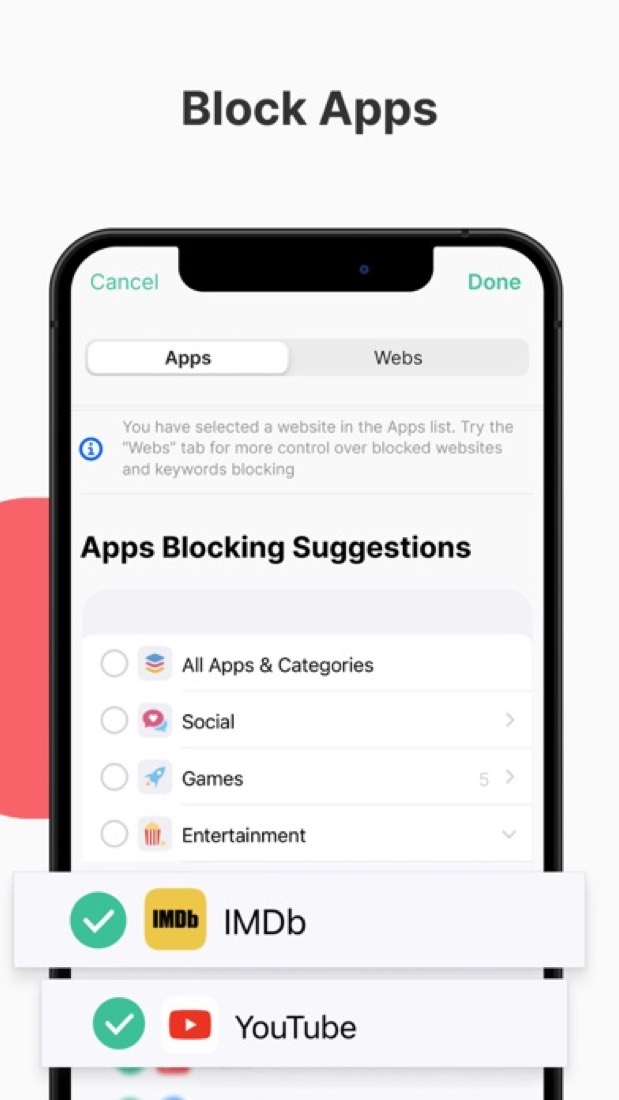
You make a block list. Say reddit.com, youtube.com and the Instagram app. Sign in on your phone and in your laptop's browser, and the same list applies on both.
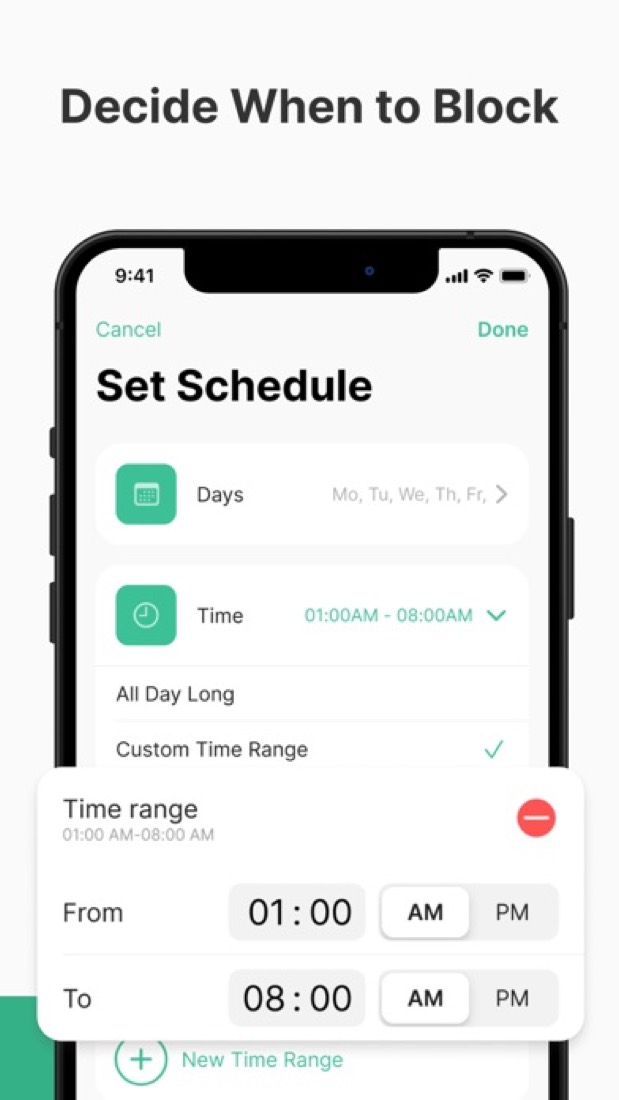
Schedules are free. Set Monday to Friday, 9 to 5, and the blocking starts without you having to remember.
There's a focus mode too, which blocks everything on your list for a set stretch of time.
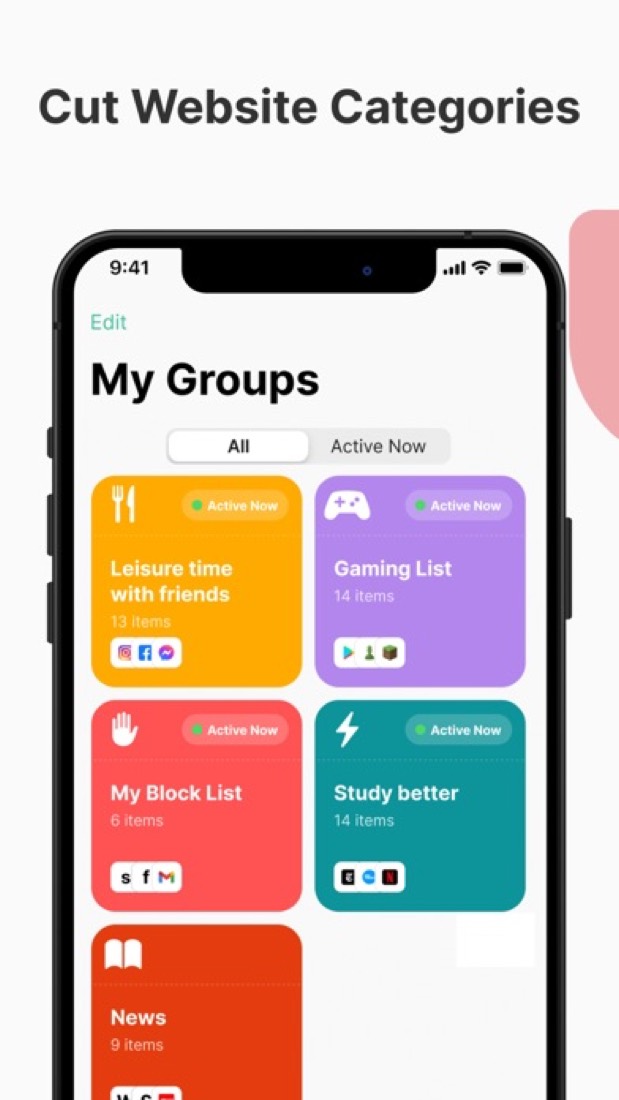
Premium adds whole categories without a cap, so all of social media or shopping goes at once, and keyword blocking. Add "sale" and any address with that word in it won't open.
One purchase covers iPhone, Android, Chrome, Edge and Safari.
The stuff that'll bug you
Start with the privacy policy, because it's the bit most people skip. BlockSite's own policy, last changed in July 2026, says it collects the sites you visit, the apps you use and what you search for.
It also says that data is passed to affiliate companies for market intelligence, with your consent where the law requires it. You can opt out in the extension's settings. On a phone, opting out means switching off the permission the blocker runs on, and the policy warns that some or all of BlockSite may then stop working.
The blocks are easy to get round, too. A reviewer in April 2024 found the password protected their list but not the switch that turns blocking off. Another simply deleted the app.
Is that fixed? Maybe. BlockSite's site does list a setting that stops you uninstalling it, though it doesn't say which devices that works on.
On iPhone it blocks by running a VPN on the phone. Several reviewers say that slowed their browsing, and one blames it for a flat battery.
The app keeps moving things about. A September 2026 review says a redesign swapped a one-tap switch for a trip through the home screen, the blocking page and a rule menu.
There's no iPad app, and the desktop app on the home page doesn't say which systems it runs on. On the free version the block list has a cap.
Money
Start with the free version. A block list, schedules and usage limits are all in it, and that may be all you need.
Premium adds keyword blocking, unlimited category blocking and password protection. What does it cost? Good question.
On the US App Store the monthly subscription is listed at four amounts, from $3.99 to $14.99. The yearly one is listed at three, from $23.99 to $47.90. There's also a $19.99 item called BlockSite Premium with no period beside it. The listing doesn't say which one you'd be offered.
There's a 3-day free trial on the monthly and yearly plans, but you have to put a card in first. Three days isn't long, so set a reminder.
BlockSite also sells lifetime access for a single payment on its own site. The price moves with whatever sale is on, so check it on the day.
One oddity. The checkout promises your money back within 30 days, while the terms say subscription fees aren't refunded. And the terms say a plan bought on an iPhone can only be cancelled through Apple.
What actual users say
BlockSite has 4.2 on the App Store from about 6,200 ratings. That's a fair way below the 4.8s and 4.9s other blockers get, and roughly one rating in eight is a single star.
Does it block things? Yes, and even the three-star reviews say so.
Some people lean on it for harder things than Instagram. One reviewer trying to stay off adult sites says they'd pay to block every keyword they could think of.
The complaints are about staying power. People found they could flip the blocking off, or delete the app, the moment they wanted to. One left for Opal over it.
The iPhone app's VPN comes up as well. Reviewers describe pages taking ages to load, the connection dropping and the battery draining.
And Hacker News? One comment in two years, asking why a site blocker needs to send browsing data anywhere.
What this review rests on. Based on BlockSite's home page, checkout page, terms and privacy policy as of 9 October 2026, its App Store listing and reviews, and the one Hacker News comment about it. Its help centre could not be read. Also tested with a demo account on 2026-08-17. How we review and grade.
Make BlockSite? Put this grade on your site
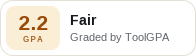
Paste this where you want the badge. It links here and follows the grade if it changes. About badges
<a href="https://toolgpa.com/tools/blocksite#review"><img src="https://toolgpa.com/badge/blocksite.svg" alt="BlockSite: 2.2 GPA on ToolGPA" width="196" height="56"></a>Where BlockSite stands among focus apps
BlockSite's GPA of 2.2 is higher than 8 of the 83 other focus apps we grade, and level with 14.
It stands best on platforms and integrations (B, above 54 of 83) and worst on ease of use (C, above 1).
Its paid plans start at $2 a month when paid by the year, against a middle price of $2.99 for the category: 12 of the 49 others that charge start lower.
On features, ease of use and platforms it scores 2.3 out of 4. 12 tools score higher and cost less.
Each grade against the category
Every bar is all 84 focus apps we grade, cut by the letter each got. BlockSite’s own letter is outlined.
- CValue for moneyAbove 8 of 83, level with 26
- CFree plan and trialAbove 5 of 83, level with 38
- CFeaturesAbove 5 of 83, level with 56
- CEase of useAbove 1 of 83, level with 20
- BPlatforms and integrationsAbove 54 of 83, level with 27
Price against what you get
Each dot is one of 70 focus apps. Further left costs less, and higher up scores better on features, ease of use and platforms. Point at a dot to see which tool it is.
Features, ease of use and platforms, averaged
What paid plans start at, a month (each step along is roughly double) →
- The best score at each price
- Has a free plan
- No free plan
Keep BlockSite, or make your own?
You could make this
A focus timer at its plainest counts down 25 minutes and keeps a log.
What BlockSite does at its core is plain work, and that is the kind of thing an AI app builder makes well. You would give up 2 things, listed below, and little else. It costs $23.99 a year. An AI app builder starts at about $20 a month on our listings, and you only need it while you build.
What you could not
- Blocking that reaches every browser and app and is hard to switch off.
- A real app for iOS and Android. Something home-made would be a web page.
What this rests on. BlockSite’s listing: what it does, where it runs, what it plugs into and what it costs. It is a judgement about the kind of software this is. We have not built a replacement for it, and making your own means looking after it too. How we decide, and every tool’s verdict.
What is BlockSite?
BlockSite blocks distracting websites and apps through browser extensions and mobile apps. Sites can be blocked individually, by category or by keyword, on a schedule or during timed focus sessions, and settings can be locked behind a password. A free version covers basic blocking, and one Premium purchase applies across the supported browsers and phones.
Worth knowing
- The web checkout showed rupee prices on the check date, so the subscription prices here are from the US App Store, which lists several amounts without saying which one applies.
- The privacy policy (last modified July 16, 2026) says browsing data is disclosed to affiliates for their market intelligence services; an opt-out is in the settings.
- Keyword blocking, unlimited category blocking and password protection need Premium, and the iOS app is for iPhone only.
- The homepage advertises a desktop app that blocks across several browsers but does not say which operating systems it runs on.
Key features
- Block List
- Add the sites and apps you want to avoid, and BlockSite keeps them from opening while the list is active. Premium removes the limit on entries.
- Focus Mode
- Blocks distractions for a set amount of time. The Mac listing describes timed work sessions with scheduled breaks.
- Schedule
- Set the days and hours when chosen sites and apps are blocked, so the same routine repeats without being switched on each time.
- Category and keyword blocking
- Block a whole category such as social media or shopping in one step, or any address containing a chosen word. Both are Premium features on iOS.
- Password protection
- A Premium setting that puts a password in front of settings and blocked pages. The site also lists a feature that prevents uninstalling BlockSite.
- Sync across platforms
- The same block list applies on every signed-in device, and one purchase unlocks Premium on Android, iOS, Chrome, Edge and Safari.
BlockSite pricing
As of Nov 9, 2026, BlockSite has a free plan, and paid plans start at $3.99 / month or $23.99 / year (US App Store; several amounts listed).
- Starts at
- $3.99 / month or $23.99 / year (US App Store; several amounts listed)
- Free plan
- Website and app blocking with a block list, Schedule Mode and usage limits. Keyword blocking, unlimited category blocking and password protection need Premium.
- Free trial
- 3-day free trial on the monthly and annual plans; a card is required
| Plan | Price | What you get |
|---|---|---|
| Free | $0 | Website and app blocking with a block list, Schedule Mode and usage limits. |
| Monthly Subscription | $3.99 to $14.99per month; the US App Store lists four amounts | Premium paid monthly. The listing shows $3.99, $9.99, $10.99 and $14.99 and does not say which one a new subscriber pays. |
| BlockSite Premium | $19.99billing basis not shown on the US App Store listing | A separate in-app purchase on the US App Store, listed at $19.99 without a billing period. |
| Annual Subscription | $23.99 to $47.90per year; the US App Store lists three amounts | Premium billed yearly, listed at $23.99, $38.99 and $47.90. The listing does not say which one a new subscriber pays. |
Read from apps.apple.com on Nov 9, 2026. Prices change, so confirm with BlockSite before you buy.
2 price changes on recordWhat the app costs in other countries
Ways to pay less
- By countryLower price shown to buyers in India
On October 9, 2026 the web checkout showed Lifetime Access at ₹1399.90 to a visitor in India, while the homepage advertised it at $39.99. The monthly and annual plans were shown in rupees too.
Stated on user.blocksite.co
How people rate the BlockSite app
4.2
out of 5 for the iPhone and iPad app
- 5 stars71%
- 4 stars9%
- 3 stars5%
- 2 stars3%
- 1 star12%
6,206 ratings on the App Store in the United States, read Oct 5, 2026. It rates the app, not everything the product does. See the listing
BlockSite alternatives
- BlockSite vs AppBlock
Free plan · from $2.50/mo
- BlockSite vs Freedom
Free plan · from $3.33/mo
- BlockSite vs Cold Turkey Blocker
Free plan · from $45 one-time





Common questions
Does BlockSite have a Windows app?
No Windows app was listed when its pages were read on Nov 9, 2026. BlockSite is listed for iOS and Android.
Does BlockSite have a macOS app?
No macOS app was listed when its pages were read on Nov 9, 2026. BlockSite is listed for iOS and Android.
Is BlockSite open source?
BlockSite is not described as open source on its own site, as read on Nov 9, 2026.
Sources for this page
The prices, plans, platforms and features above were read from these pages on Nov 9, 2026. What people say is linked where it appears.