
RoboForm
Password manager and form filler with a single-device free plan
RoboForm review
Very good · out of 4.0 · graded Oct 9, 2026
Best for people who fill in a lot of web forms
Sick of typing your address into every checkout? RoboForm has been around since 2000, and filling in forms is still what it does best. It's a full password manager too, and at $2.49 a month it's cheaper than most. The snag is the free plan, which only works on one device.
Who RoboForm is for
- Great if you type the same address and card details into forms all week
- Handy when one device is all you need and you never want to pay
- Good for small companies that want single sign-on without paying enterprise prices
- A treat if you'd like your passwords kept off anyone's servers, with local-only mode
Who RoboForm is not for
- Skip it if you want free syncing between phone and laptop, as Free is one device
- Not for you if you're on Linux and want more than a browser extension
- Tight if you'd rather pay month by month, because paid plans are billed yearly
- Not for you if you want to host it yourself, unless you're a company of 1,000 or more
Why RoboForm gets a 3.2
Five grades, each with its reason. The GPA is their average: an A is 4 points, an F is none.
- BValue for money$29.88 a year undercuts LastPass and 1Password, and Business at $3.33 a person has single sign-on included. Bitwarden is still cheaper if it's just you.
- BFree plan and trialUnlimited passwords, form filling and a built-in authenticator, free for good. But it's one device, with no syncing. Bitwarden syncs everywhere for nothing.
- AFeaturesLogins, long forms, passkeys, one-time codes, sharing, emergency access and a local-only mode. It even logs you in to Windows programs. Hard to spot a gap.
- BEase of use4.7 from about 48,800 App Store ratings, and people who've had it twenty years call it easy. It does have its own habits, like its own browser on the iPhone.
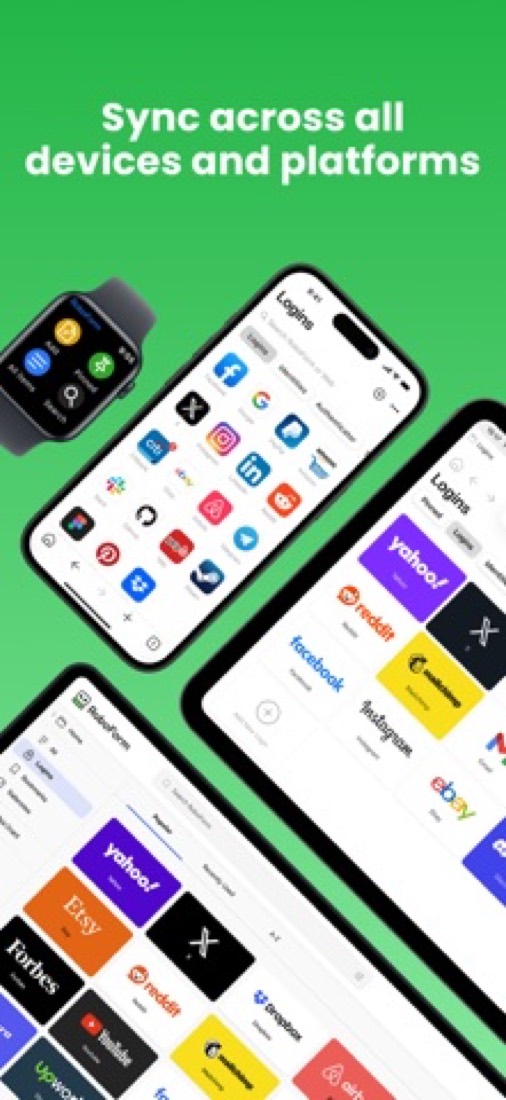
- BPlatforms and integrationsWindows, Mac, iPhone, Android, Apple Watch, the web, and Chrome, Edge and Firefox. Linux and Chrome OS only get the browser extension.
The good
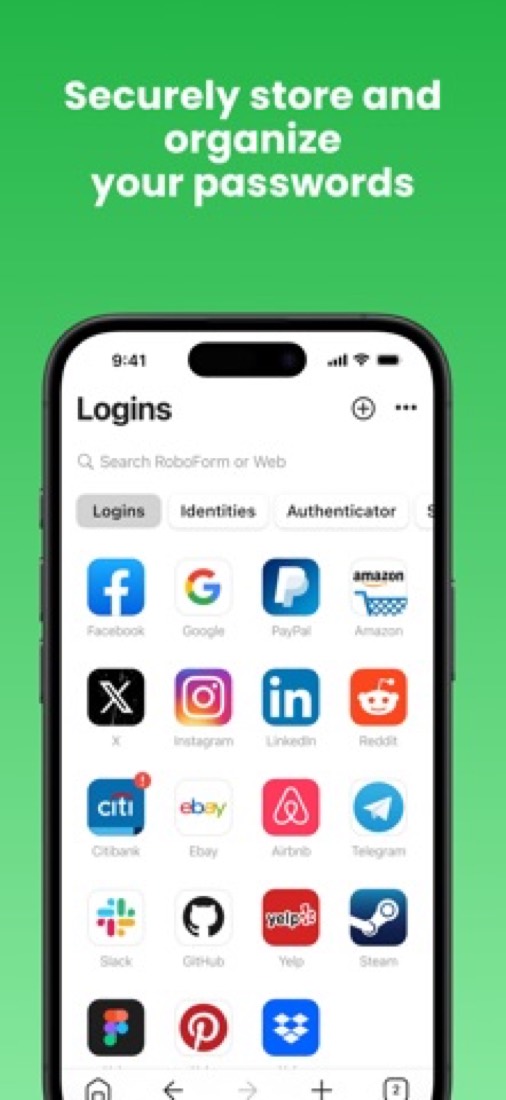
So what's RoboForm for? Forms. Checkout pages, sign-ups, that insurance quote with 30 boxes. You save your details once and it fills the lot in one click.
It holds more than one set of details, too. So you can fill a form in as yourself, as your mum or as a client.
The password side is all there. It saves logins as you go, makes up strong ones and flags the weak, reused or leaked ones. Passkeys and one-time codes are built in.
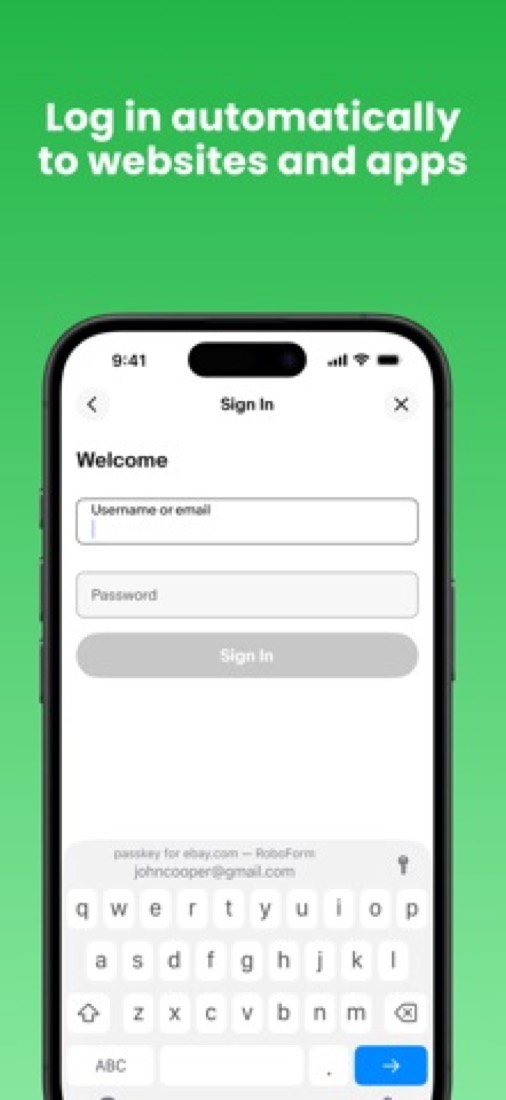
Two things you don't see everywhere. It can log you in to Windows programs, not just websites. And Premium has a local-only mode, where your data never leaves your device.
It's kept up, too. The browser extension reached version 10 in August 2026.
The stuff that'll bug you
The free plan is one device. Not one kind of device. One.
So if you want the same passwords on your phone and your laptop, you're paying. Bitwarden and Proton Pass do that bit for free.
On the iPhone, RoboForm wants to be your browser. Recent updates added a reader mode, an ad blocker and the option to make it your default. An older review grumbles about tapping a login and landing in RoboForm's browser when they wanted Safari.
Linux and Chrome OS only get the browser extension. The desktop apps are for Windows and Mac.
And tidy up before you import. One reviewer brought in several old passwords for the same site and got a list named Login[92], Login[93] and so on, with no way to tell them apart.
Money
Free is free for good: unlimited passwords, form filling and the authenticator, on one device.
Premium is $2.49 a month, billed as $29.88 a year. That adds all your devices, web access, shared folders, emergency access and breach monitoring for 5 email addresses.
Family is $3.98 a month for up to 5 accounts, billed as $47.75. With two of you it's already cheaper than two Premiums.
Business is $3.33 a person a month, billed as $39.95 a year, with single sign-on and admin controls all in. No hunting through tiers, which we like.
You can't pay monthly, but Premium and Family come with a 30-day money-back guarantee. Students and professors get Premium free for a year with a college email.
What actual users say
RoboForm has 4.7 on the App Store from about 48,800 ratings, and more than eight in ten are five stars.
The fans are loyal in a way you don't often see. Several say they've had it for ten or twenty years. One watched two other password managers shut down on them and has stayed put since.
Support gets real praise. One person asked how to handle a login split over two pages and says they were shown straight away.
The grumbles are mostly old. A 2022 reviewer felt the app had been left to drift. The update log says otherwise now, with releases most months of 2026.
Hacker News barely mentions it. One passing comment in two years.
What this review rests on. Based on RoboForm's home, pricing, download, security, form filler and version news pages as of 9 October 2026 and its App Store reviews. Hacker News had one passing mention of it in two years. Not based on using the product: this is a read of everything that's public, not a test. How we review and grade.
Make RoboForm? Put this grade on your site
Paste this where you want the badge. It links here and follows the grade if it changes. About badges
<a href="https://toolgpa.com/tools/roboform#review"><img src="https://toolgpa.com/badge/roboform.svg" alt="RoboForm: 3.2 GPA on ToolGPA" width="196" height="56"></a>What is RoboForm?
RoboForm is a password manager from Siber Systems that saves logins, generates passwords and fills long web forms with one click. The free plan stores unlimited passwords on a single device, and Premium adds syncing across devices, web access, shared folders and emergency access. A Business plan with an admin center, policies, single sign-on and SCIM provisioning is sold per user.
RoboForm has a free plan. Paid plans start at $2.49 per month, billed annually at $29.88 (Premium). See every plan
Good for
- People who fill in a lot of web forms and want them completed in one click
- Single-device users who want unlimited passwords at no cost
- Businesses that want every feature in one per-user plan
Worth knowing
- The Free plan is limited to a single device; access on all devices, web access and shared folders need Premium.
- On Linux and Chrome OS RoboForm is offered only as a browser extension; the desktop apps are for Windows 10/11 and macOS 12 and up.
- Paid plans are quoted per month but billed annually, and the pricing pages show no monthly billing option.
- Self-hosting is available only on Enterprise, for environments of 1,000 or more users.
Key features
- One-click logins and form filling
- Logs you in to websites and completes long online forms, such as checkout pages, with a single click. RoboForm captures new passwords automatically.
- Password generator and Security Center
- Creates a unique password for each site and identifies weak, reused or compromised passwords, with suggestions for replacing them.
- Passkeys and built-in authenticator
- Manages and uses passkeys, stores and fills TOTP codes, and can itself be unlocked with a passkey verified by face, fingerprint or device PIN.
- Sharing and emergency access
- Premium shares single items or folders with assigned access levels and lets trusted contacts obtain your data in an emergency or for account recovery.
- Local-only mode
- A Premium option that keeps RoboForm data and its backups on the device only, without syncing them to RoboForm's servers.
- Business admin center
- Business adds central user management, security policies, reports and audit logs, plus SSO and SCIM with identity providers such as Microsoft Entra, Okta and Google Workspace.
RoboForm pricing
- Starts at
- $2.49 per month, billed annually at $29.88 (Premium)
- Free plan
- Unlimited passwords on a single device, with one-click logins, form filling, a password generator, cloud backup, a compromised password scan and a built-in TOTP authenticator.
- Free trial
- Business plan free trial with no credit card required (length not stated); 30-day money-back guarantee on Premium and Family
| Plan | Price | What you get |
|---|---|---|
| Free | $0 | Unlimited passwords on a single device, with form filling, a password generator, cloud backup and a TOTP authenticator. |
| Premium | $2.49per month, billed annually ($29.88) | Adds access on all devices, web access, shared folders, emergency access, breach monitoring for 5 emails, local-only mode and priority support. |
| Family | $3.98per month for up to 5 accounts, billed annually ($47.75) | Up to 5 Premium accounts for a household under one subscription with unified billing. |
| Business | $3.33per user / month, billed annually ($39.95) | Admin center, separate work and personal vaults, SSO, SCIM provisioning, custom security policies, role-based access and activity logs. |
| Enterprise | Custom | Business features at volume-based pricing, with dedicated onboarding, a custom SLA and a self-hosting model for 1,000+ users. |
Read from roboform.com on Oct 5, 2026. Prices change, so confirm with RoboForm before you buy.
Ways to pay less
- EducationFree year of Premium for students and professors
University students and professors who sign up with a college email get RoboForm Premium free for a year, then pay $12 a year for as long as they remain an active student or professor.
Stated on roboform.com - Other savings40% off for military members and families
Active duty members, veterans, military spouses and families get 40% off new RoboForm Personal subscriptions, with status verified through ID.me.
Stated on roboform.com - Other savingsMulti-year discount on Business
The business pricing page says a multi-year discount is available on the Business plan. It does not publish the amount.
Stated on roboform.com - Other savingsFamily plan included with Business
Business accounts with 10 or more paid licenses include a RoboForm Family plan of up to 5 accounts for personal use.
Stated on roboform.com
How people rate the RoboForm app
4.7
out of 5 for the iPhone and iPad app
- 5 stars83%
- 4 stars11%
- 3 stars3%
- 2 stars<1%
- 1 star2%
48,764 ratings on the App Store in the United States, read Oct 5, 2026. It rates the app, not everything the product does. See the listing
Works with
- Microsoft Entra
- Okta
- Google Workspace
- Ping
- OneLogin
RoboForm alternatives
- RoboForm vs 1Password
Free trial · from $3.99/mo
- RoboForm vs LastPass
Free plan · from $3/mo
- RoboForm vs Dashlane
Free trial · from $5.42/mo
- RoboForm vs Bitwarden
Free plan · from $1.65/mo
- RoboForm vs Keeper
Free plan · from $3.58/mo





Common questions
Is RoboForm free?
RoboForm has a free plan. Unlimited passwords on a single device, with one-click logins, form filling, a password generator, cloud backup, a compromised password scan and a built-in TOTP authenticator. Paid plans start at $2.49 per month, billed annually at $29.88 (Premium).
How much does RoboForm cost?
RoboForm lists 5 plans. Free: $0. Premium: $2.49 per month, billed annually ($29.88). Family: $3.98 per month for up to 5 accounts, billed annually ($47.75). Business: $3.33 per user / month, billed annually ($39.95). Enterprise: custom pricing. Prices were read from roboform.com on Oct 5, 2026.
What platforms does RoboForm work on?
RoboForm is available on Web, macOS, Windows, iOS and Android. It also has a browser extension.
Does RoboForm offer any discounts?
RoboForm publicly lists the following: Free year of Premium for students and professors; 40% off for military members and families; Multi-year discount on Business; Family plan included with Business.
How is RoboForm rated?
RoboForm's iPhone and iPad app averages 4.7 out of 5 from 48,764 ratings on the App Store in the United States, as read on Oct 5, 2026. That is the store's rating of the app, not a score from us.
Does RoboForm have a Linux app?
No Linux app was listed when its pages were read on Oct 5, 2026. RoboForm is listed for Web, macOS, Windows, iOS and Android.
Is RoboForm open source?
RoboForm is not described as open source on its own site, as read on Oct 5, 2026.
Does RoboForm work offline?
Yes, according to its own site. What works without a connection differs by plan and platform, so check the vendor's page for the detail.
What does RoboForm integrate with?
RoboForm's listing names Microsoft Entra, Okta, Google Workspace, Ping and OneLogin. A listing names up to eight integrations, so it may connect to more.
Does RoboForm have a student discount?
Free year of Premium for students and professors. University students and professors who sign up with a college email get RoboForm Premium free for a year, then pay $12 a year for as long as they remain an active student or professor.
Does RoboForm have a free trial?
Yes. Business plan free trial with no credit card required (length not stated); 30-day money-back guarantee on Premium and Family.
Who makes RoboForm?
RoboForm is made by Siber Systems, Inc. It dates from 2000.
What are the alternatives to RoboForm?
The closest alternatives to RoboForm in our directory are 1Password, LastPass, Dashlane, Bitwarden and Keeper. Each one has a side-by-side comparison with RoboForm.
Sources for this page
The prices, plans, platforms and features above were read from these pages on Oct 5, 2026. What people say is linked where it appears.
- roboform.com/
- roboform.com/pricing-personal
- roboform.com/pricing-business
- roboform.com/javascripts/pricing-geo.html
- roboform.com/business
- roboform.com/download
- roboform.com/download-macos
- roboform.com/download-linux
- roboform.com/security
- roboform.com/about
- roboform.com/promotions/college
- roboform.com/military-discount