
Obsidian
Markdown note-taking app that keeps your files on your device
Our verdict
Second of our top three note-taking apps
For: People who want their notes as files they own
Obsidian stores notes as plain Markdown files on your own device, and the app is free with no sign-up on Mac, Windows, Linux, iPhone and Android. Links between notes, a graph view and community plugins are what people build on. It is second because the convenience costs extra or takes work: there is no web app, and syncing through Obsidian is a paid add-on from $4 per user a month, billed annually. Reviewers also mention a learning curve and a weaker phone app.
See all three and how we rankObsidian review
Very good · out of 4.0 · graded Oct 8, 2026
Best for notes you own as plain files
Want your notes to still open in twenty years? Obsidian keeps them as plain text files on your own device, and the whole app is free with no sign-up. It takes some getting used to, though. And if you want your notes on your phone as well, syncing is either $4 a month or a bit of a faff.
Who Obsidian is for
- Great if you want your notes as plain files you control, for good
- Handy when you're offline a lot, since everything lives on your device
- A treat if you love tweaking, with thousands of plugins and themes
- Good for building a big web of linked notes over the years
Who Obsidian is not for
- Skip it if you want a notes app that just works on day one
- Not for you if you need your notes in a browser, since there's no web app
- Tight if you want free syncing between phone and laptop without any fiddling
- Not for you if you mostly write on an iPhone or iPad, where the app is weaker
Why Obsidian gets a 3.4
Five grades, each with its reason. The GPA is their average: an A is 4 points, an F is none.
- AValue for moneyThe app is free and Sync is $4 a month if you want it. You only pay for the extras you'll really use.
- AFree plan and trialThe whole app, free, with no account and no limits. You're even allowed to use it at work without paying.
- AFeaturesLinked notes, a graph view, a canvas, and thousands of plugins and themes. It can become almost anything.
- CEase of useThis is the hard part. You start with an empty folder, and even fans say it took them a while to get comfortable.
- BPlatforms and integrationsMac, Windows, Linux, iPhone and Android, plus a web clipper. No web app though, and the phone app is weaker than the desktop one.
The good
What makes Obsidian different? Your notes are just files. Plain Markdown text files, sitting in a folder on your own computer.
Why does that matter? Because you're not locked in. Open them in any text editor. Back them up however you like. If Obsidian vanished tomorrow, your notes would still be right there.
It's also free, and properly free. No account, no trial, no limit on notes, and you're allowed to use it for work.
Then there's the linking. You connect notes to each other as you write, and a graph view draws the web of how they relate. People build up years of notes this way.
And if you like to tinker, there are thousands of community plugins and themes that change how it looks and what it does. You can pretty much turn it into your own app.
The stuff that'll bug you
It's not friendly on day one. You get an empty folder and a blinking cursor. Even people who give it five stars say it took them a while to get comfortable.
Syncing is where most of the grumbling is. The app keeps everything on one device, so getting your notes onto your phone means either paying for Obsidian Sync or setting it up yourself with iCloud or Dropbox.
And the do-it-yourself route can be a pain. Reviewers mention stuck files and fiddly setup.
The iPhone and iPad app is weaker than the desktop one, too. Slow to open and the odd crash both come up in the reviews.
One more: there's no web app. You can't just log in from any browser and see your notes.
Money
The app costs nothing. That's not a trick, it's the whole app.
What you might pay for is Sync. It's $4 a month on yearly billing, or $5 month to month. That covers one vault (a folder of notes) with 1 GB of storage, and it's end-to-end encrypted.
Got lots of big files? Sync Plus is $8 a month on yearly billing, with 10 vaults and 10 GB.
Publish is separate. It turns your notes into a website for $8 a site per month on yearly billing.
Students, teachers and people at nonprofits can apply for 40% off Sync and Publish. And there's a 7-day refund on both if you change your mind.
What actual users say
Obsidian has 4.5 on the App Store from about 2,700 ratings. That's the phone app, which is the weaker side of it, so read the score with that in mind.
What do people love? Owning their files. It comes up again and again. They keep them in Git, they open them in other editors, and they like knowing they can leave whenever they want.
Plugins get a lot of love as well, and so does linking notes together.
The complaints are steady: the mobile app, syncing, and the time it takes to learn.
We also saw people say they went back to Apple Notes because they didn't want to pay monthly just to sync two devices. If that's all you need, it's a sensible call.
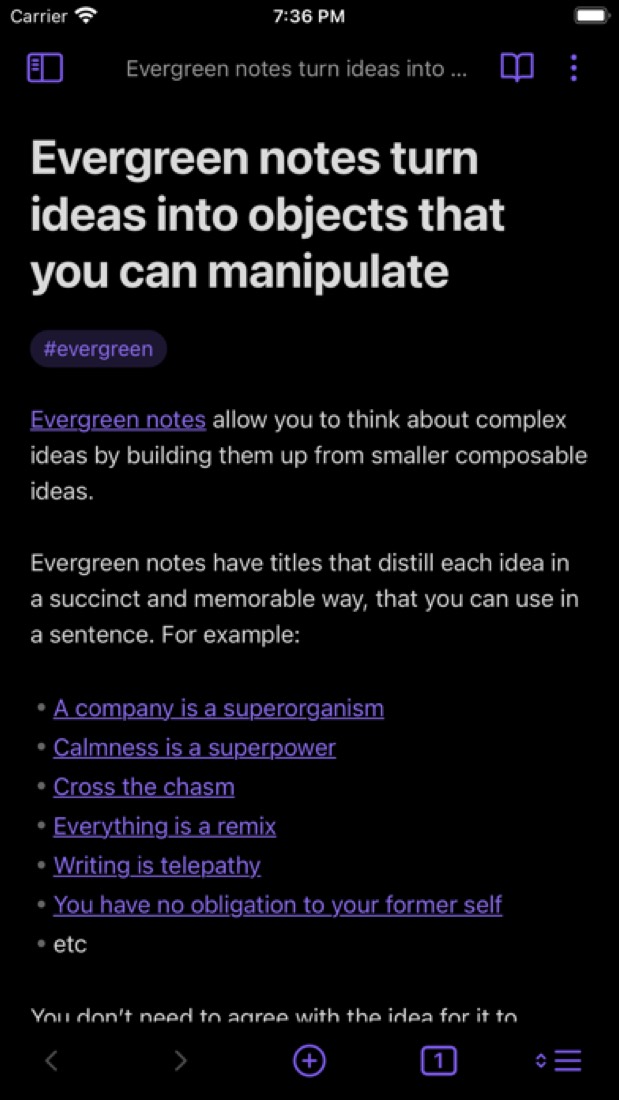
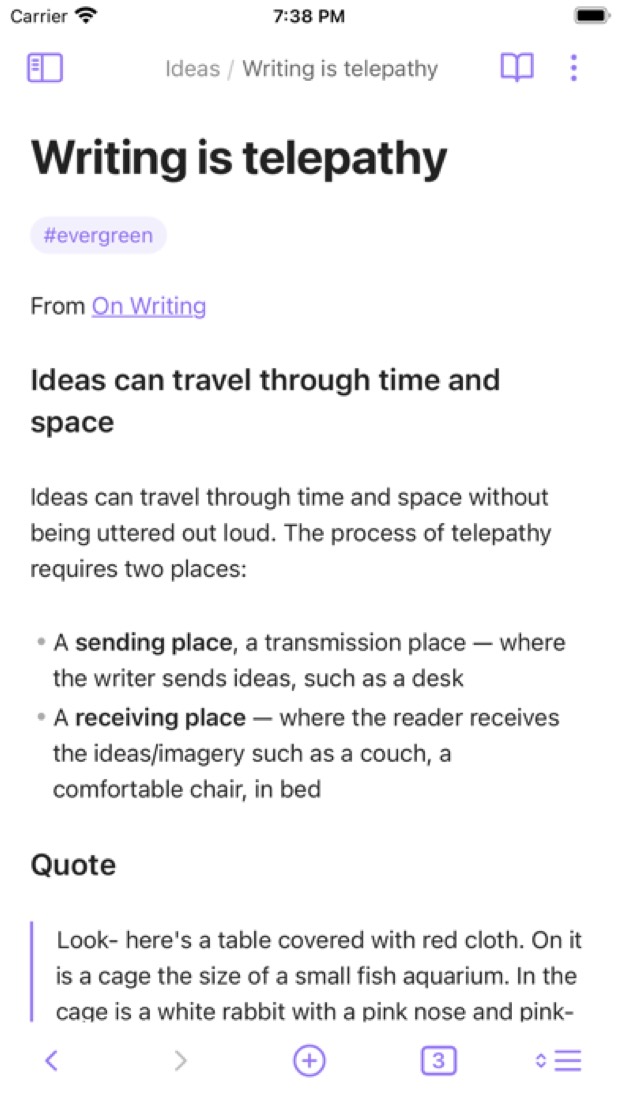

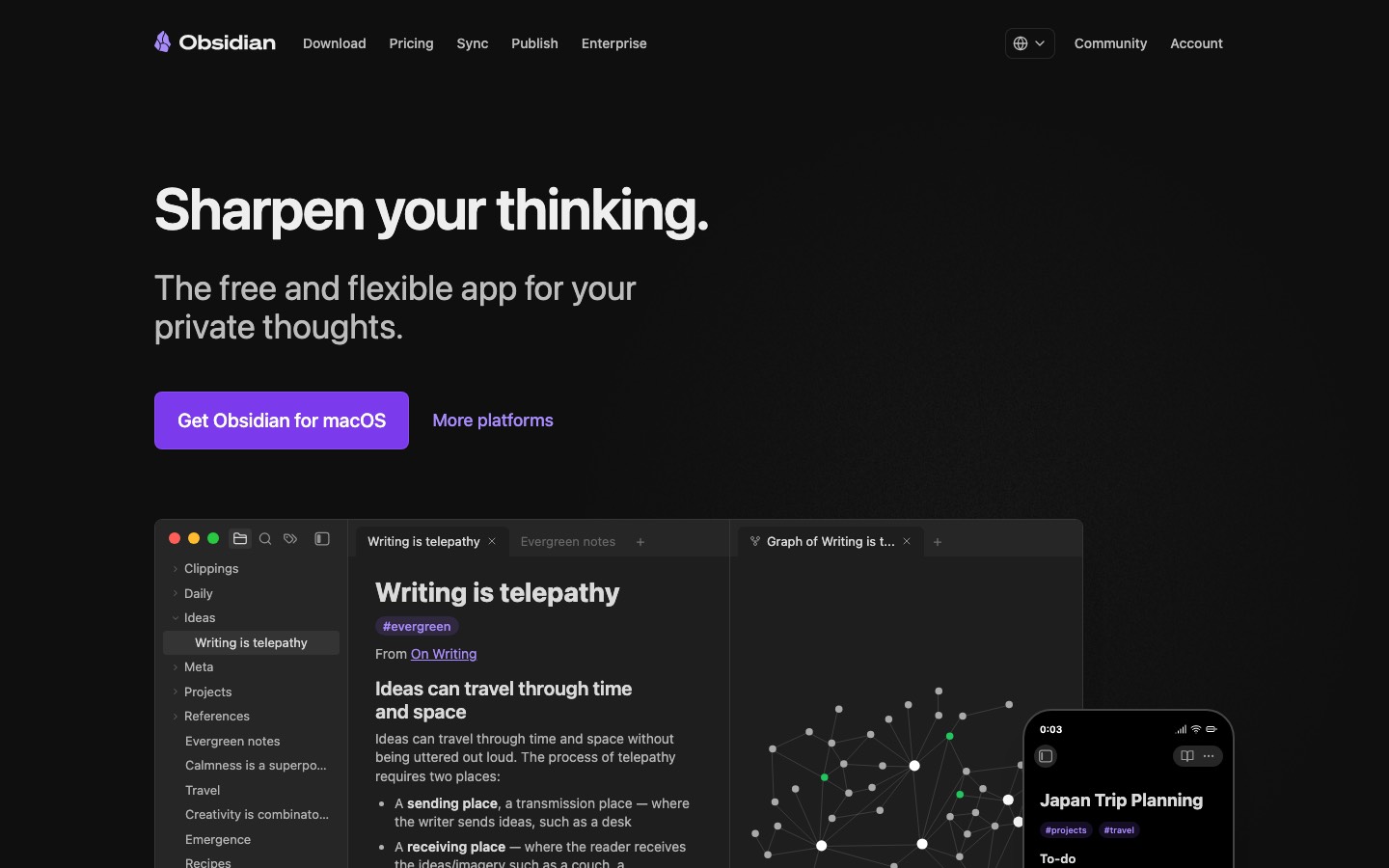
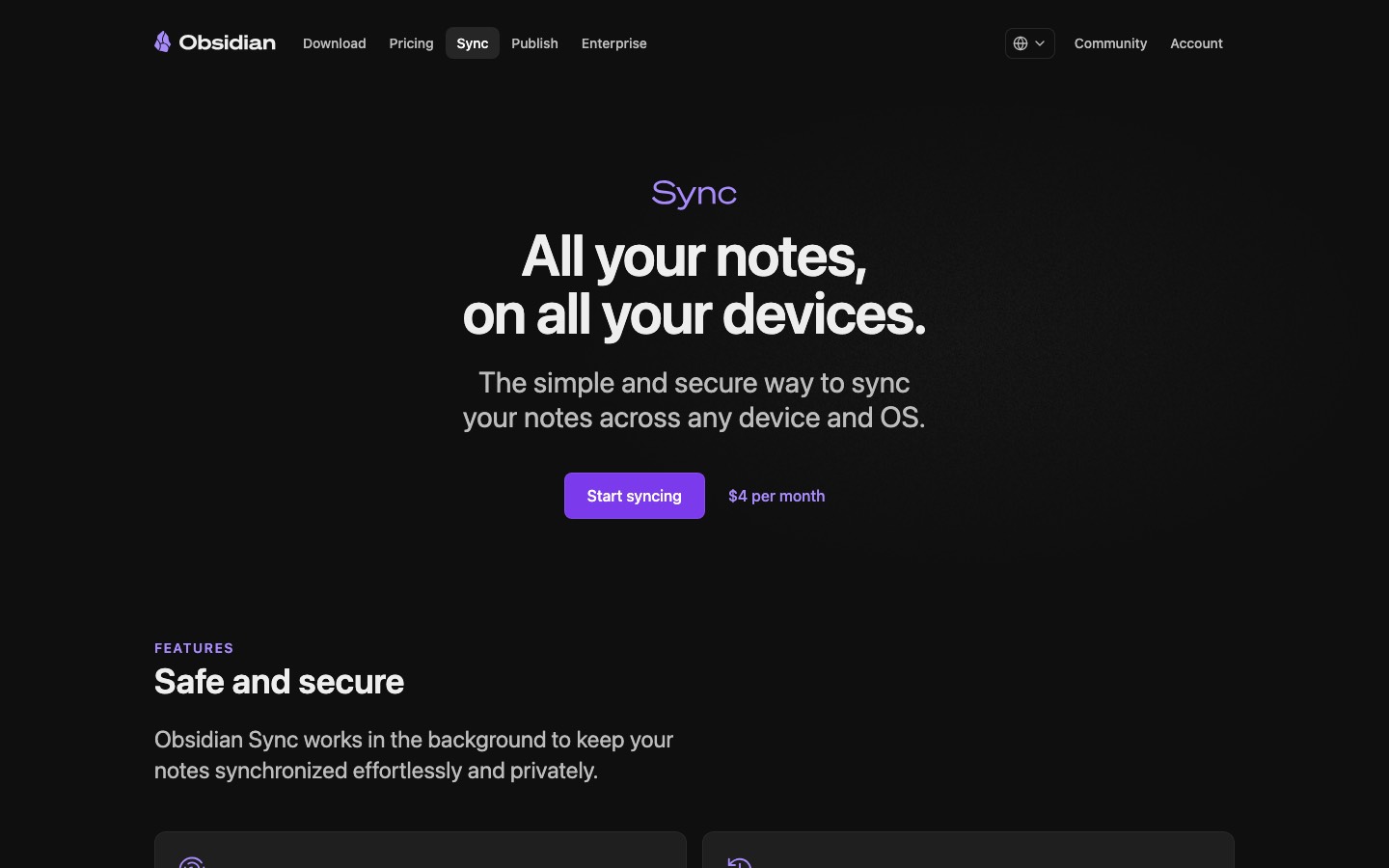
What this review rests on. Based on Obsidian's home, pricing, download, Sync, Publish and help pages as of 8 October 2026, its App Store reviews and Hacker News threads about it. Not based on using the product: this is a read of everything that's public, not a test. How we review and grade.
What is Obsidian?
Obsidian is a note-taking app that stores notes as plain Markdown files on your own device. Notes link to each other, and a graph view and an infinite canvas help map how ideas connect. The app itself is free for personal and work use; syncing between devices and publishing notes to the web are paid add-ons.
Obsidian has a free plan. Paid plans start at $4 per user / month, billed annually (Sync Standard add-on). See every plan
Good for
- People who want their notes as plain Markdown files they control
- Building a linked personal knowledge base that works offline
- Users who like to customize an app with plugins and themes
Worth knowing
- There is no web app; Obsidian runs as desktop and mobile apps only.
- Obsidian Sync is a paid add-on, from $4 per user / month billed annually.
- Sync Standard covers 1 vault with 1 GB of storage and a 5 MB file size limit; larger limits need Sync Plus.
- Publishing notes to the web is billed separately from Sync, at $8 per site / month on annual billing.
Key features
- Local Markdown files
- Notes are saved on your device as plain-text Markdown files, so they stay readable in other editors and available offline.
- Links and graph view
- Notes link to one another, and a graph view draws the relationships between them so related ideas are easier to find.
- Canvas
- An infinite board for laying out notes, diagrams and research side by side while brainstorming.
- Plugins and themes
- Thousands of community plugins and themes, built on an open API, change how the app looks and behaves.
- Sync (paid add-on)
- End-to-end encrypted sync across devices with version history and shared vaults that update in real time for a team.
- Publish and Web Clipper
- Publish turns notes into a hosted site, priced per site. The Web Clipper extension saves web pages from Chrome, Safari, Firefox and Edge.
Obsidian pricing
- Starts at
- $4 per user / month, billed annually (Sync Standard add-on)
- Free plan
- The app is free without limits on desktop and mobile, with no sign-up, and a commercial license is not required for work use. Sync and Publish are optional paid add-ons.
- Free trial
- None listed
| Plan | Price | What you get |
|---|---|---|
| Obsidian app | $0 | The full app with local Markdown notes, links, graph, canvas, plugins and themes. No account needed. |
| Sync Standard | $4per user / month, billed annually ($5 billed monthly) | Encrypted sync for 1 vault with 1 GB of storage, a 5 MB maximum file size and 1 month of version history. |
| Sync Plus | $8per user / month, billed annually ($10 billed monthly) | Sync for 10 vaults with 10 GB of storage (upgradable to 100 GB), 200 MB maximum file size and 12 months of version history. |
| Publish | $8per site / month, billed annually ($10 billed monthly) | Publishes selected notes as a website with a custom domain, password protection, graph view and full-text search. |
| Catalyst | $25one-time payment | Optional supporter license with early access to beta versions, community badges and exclusive channels. |
| Commercial | $50per user / year | Optional license for organizations that want to support development. It is not required to use Obsidian at work. |
Read from obsidian.md on Oct 4, 2026. Prices change, so confirm with Obsidian before you buy.
Ways to pay less
- Annual discount20% lower price with annual billing
Sync is $4 per user / month billed annually versus $5 billed monthly, and Publish is $8 per site versus $10: a 20% saving on each.
Stated on obsidian.md - Education40% off Sync and Publish for students and faculty
Students and faculty members of schools and universities can apply for 40% off Obsidian Sync and Publish from their account dashboard, using a school email.
Stated on obsidian.md - Nonprofit40% off Sync and Publish for nonprofits
People who run or work at a nonprofit organization can apply for 40% off Obsidian Sync and Publish, using their organization email.
Stated on obsidian.md
What people say about Obsidian
4.5
out of 5 for the iPhone and iPad app
2,738 ratings on the App Store in the United States, read Oct 5, 2026. It rates the app, not everything the product does. See the listing
Often praised
- Commenters value that notes are ordinary Markdown files in a folder they control, saying it keeps them from being tied to the app and lets them use Git or other editors. Hacker News 1, 2, 3
- Community plugins come up in reviews across several years as the way people adapt the app to how they work. App Store reviews
- Linking notes to each other is mentioned by reviewers and commenters as part of how they organise their ideas. App Store reviews · Hacker News 1, 2
Often criticised
- Several reviewers are less happy with the iPhone and iPad app than with the desktop one, with slow start-up and crashes among the complaints. App Store reviews
- Syncing between devices draws complaints, from not wanting to pay for the official service to stuck files or a difficult setup with iCloud or Dropbox. Hacker News 1, 2 · App Store reviews
- A learning curve is mentioned even by reviewers who rate it highly, who say it takes time to get comfortable with. App Store reviews
Based on 10 App Store reviews, six of them more than three years old, and 18 Hacker News comments from August and September 2026, read Oct 5, 2026. These are themes summarised in our words, not our own verdict. Follow the links to read what was said.
Obsidian alternatives
- Obsidian vs Logseq
Free plan · from $5/mo
- Obsidian vs Anytype
Free plan · from $4/mo
- Obsidian vs Notion
Free plan · from $10/mo
- Obsidian vs Roam Research
Free trial · from $15/mo
- Obsidian vs Capacities
Free plan · from $9.99/mo





Featured in
- The best Evernote alternatives in 2026Alternatives
- The best Notion alternatives in 2026Alternatives
- The best Obsidian alternatives in 2026Alternatives
- The best note-taking apps in 2026Best of
- A privacy-first productivity stack for 2026Stack
Common questions
Is Obsidian free?
Obsidian has a free plan. The app is free without limits on desktop and mobile, with no sign-up, and a commercial license is not required for work use. Sync and Publish are optional paid add-ons. Paid plans start at $4 per user / month, billed annually (Sync Standard add-on).
How much does Obsidian cost?
Obsidian lists 6 plans. Obsidian app: $0. Sync Standard: $4 per user / month, billed annually ($5 billed monthly). Sync Plus: $8 per user / month, billed annually ($10 billed monthly). Publish: $8 per site / month, billed annually ($10 billed monthly). Catalyst: $25 one-time payment. Commercial: $50 per user / year. Prices were read from obsidian.md on Oct 4, 2026.
What platforms does Obsidian work on?
Obsidian is available on macOS, Windows, Linux, iOS and Android. It also has a browser extension.
Does Obsidian offer any discounts?
Obsidian publicly lists the following: 20% lower price with annual billing; 40% off Sync and Publish for students and faculty; 40% off Sync and Publish for nonprofits.
How is Obsidian rated?
Obsidian's iPhone and iPad app averages 4.5 out of 5 from 2,738 ratings on the App Store in the United States, as read on Oct 5, 2026. That is the store's rating of the app, not a score from us.
Is Obsidian any good?
We have not tested Obsidian, so this is what reviewers say. Often praised: Commenters value that notes are ordinary Markdown files in a folder they control, saying it keeps them from being tied to the app and lets them use Git or other editors. Often criticised: Several reviewers are less happy with the iPhone and iPad app than with the desktop one, with slow start-up and crashes among the complaints. The reviews page has every theme with its sources.
Is Obsidian open source?
Obsidian is not described as open source on its own site, as read on Oct 4, 2026.
Is Obsidian end-to-end encrypted?
Obsidian describes itself as end-to-end encrypted on its own site. Nobody here has audited that.
Does Obsidian work offline?
Yes, according to its own site. What works without a connection differs by plan and platform, so check the vendor's page for the detail.
Does Obsidian have a student discount?
40% off Sync and Publish for students and faculty. Students and faculty members of schools and universities can apply for 40% off Obsidian Sync and Publish from their account dashboard, using a school email.
Who makes Obsidian?
Obsidian is made by Dynalist Inc. It dates from 2020.
What are the alternatives to Obsidian?
The closest alternatives to Obsidian in our directory are Logseq, Anytype, Notion, Roam Research and Capacities. Each one has a side-by-side comparison with Obsidian.
Sources for this page
The prices, plans, platforms and features above were read from these pages on Oct 4, 2026. What people say is linked where it appears.