
Workflowy
Outliner that keeps notes, to-dos and plans in one nested list
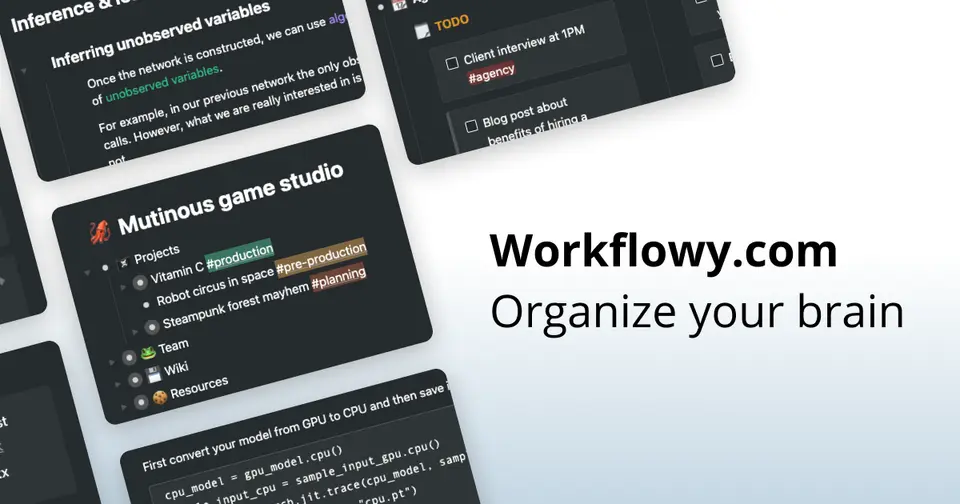
Workflowy review
Very good · out of 4.0 · graded Oct 9, 2026
Best for people who think in bullet points
Do you think in bullet points? Workflowy is one endless list where bullets tuck inside bullets, and you click any one to see only what's under it. It's quick, it runs on pretty much everything, and people stick with it for years. The catch is the free plan: 100 new bullets a month, and Pro is $6.99 a month once you outgrow that.
Who Workflowy is for
- Great if you think in outlines and want notes, to-dos and plans in one list
- Handy when a project keeps growing sub-projects, since bullets nest as deep as you like
- Good for sharing one corner of your notes by link, with no sign-up needed to read it
- A treat if you teach or study at a university, as you can apply for Pro free
Who Workflowy is not for
- Tight if you're staying free, with only 100 new bullets a month
- Pricey if a simple list is all you need, at $6.99 a month once you're past the free cap
- Not for you if you write long documents with proper layouts, because everything is a bullet
- Skip it if you need alarms and repeating tasks, which we couldn't find in its help pages
Why Workflowy gets a 3.4
Five grades, each with its reason. The GPA is their average: an A is 4 points, an F is none.
- BValue for moneyPro is $6.99 a month on yearly billing, a dollar under Dynalist Pro, and there's no dearer tier with the good stuff kept back. Still, about $84 a year is a lot for a list.
- BFree plan and trialFree for good, and the pricing page says every feature is in it. But 100 new bullets a month is about three a day, and uploads stop at 100 MB.
- BFeaturesNesting, zoom, mirrors, boards, tables, a calendar and sharing by link. That's a lot for an outliner. But we found no timed reminders or repeating tasks in its help pages.
- AEase of use4.8 from about 8,200 App Store ratings. Enter for a new bullet, Tab to tuck it under the last one, click to zoom in. That's most of it.
- APlatforms and integrationsWeb, Mac, Windows, Linux, iPhone and Android, with clippers for Chrome and Firefox. Zapier, Readwise and Google Calendar hook in. There's an API, though Workflowy itself calls it basic.
The good
So what is Workflowy? One list. That's the whole idea, and it goes further than you'd think.
Everything's a bullet. Press Tab and a bullet tucks under the one above. So "Home" holds "Kitchen refit", which holds "Quotes", which holds "ring the plumber back". Go as deep as you like.
Then you zoom. Click any bullet and it fills the screen, and everything else is out of sight until you want it back. Honestly, that's the trick. A huge list never feels huge.
Is it only for lists, then? Not any more. A bullet can be a to-do or a heading, and a whole list can turn into a board or a table. Type /table and you've got columns.
Sharing is neat as well. Send a link to one bullet and the other person sees that bullet and what's under it, nothing more. They don't need an account to look.
And it's on the web, Mac, Windows, Linux, iPhone and Android, so the list is wherever you are.
The stuff that'll bug you
The free plan's cap, mostly. You can add 100 new bullets a month.
That's about three a day! Notes from a couple of meetings and a packing list, and you're most of the way there. Go over and you can still add bullets, but a popup asks you to subscribe.
Then there's the shape of it. No documents, no folders, only bullets. Lovely for lists and plans. Less so if you want to write a long report and lay it out nicely.
Don't expect it to nag you, either. We couldn't find timed reminders or repeating tasks anywhere in its help pages. The nearest thing is Today Digest, an email at 8 AM with what's on your calendar that day.
One muddle to know about. The pricing page says every feature is free, but the help pages say the AI tools need Pro. So don't count on those for nothing.
And Panes, which put two parts of your list side by side, only work on desktop for now.
Money
Start on Basic. It's free, and it stays free.
The limits are 100 new bullets a month and 100 MB of uploads. Fine for the odd list. Keep your meeting notes in it and 100 won't last the week.
Pro is $6.99 a month if you pay yearly, or $8.99 month to month. That takes the cap off bullets and uploads. You get a 7-day free trial first.
Is that a lot for a list? A bit, we think. It's about $84 a year, and Notion and Obsidian cost one person nothing. Then again, it's a dollar less than Dynalist Pro, its closest rival. And there's no dearer tier above it, so nothing's kept back.
Teams pay the same $6.99 a person, paid yearly. That adds help getting set up and automatic backups to Dropbox.
Two nice touches. Stop paying and you keep all your notes. And non-profits get 50% off Pro.
What actual users say
Workflowy has 4.8 on the App Store from about 8,200 ratings. Nine in ten of them are five stars.
So what do people love? Speed, mostly. One reviewer couldn't work out why they liked it more than apps that do more, and landed on how quickly they can find things.
People wander off and come back, too. One had been tempted away by fancier apps a couple of times and returned each time.
The older reviews have a grumble. Around 2017 and 2018, paying users said the app had sat untouched for years. Not any more. Its What's New page lists eight updates so far this year, with tables and Panes among them.
The gripe now is price. On Hacker News one fan wishes it were cheaper. Another reckons it costs far too much for the little they use, and is building their own.
Some have moved on to Logseq or Roam for more power. One of them still opens Workflowy to work with other people.
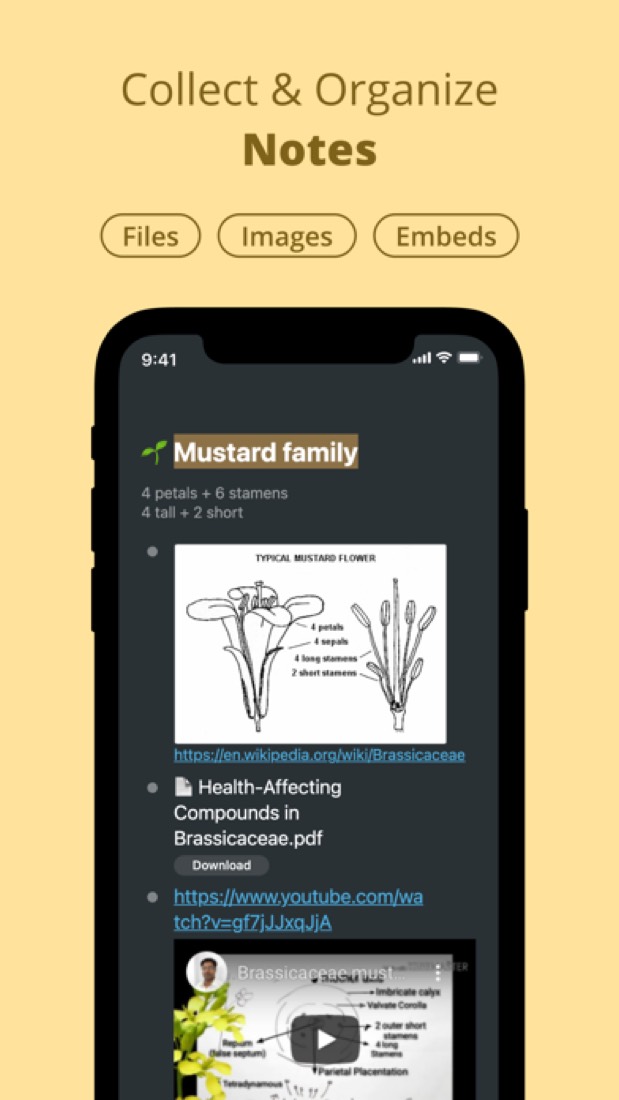
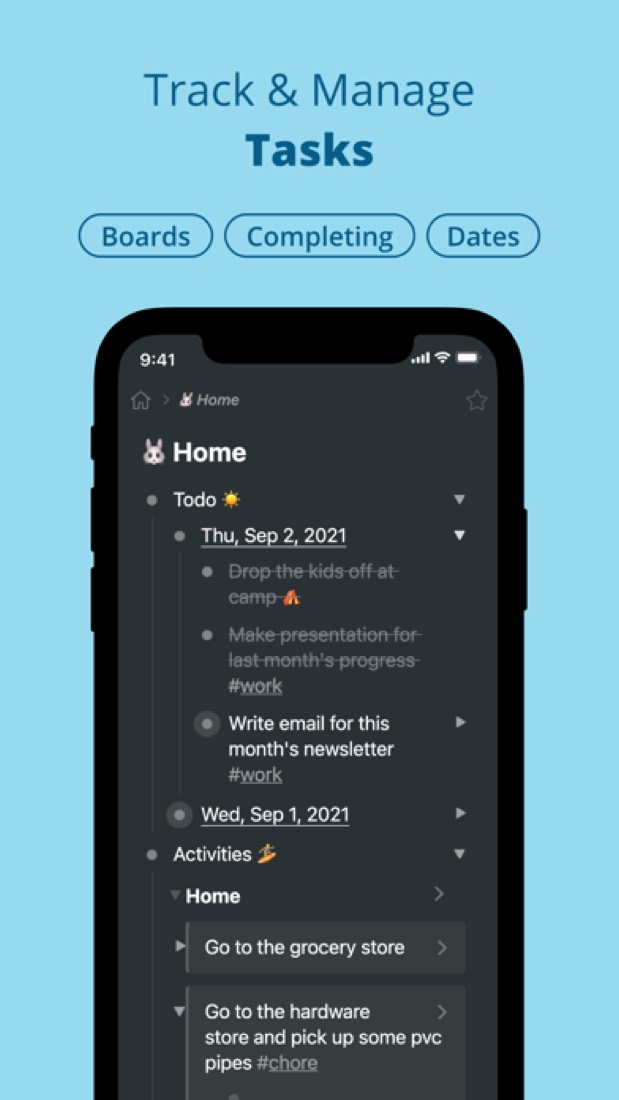
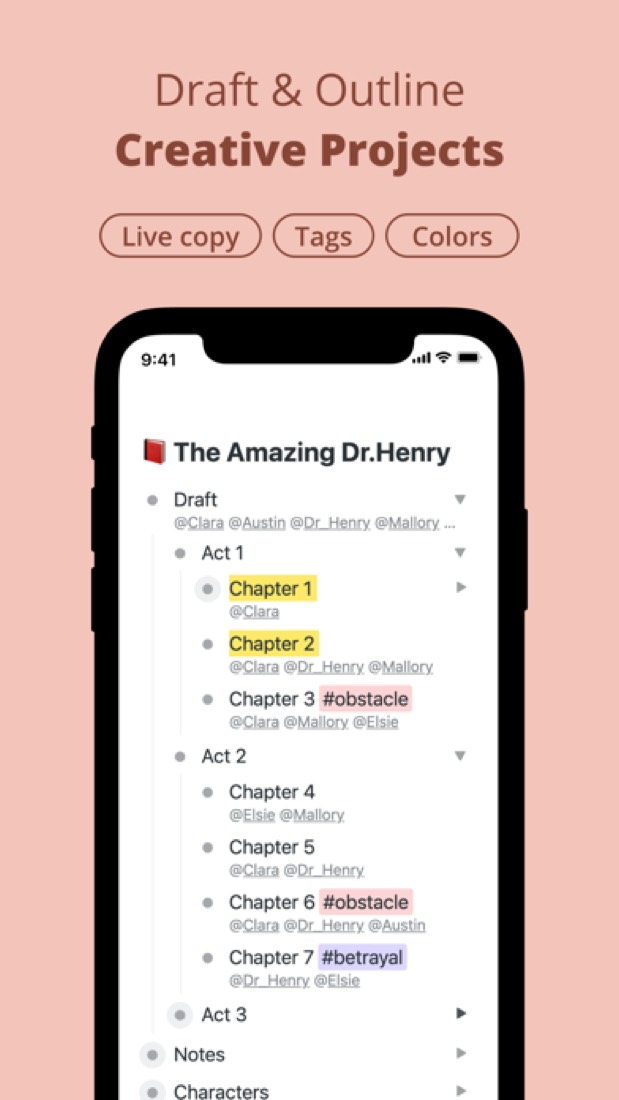
What this review rests on. Based on Workflowy's home, pricing, downloads, Teams, education, integrations, help and What's New pages as of 9 October 2026, its App Store listing and reviews, and Hacker News comments about it. Not based on using the product: this is a read of everything that's public, not a test. How we review and grade.
What is Workflowy?
Workflowy is an outliner: everything lives in a single, infinitely nested bullet list that can be zoomed into, tagged, searched and shared. A bullet can become a to-do, a heading, a board or a table, and links and mirrors connect related items. It runs on the web, desktop and mobile, and the free Basic plan includes every feature with a cap of 100 new bullets a month.
Workflowy has a free plan. Paid plans start at $6.99 per month, billed annually (Pro). See every plan
Good for
- People who think in outlines and nested lists
- Keeping notes, to-dos and plans in one place
- College faculty and their students, who can get Pro free
- Teams working from a shared outline
Worth knowing
- The free Basic plan allows 100 new nodes per month and 100 MB of file uploads; past the limit you are prompted to subscribe.
- Content is organized as one bullet outline, with no separate documents or folders.
- Workflowy describes its API as basic, supporting CRUD operations.
- The optional AI features send prompts and selected content to third-party model providers, named as OpenAI and Anthropic.
Key features
- Infinitely nested outline
- Everything is a bullet that can be indented under another, so the same list works as notes, folders, to-dos and documents without separate files.
- Boards, tables and node types
- A bullet can be turned into a to-do, heading, paragraph, code block or quote, and a list can be laid out as a kanban-style Board or as a Table.
- Tags, dates, links and mirrors
- Tags, mentions and date tags filter the outline, links between bullets create backlinks, and mirrors show the same bullet in several places.
- Sharing and collaboration
- Notes and resources can be shared for real-time collaboration, with comments on bullets and an instant presentation view.
- Calendar and quick capture
- A Calendar and Timeline lay out dated items, while Quick Add, mobile sharing and Email to Workflowy capture ideas from outside the app.
- AI, API and integrations
- Optional AI features generate, edit and summarize content. A basic API, Zapier and a Readwise sync connect Workflowy to other apps.
Workflowy pricing
- Starts at
- $6.99 per month, billed annually (Pro)
- Free plan
- Basic plan, free forever: all features, limited to 100 nodes (bullets) per month and 100 MB of file uploads.
- Free trial
- 7-day free trial of Pro.
| Plan | Price | What you get |
|---|---|---|
| Basic | Free | All features, with 100 nodes per month and 100 MB of file uploads. |
| Pro | $6.99per month, billed annually ($8.99 billed monthly) | All features with unlimited nodes and unlimited uploads. |
| Teams | $6.99per user / month, paid yearly | Unlimited nodes and file uploads for every member, one-on-one team setup and auto-backup to Dropbox. |
Read from workflowy.com on Oct 5, 2026. Prices change, so confirm with Workflowy before you buy.
Ways to pay less
- Annual discountAbout 22% lower price with annual billing
Pro is $6.99 per month when billed annually against $8.99 per month on monthly billing.
Stated on workflowy.com - EducationFree Pro for faculty and their students
College and university faculty can apply for free Pro for life and invite their students, who get Pro at no cost for the duration of their studies.
Stated on workflowy.com - Nonprofit50% non-profit discount on Pro
The pricing FAQ lists a 50% non-profit discount on Pro subscriptions, arranged by emailing Workflowy.
Stated on workflowy.com
How people rate the Workflowy app
4.8
out of 5 for the iPhone and iPad app
- 5 stars91%
- 4 stars6%
- 3 stars1%
- 2 stars<1%
- 1 star1%
8,223 ratings on the App Store in the United States, read Oct 5, 2026. It rates the app, not everything the product does. See the listing
Works with
Workflowy alternatives
- Workflowy vs Dynalist
Free plan · from $7.99/mo
- Workflowy vs Logseq
Free plan · from $5/mo
- Workflowy vs Roam Research
Free trial · from $15/mo
- Workflowy vs Tana Outliner
Free plan · from $8/mo
- Workflowy vs OmniOutliner
Free trial · from $24.99 one-time





Common questions
Is Workflowy free?
Workflowy has a free plan. Basic plan, free forever: all features, limited to 100 nodes (bullets) per month and 100 MB of file uploads. Paid plans start at $6.99 per month, billed annually (Pro).
How much does Workflowy cost?
Workflowy lists 3 plans. Basic: Free. Pro: $6.99 per month, billed annually ($8.99 billed monthly). Teams: $6.99 per user / month, paid yearly. Prices were read from workflowy.com on Oct 5, 2026.
What platforms does Workflowy work on?
Workflowy is available on Web, Windows, macOS, Linux, iOS and Android. It also has a browser extension.
Does Workflowy offer any discounts?
Workflowy publicly lists the following: About 22% lower price with annual billing; Free Pro for faculty and their students; 50% non-profit discount on Pro.
How is Workflowy rated?
Workflowy's iPhone and iPad app averages 4.8 out of 5 from 8,223 ratings on the App Store in the United States, as read on Oct 5, 2026. That is the store's rating of the app, not a score from us.
Is Workflowy open source?
Workflowy is not described as open source on its own site, as read on Oct 5, 2026.
Does Workflowy have an API?
Yes. Workflowy offers a public API, according to its own site.
What does Workflowy integrate with?
Workflowy's listing names Readwise, Zapier, Google Calendar, Dropbox, Slack, Todoist, Gmail and Apple Shortcuts. A listing names up to eight integrations, so it may connect to more.
Does Workflowy have a student discount?
Free Pro for faculty and their students. College and university faculty can apply for free Pro for life and invite their students, who get Pro at no cost for the duration of their studies.
Does Workflowy have a free trial?
Yes. 7-day free trial of Pro.
Who makes Workflowy?
Workflowy is made by FunRoutine Inc.
What are the alternatives to Workflowy?
The closest alternatives to Workflowy in our directory are Dynalist, Logseq, Roam Research, Tana Outliner and OmniOutliner. Each one has a side-by-side comparison with Workflowy.
Sources for this page
The prices, plans, platforms and features above were read from these pages on Oct 5, 2026. What people say is linked where it appears.