
Notion
Workspace for docs, wikis, databases and projects with built-in AI
Our verdict
First of our top three note-taking apps
For: Most people, and anyone who shares notes with a team
Notion keeps notes, a wiki and databases in one workspace that runs in a browser and as Mac, Windows, iPhone and Android apps. The free plan gives one person unlimited pages, and paid plans start at $10 per member a month, billed yearly. Its iPhone and iPad app averages 4.8 from about 90,000 ratings. Know the limits: there is no Linux desktop app, file uploads on the free plan stop at 5 MB, and most of the AI features need the Business plan.
See all three and how we rankNotion review
Very good · out of 4.0 · graded Oct 8, 2026
Best for planning and all-in-one workspaces
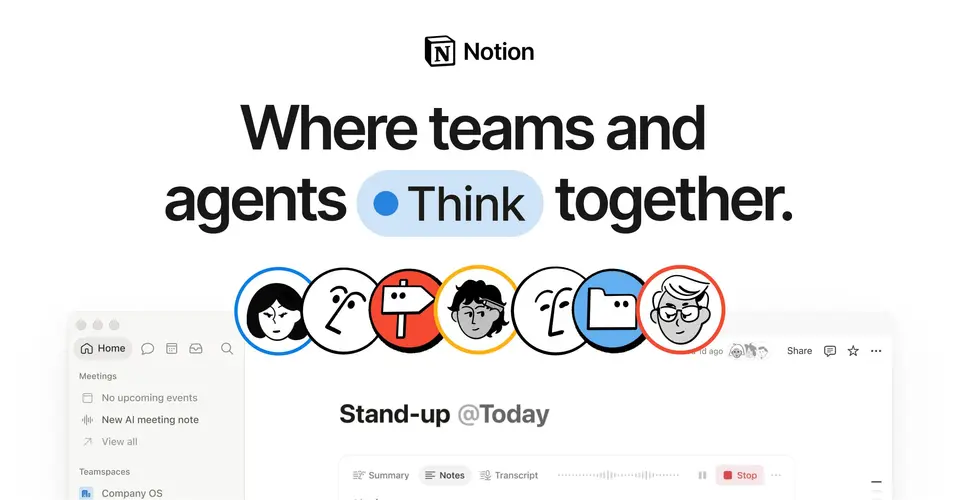
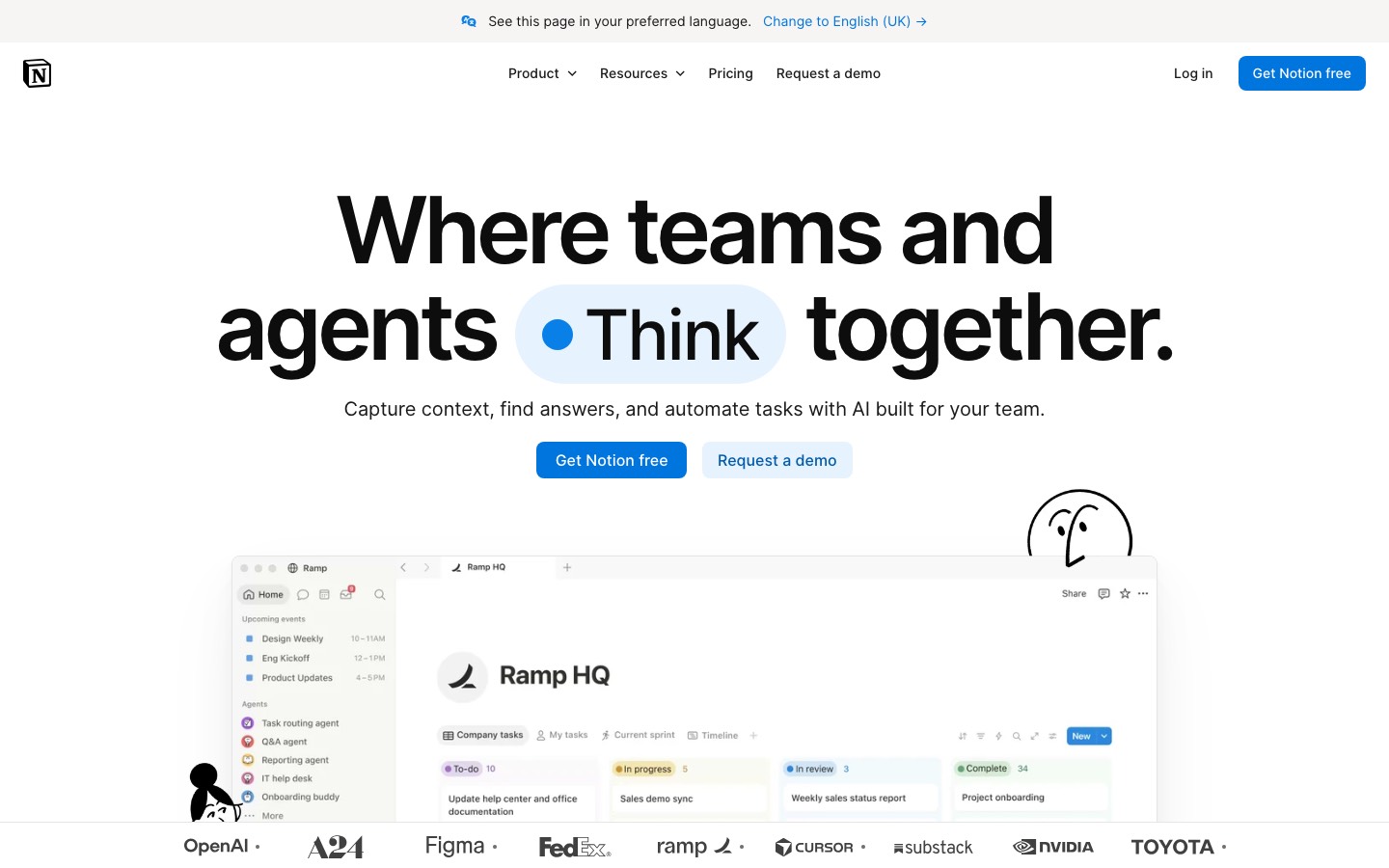
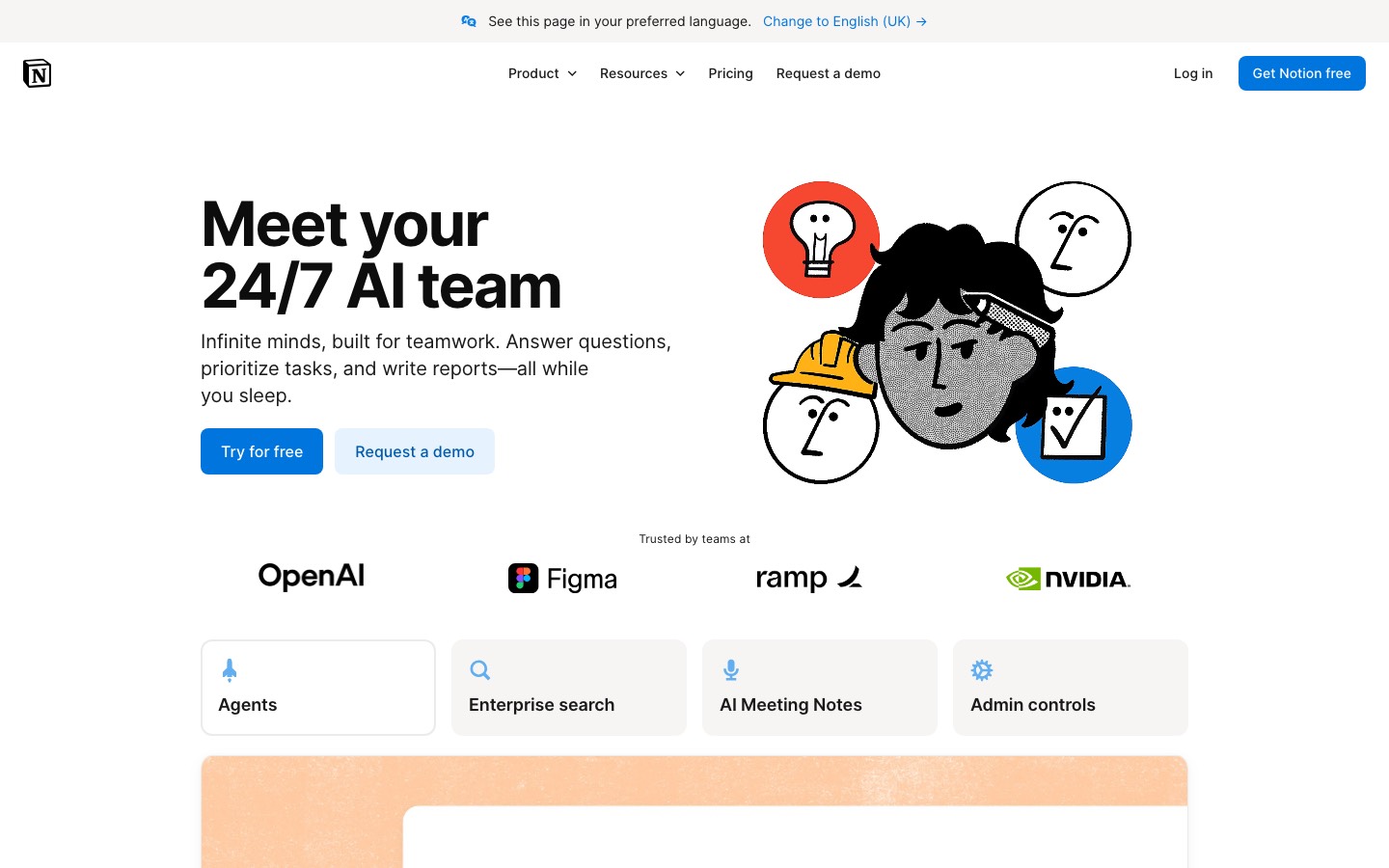
Notion wants to be your notes, your wiki, your project tracker and your team docs, all in one app, and it's free if it's just you. A fair warning though: it hands you a blank page and you build the rest, which takes a while to click. And the AI all over their homepage is on the $20 plan, not the $10 one.
Who Notion is for
- Great if your team's stuff is spread over three tools and you want one
- Handy as a free home for your own notes, plans and lists
- A treat if you enjoy building your own trackers and dashboards
- Good for students and teachers at a college, since Plus is free with a school email
Who Notion is not for
- Skip it if you want to open an app and just start typing
- Not for you if you're on Linux and want a real desktop app
- Pricey if you want the AI agent or meeting notes, which need Business
- Awkward if you're offline a lot on the free plan, where you pick pages one by one
Why Notion gets a 3.2
Five grades, each with its reason. The GPA is their average: an A is 4 points, an F is none.
- BValue for moneyTen dollars a person on Plus is fair when it replaces your docs, wiki and tracker. The sting is the AI agent and meeting notes sitting on Business, which is double.
- AFree plan and trialIf it's only you, it's unlimited pages for nothing, plus 10 guests. We don't know a more generous free plan in this category.
- AFeaturesDocs, databases, forms, websites, automations, a calendar app, AI agents. They added shareable agent skills in September 2026. There's a lot here, maybe too much.
- CEase of useThis is the weak spot. People who get through setup love it, but "it took me ages to figure out" is the complaint you see most, and a blank workspace doesn't help.
- BPlatforms and integrationsWeb, Mac, Windows, iPhone, Android, a web clipper, an API, and it talks to Slack, GitHub, Jira and friends. No Linux app on the download page though.
The good
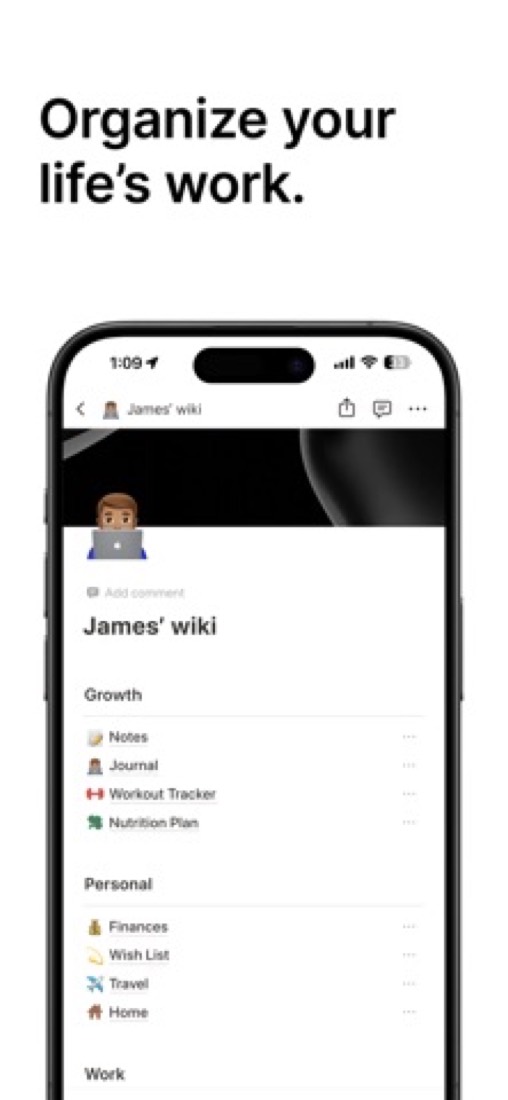
The idea behind Notion is simple once it lands. Everything's a page.
A database is just a bunch of pages, and you can flip it between a table, a board, a calendar or a timeline.
What does that get you in real life? Your meeting notes sit inside the project they're about, right next to the tasks that came out of the meeting. Not in some other app you forget to open.
That's why teams end up dropping their docs tool, their wiki and their light project tracker for it. One thing to pay for, one place to look.
It keeps growing too. Forms that drop answers straight into a database, pages you can publish as a website, a separate calendar app. The September 2026 release added agent skills, which is basically saving a good prompt so the whole team can reuse it.
And the free plan is lovely. One person, unlimited pages, no trial clock.
The stuff that'll bug you
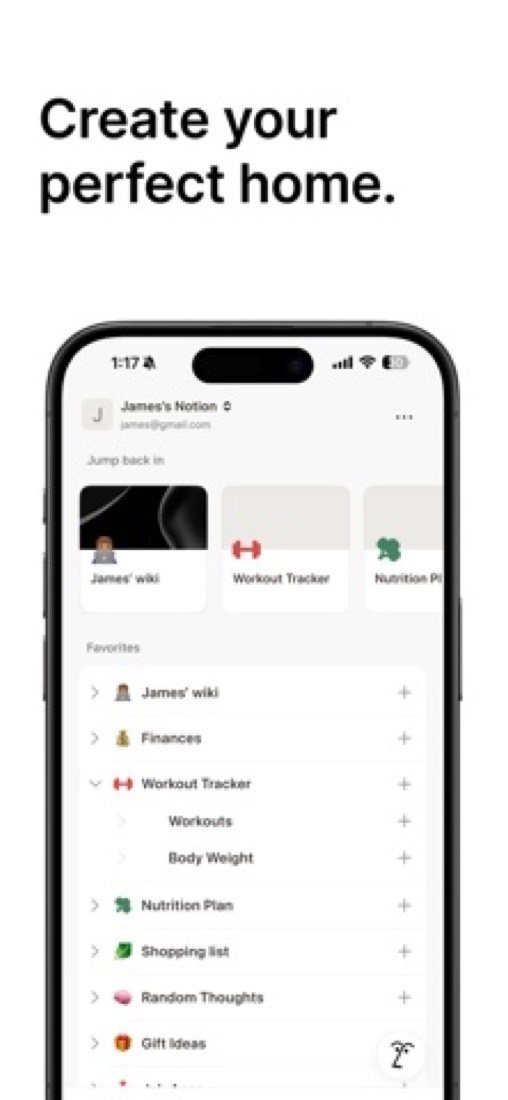
You sign up and you get... an empty workspace. Notion doesn't tell you how to organise things. You decide.
Some people love that. But going through the App Store reviews, lots of people said it took weeks before it stopped feeling like homework. It's the most common complaint by far.
So if all you want is to jot something down and find it later, honestly, get a simpler notes app. You'll be happier.
Offline is the other one. For years there wasn't any. There is now, but on the free plan you pick which pages to keep offline, while paid plans do more of it for you. On planes or bad wifi a lot? Check that first.
And there's no Linux app. We looked on the download page and it's not there, so it's browser only.
Money
Just you? You probably won't pay a thing. The free plan really is enough for one person.
The thing to know is that "unlimited" only covers one member. The moment a second person joins, there's a cap.
Plus is $10 a person a month on yearly billing, and it's the one most small teams want. Their pricing page says yearly saves up to 20%.
Now the part we'd want someone to tell us before buying. The AI agent, the AI meeting notes and the search across your other apps are all on Business, which is $20. Free and Plus only get a limited trial.
Custom agents cost extra on top, at $10 per 1,000 credits after a free allowance. So if AI is why you're looking at Notion, you're really shopping for the $20 plan.
What actual users say
Notion has 4.78 on the App Store from around 90,000 ratings, so the people on it mostly like it a lot.
What comes up again and again in the happy reviews? How many other apps it let them delete.
On Hacker News you also see people moving their notes into it because it hooks up to the AI assistants they already have.
The complaints are the same ones every year. It takes a while to learn. It's a bit janky on an iPad with a keyboard. And the old reviews are full of people asking for offline mode, which they've now got.
A few people had billing go wrong after upgrading. It's a small number of reviews, but we'd rather mention it than not.
What this review rests on. Based on Notion's product, pricing, release and help pages as of 8 October 2026, its App Store reviews and Hacker News threads about it. Not based on using the product: this is a read of everything that's public, not a test. How we review and grade.
Make Notion? Put this grade on your site

Paste this where you want the badge. It links here and follows the grade if it changes. About badges
<a href="https://toolgpa.com/tools/notion#review"><img src="https://toolgpa.com/badge/notion.svg" alt="Notion: 3.2 GPA on ToolGPA" width="196" height="56"></a>What is Notion?
Notion is a workspace where documents, wikis and databases sit side by side, so a team can keep notes, project trackers and reference material in one tool. Pages are built from blocks and can be shared, commented on and co-edited. From the Business plan up it adds an AI agent, meeting transcription and search across connected apps.
Notion has a free plan. Paid plans start at $10 per member / month, billed yearly. See every plan
Good for
- Teams that want docs, a wiki and project tracking in one workspace
- Individuals who want a free personal workspace with unlimited pages
- Building custom trackers and dashboards from databases
Worth knowing
- Notion Agent, AI Meeting Notes and Enterprise Search are only a limited trial on Free and Plus; full access starts at Business.
- The Free plan limits blocks once a second member joins, caps file uploads at 5 MB and keeps 7 days of page history.
- There is no Linux desktop app; Notion points Linux users to the browser version.
- Custom Agents run on Notion credits, an add-on for Business and Enterprise priced at $10 per 1,000 monthly credits.
Key features
- Docs and pages
- Pages hold text, media and embeds. Several people can edit the same page, leave comments and @-mention each other.
- Databases
- Databases organize hundreds or thousands of items such as projects or tasks. Charts are limited to 1 on Free, and database automations start on Plus.
- Wikis
- A knowledge base keeps team documentation in one place. Private teamspaces for restricting access need the Business plan.
- Notion Agent, Meeting Notes and Search
- The AI agent, meeting transcription with summaries and search across connected apps are included from Business. Free and Plus get a limited trial.
- Forms and Sites
- Collect responses into a database and publish pages to the web. Custom forms start on Plus, conditional logic on Business, and custom domains are billed per domain.
- Offline pages
- The desktop and mobile apps can view, edit and create pages offline. Free users pick pages to download; paid plans also download recent and favorite pages automatically.
Notion pricing
- Starts at
- $10 per member / month, billed yearly
- Free plan
- Unlimited pages and blocks for one person (a limited block allowance once a second member joins), 5 MB file uploads, 7 days of page history, 10 guests and 1 chart.
- Free trial
- Some teams and organizations are eligible to try the Business plan for 30 days.
| Plan | Price | What you get |
|---|---|---|
| Free | $0 | For individuals: unlimited pages and blocks for one person, 5 MB file uploads, 7-day page history, 10 guests and basic forms. |
| Plus | $10per member / month, billed yearly | Unlimited file uploads, 30-day page history, unlimited guests, custom forms, unlimited charts and database automations. |
| Business | $20per member / month, billed yearly | Everything in Plus, plus Notion Agent, AI Meeting Notes, Enterprise Search (beta), SAML SSO, private teamspaces and 90-day page history. |
| Enterprise | Custom | Everything in Business, plus SCIM user provisioning, audit logs, advanced security controls and unlimited page history. |
Read from notion.com on Oct 4, 2026. Prices change, so confirm with Notion before you buy.
Ways to pay less
- Annual discountSave up to 20% with yearly billing
Notion's pricing page says paying yearly instead of monthly saves up to 20% on the Plus and Business plans.
Stated on notion.com - EducationFree Education plan for students and educators
Students and educators at accredited colleges and universities get a free one-member workspace with Plus features by signing up with a school email. K-12 is not eligible.
Stated on notion.com - Nonprofit50% off the Business plan for nonprofits
Verified nonprofit organizations can apply for 50% off the Business plan on up to three workspaces. Verification takes 3 to 7 business days.
Stated on notion.com - StartupsUp to 6 months of Business free for startups
Startups under 100 employees that are not yet paying customers can apply for 1, 3 or 6 months of the Business plan free, depending on partner affiliation and company details.
Stated on notion.com
How people rate the Notion app
4.8
out of 5 for the iPhone and iPad app
- 5 stars89%
- 4 stars5%
- 3 stars2%
- 2 stars<1%
- 1 star3%
90,319 ratings on the App Store in the United States, read Oct 5, 2026. It rates the app, not everything the product does. See the listing
Works with
Notion alternatives
- Notion vs Anytype
Free plan · from $4/mo
- Notion vs Capacities
Free plan · from $9.99/mo
- Notion vs Obsidian
Free plan · from $4/mo
- Notion vs Craft
Free plan · from $96/yr
- Notion vs Evernote
Free plan · from $99/yr





Featured in
- The best Evernote alternatives in 2026Alternatives
- The best Notion alternatives in 2026Alternatives
- The best Obsidian alternatives in 2026Alternatives
- The best Trello alternatives in 2026Alternatives
- The best note-taking apps in 2026Best of
- A founder productivity stack for 2026Stack
- A free productivity stack for 2026Stack
- A student productivity stack for 2026Stack
Common questions
Is Notion free?
Notion has a free plan. Unlimited pages and blocks for one person (a limited block allowance once a second member joins), 5 MB file uploads, 7 days of page history, 10 guests and 1 chart. Paid plans start at $10 per member / month, billed yearly.
How much does Notion cost?
Notion lists 4 plans. Free: $0. Plus: $10 per member / month, billed yearly. Business: $20 per member / month, billed yearly. Enterprise: custom pricing. Prices were read from notion.com on Oct 4, 2026.
What platforms does Notion work on?
Notion is available on Web, macOS, Windows, iOS and Android. It also has a browser extension.
Does Notion offer any discounts?
Notion publicly lists the following: Save up to 20% with yearly billing; Free Education plan for students and educators; 50% off the Business plan for nonprofits; Up to 6 months of Business free for startups.
How is Notion rated?
Notion's iPhone and iPad app averages 4.8 out of 5 from 90,319 ratings on the App Store in the United States, as read on Oct 5, 2026. That is the store's rating of the app, not a score from us.
Does Notion have a Linux app?
No Linux app was listed when its pages were read on Oct 4, 2026. Notion is listed for Web, macOS, Windows, iOS and Android.
Is Notion open source?
Notion is not described as open source on its own site, as read on Oct 4, 2026.
Does Notion have an API?
Yes. Notion offers a public API, according to its own site.
What does Notion integrate with?
Notion's listing names Slack, Google Drive, GitHub, Figma, Microsoft Teams, Jira, Linear and Loom. A listing names up to eight integrations, so it may connect to more.
Does Notion have a student discount?
Free Education plan for students and educators. Students and educators at accredited colleges and universities get a free one-member workspace with Plus features by signing up with a school email. K-12 is not eligible.
Does Notion have a free trial?
Yes. Some teams and organizations are eligible to try the Business plan for 30 days.
Who makes Notion?
Notion is made by Notion Labs, Inc.
What are the alternatives to Notion?
The closest alternatives to Notion in our directory are Anytype, Capacities, Obsidian, Craft and Evernote. Each one has a side-by-side comparison with Notion.
Sources for this page
The prices, plans, platforms and features above were read from these pages on Oct 4, 2026. What people say is linked where it appears.
- notion.com
- notion.com/pricing
- notion.com/download
- notion.com/mobile
- notion.com/web-clipper
- notion.com/help/notion-for-desktop
- notion.com/product/notion
- notion.com/product/docs
- notion.com/integrations
- developers.notion.com
- notion.com/help/guides/working-offline-in-notion-everything-you-need-to-know
- notion.com/help/upgrade-or-downgrade-your-plan
- notion.com/help/what-are-notion-credits
- notion.com/help/notion-for-education
- notion.com/nonprofits
- notion.com/startups