Adobe Premiere
Professional video editor for desktop, with a free mobile app
Adobe Premiere review
Good · out of 4.0 · graded Oct 9, 2026
Best for pro video editing alongside other Adobe apps
Premiere is the editor a lot of working video people already know. It does the whole job, from cutting and colour to sound and titles, and the phone app is free with no watermark. The desktop app is rental only, though: $22.99 a month on a year's commitment. And it takes a while to learn.
Who Adobe Premiere is for
- Great if you already pay for Photoshop or After Effects and hop between them
- Handy when clients sign off your cuts, since Frame.io comes with the plan
- Good for interviews and podcasts, where you can cut by editing the transcript
- A treat if you shoot on your phone, as that app is free with no watermark
Who Adobe Premiere is not for
- Skip it if you hate subscriptions, because you can't buy it outright
- Pricey if you edit a few videos a year, when DaVinci Resolve has a free version
- Not for you if you want to be editing in ten minutes, as there's a lot to learn
- Not for you if you're on Linux, where there's no Premiere at all
Why Adobe Premiere gets a 2.8
Five grades, each with its reason. The GPA is their average: an A is 4 points, an F is none.
- CValue for money$22.99 a month, and only if you sign up for a year. You can't buy it outright. DaVinci Resolve has a free version, and Apple's bundle with Final Cut is $12.99.
- BFree plan and trialThe phone app is free for real: no watermark, unlimited 4K exports. The desktop app only gets a 7-day trial, which turns into a paid plan unless you cancel.
- AFeaturesA full pro timeline with colour, audio, effects and multicam. Plus rough cuts by copying and pasting the transcript, and search that finds a clip from a description.
- CEase of useIt's a professional tool and it looks like one. Adobe's own free workshop for learning it runs two hours, and one startup's founders wrote on Hacker News that they kept looking up simple edits.
- BPlatforms and integrationsMac and Windows on the desktop, iPhone and Android for the free app. No Linux. It's wired into Frame.io, After Effects and Photoshop.
The good
Why do so many editors stay with Premiere? Because the whole job happens in one place. You cut on a proper timeline, fix the colour, clean up the sound, add titles and export, all in the same app.
The newer AI tools are the practical kind. Text-Based Editing writes out what was said, and you build a rough cut by copying and pasting sentences. If you edit interviews, that saves a lot of scrubbing.
Search works on meaning now, too. Type "dog running on a beach" and it finds the clip, even if you never labelled it.
It also sits inside the rest of Adobe. Frame.io for getting feedback comes with the plan, and it works closely with After Effects and Photoshop if you have those.
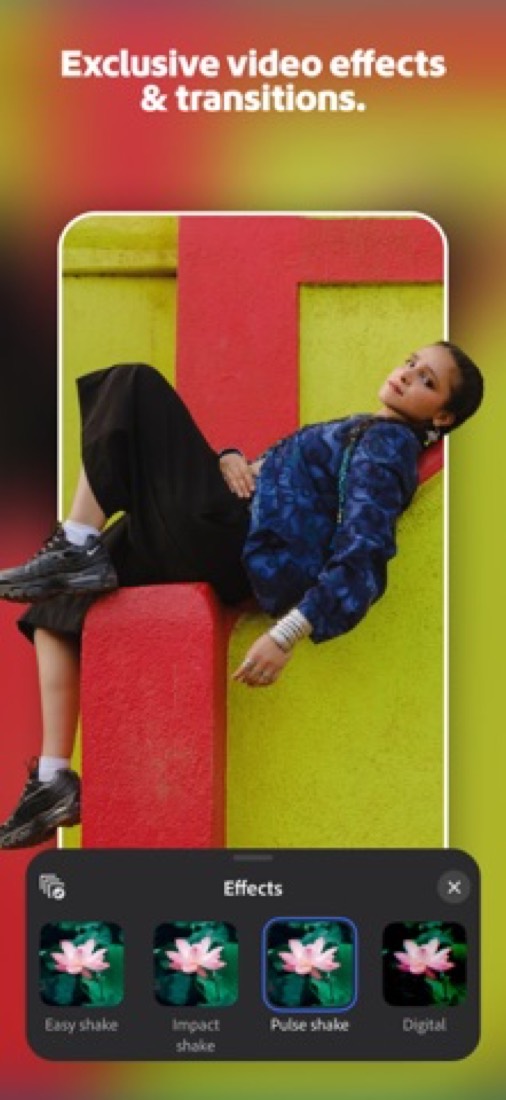
And the phone app is free. No watermark, 4K exports, as many as you like.
The stuff that'll bug you
You can't own it. Premiere on the desktop is subscription only, and Adobe's own FAQ says there's no version to buy outright.
The $22.99 price comes with a string, too. It's an annual plan billed monthly, so you're signing up for a year.
The trial is short. Seven days, and it rolls into a paid plan unless you cancel in time. Put a reminder in your calendar the day you start!
Then there's the learning. This is a professional tool with panels everywhere. The founders of one video startup wrote on Hacker News that they kept having to look up how to do simple edits in it.
The free phone app has rough edges as well. App Store reviewers mention exports that freeze part-way and a timeline that jumps back to the start. And its generative AI costs credits, and only works on iPhone for now.
Money
Start with what's free. The phone app costs nothing, and if you only make short videos for social, it might be all you need.
Premiere on its own is $22.99 a month on an annual plan billed monthly. That covers the desktop app, Frame.io, 100GB of cloud storage and 25 generative credits a month. Teams pay $37.99 a person.
Need Photoshop and After Effects as well? Creative Cloud Pro is $69.99 a month for 20-plus apps. If you'd end up with two or three Adobe apps anyway, price that up first.
Students and teachers do best. They get Creative Cloud Pro, Premiere included, for $19.99 a month in the first year and $39.99 after that.
There's a small safety net on the trial. Adobe's trial page says that once the 7 days are up, you still have 14 days to cancel for a full refund.
What actual users say
One thing to know first. The App Store score belongs to the free phone app, not the desktop one. It has 4.8 from about 26,000 ratings.
People like that it's free and still feels like a real editor. The complaints are bugs: frozen exports, a timeline that jumps back to the beginning, and no easy way to reach support.
For the desktop app we read Hacker News. Nobody there doubts it can do the job. When a new browser-based editor was posted, one reply simply asked whether it matched Premiere and Final Cut.
The arguing is about money and habit. One commenter said they'd take Apple's $12.99 bundle over Premiere at $22.99. Another made the opposite point: once your hands know the shortcuts, switching is a hard sell.
What this review rests on. Based on Adobe's Premiere product, plans, features, free trial and mobile app pages as of 9 October 2026, the App Store reviews of Premiere on mobile and Hacker News threads about it. Not based on using the product: this is a read of everything that's public, not a test. How we review and grade.
What is Adobe Premiere?
Adobe Premiere, called Premiere Pro until Adobe shortened the name, is a professional video editor for Mac and Windows. It covers timeline editing, color, audio, effects and titles, with AI tools such as Text-Based Editing, Generative Extend and Enhance Speech. The desktop app is sold only by subscription, alone or inside Creative Cloud Pro, while Premiere on mobile is a free standalone app for iOS and Android.
Adobe Premiere has a free plan. Paid plans start at US$22.99 per month, on an annual plan billed monthly. See every plan
Good for
- Professional editors who also use other Creative Cloud apps
- Teams that review and approve cuts through Frame.io
- Creators who start a social video on a phone and finish it on desktop
Worth knowing
- The desktop app is subscription only; Adobe says it cannot be bought as a perpetual license.
- The US$22.99 price needs an annual commitment billed monthly, and the seven-day trial converts to a paid membership unless cancelled.
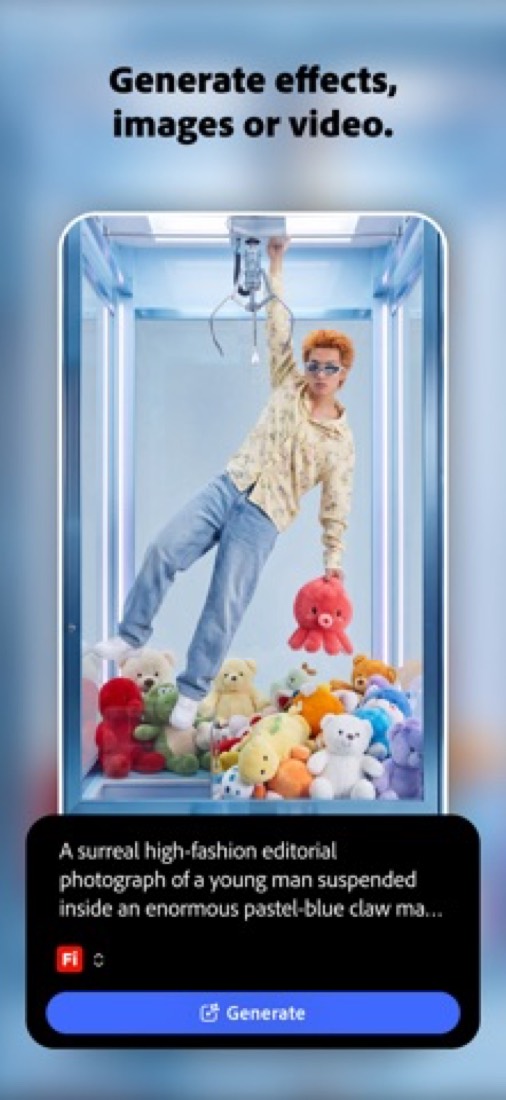
- Premiere on mobile is free, but its generative AI features use paid credits and are currently available on iOS only.
- The desktop app requires Windows 11 v24H2 or macOS Sonoma (version 14) or later.
Key features
- Timeline editing
- Three-point editing on a professional timeline, with footage from nearly any camera and export to formats including H.264, HEVC and Apple ProRes.
- Text-Based Editing and captions
- AI transcribes footage on import so a rough cut can be built by copying and pasting text. Captions can be translated into 18 languages.
- Generative Extend and Object Mask
- Generative Extend uses Firefly to add frames and ambient sound to a clip. Object Mask selects a subject with a click and tracks it.
- Media Intelligence search
- Describe a clip in everyday language and the Search panel finds it by the objects, locations and framing it contains.
- Color and audio tools
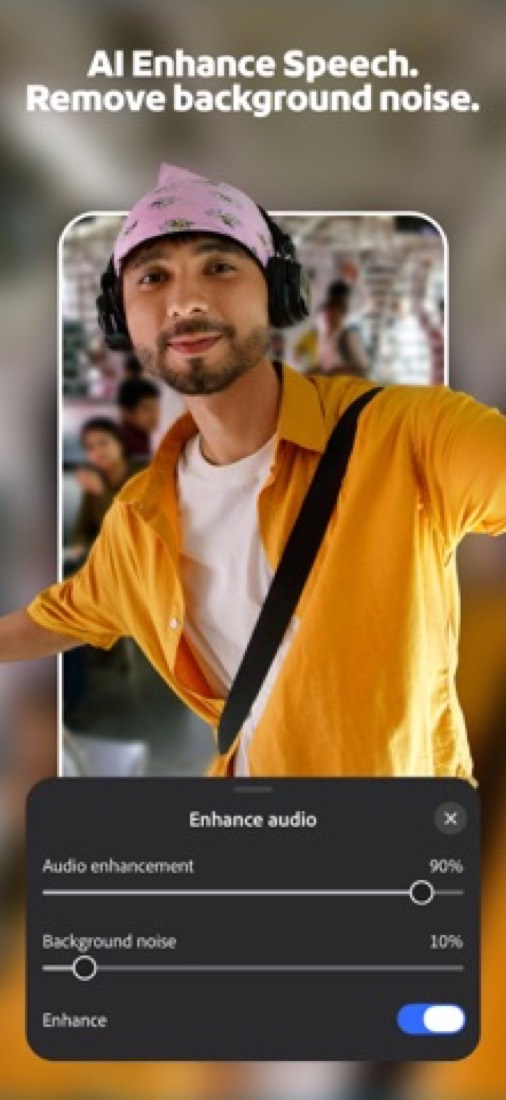
- Color wheels, curves and video scopes for grading. Enhance Speech cleans up dialogue and removes background noise, and Remix retimes music to fit.
- Premiere on mobile
- A free phone app with a multi-track timeline, auto-captions and background removal. Paid desktop members can continue mobile projects on desktop.
Adobe Premiere pricing
- Starts at
- US$22.99 per month, on an annual plan billed monthly
- Free plan
- Premiere on mobile is a free standalone app for iOS and Android with core editing and unlimited watermark-free 4K exports. The desktop app has no free version, only a seven-day trial.
- Free trial
- Seven-day free trial of the desktop app; it converts to a paid membership unless cancelled
| Plan | Price | What you get |
|---|---|---|
| Premiere on mobile | $0 | Free standalone app for iOS and Android with core editing and watermark-free 4K exports. Generative AI features use paid credits and are iOS only. |
| Premiere | US$22.99per month, on an annual plan billed monthly | Premiere on desktop and iPhone, Adobe Express Premium, Frame.io for Creative Cloud, 100GB of cloud storage and 25 monthly generative credits. |
| Premiere for teams | US$37.99per license / month, on an annual plan billed monthly | The single-app plan for businesses, with 1TB of cloud storage, 25 monthly generative credits and business features. |
| Creative Cloud Pro | US$69.99per month, on an annual plan billed monthly | 20+ apps including Premiere, Photoshop and After Effects, plus Firefly AI, 4,000 monthly generative credits and 100GB of cloud storage. |
| Creative Cloud Pro for teams | US$99.99per license / month, on an annual plan billed monthly | The multi-app Creative Cloud Pro plan, including Premiere, licensed per person for teams. |
Read from adobe.com on Oct 5, 2026. Prices change, so confirm with Adobe Premiere before you buy.
Ways to pay less
- EducationStudents and teachers: US$19.99 a month
Eligible students and teachers pay US$19.99 a month for Creative Cloud Pro, including Premiere, in the first year and US$39.99 a month after that, on an annual plan billed monthly.
Stated on adobe.com
How people rate the Adobe Premiere app
4.8
out of 5 for the iPhone and iPad app
25,721 ratings on the App Store in the United States, read Oct 5, 2026. It rates the app, not everything the product does. See the listing
Works with
- Frame.io
- Adobe Express
- Adobe Firefly
- After Effects
- Photoshop
- Adobe Stock
Adobe Premiere alternatives
- Adobe Premiere vs DaVinci Resolve
Free plan · from $94.99
- Adobe Premiere vs Final Cut Pro
Free trial · from $12.99/mo
- Adobe Premiere vs Wondershare Filmora
Free plan · from $49.99/yr
- Adobe Premiere vs CapCut
Free plan · from $9.99/mo
- Adobe Premiere vs Descript
Free plan · from $16/mo



Common questions
Is Adobe Premiere free?
Adobe Premiere has a free plan. Premiere on mobile is a free standalone app for iOS and Android with core editing and unlimited watermark-free 4K exports. The desktop app has no free version, only a seven-day trial. Paid plans start at US$22.99 per month, on an annual plan billed monthly.
How much does Adobe Premiere cost?
Adobe Premiere lists 5 plans. Premiere on mobile: $0. Premiere: US$22.99 per month, on an annual plan billed monthly. Premiere for teams: US$37.99 per license / month, on an annual plan billed monthly. Creative Cloud Pro: US$69.99 per month, on an annual plan billed monthly. Creative Cloud Pro for teams: US$99.99 per license / month, on an annual plan billed monthly. Prices were read from adobe.com on Oct 5, 2026.
What platforms does Adobe Premiere work on?
Adobe Premiere is available on macOS, Windows, iOS and Android.
Does Adobe Premiere offer any discounts?
Adobe Premiere publicly lists the following: Students and teachers: US$19.99 a month.
How is Adobe Premiere rated?
Adobe Premiere's iPhone and iPad app averages 4.8 out of 5 from 25,721 ratings on the App Store in the United States, as read on Oct 5, 2026. That is the store's rating of the app, not a score from us.
Does Adobe Premiere have a Linux app?
No Linux app was listed when its pages were read on Oct 5, 2026. Adobe Premiere is listed for macOS, Windows, iOS and Android.
Is Adobe Premiere open source?
Adobe Premiere is not described as open source on its own site, as read on Oct 5, 2026.
What does Adobe Premiere integrate with?
Adobe Premiere's listing names Frame.io, Adobe Express, Adobe Firefly, After Effects, Photoshop and Adobe Stock. A listing names up to eight integrations, so it may connect to more.
Does Adobe Premiere have a student discount?
Students and teachers: US$19.99 a month. Eligible students and teachers pay US$19.99 a month for Creative Cloud Pro, including Premiere, in the first year and US$39.99 a month after that, on an annual plan billed monthly.
Does Adobe Premiere have a free trial?
Yes. Seven-day free trial of the desktop app; it converts to a paid membership unless cancelled.
Who makes Adobe Premiere?
Adobe Premiere is made by Adobe.
What are the alternatives to Adobe Premiere?
The closest alternatives to Adobe Premiere in our directory are DaVinci Resolve, Final Cut Pro, Wondershare Filmora, CapCut and Descript. Each one has a side-by-side comparison with Adobe Premiere.
Sources for this page
The prices, plans, platforms and features above were read from these pages on Oct 5, 2026. What people say is linked where it appears.