
HeyGen review (2026): is the free plan enough?
AI video generator with realistic avatars and video translation
Black Friday: is there a HeyGen sale?
HeyGen review
Good · out of 4.0 · graded Oct 10, 2026
Best for presenter videos without a camera
HeyGen makes talking-head videos from a typed script, with stock presenters or an avatar of you, in 175+ languages. But Creator is $24 a month for 600 credits, about 12 minutes with the newest avatar, you can't top up without moving to Pro, unused credits vanish when you cancel, payments are generally non-refundable, and support complaints are piling up this year. If you need a video now and then, or a bill you can predict, look elsewhere.
Who HeyGen is for
- Fits if you need a presenter on screen and don't want to film one
- Works for videos that must go out in several languages with the lips matching
Who HeyGen is not for
- Pricey if you only need a video now and then, since you pay every month regardless
- Tight if you want the newest avatars, where Creator's 600 credits is about 12 minutes and there's no top-up
- Not for you if you need to know the bill in advance, as credit use varies with the model, length and complexity
- Skip it if refunds or quick support matter: payments are generally non-refundable, and reviewers report unanswered emails
- Watch out: credits vanish when you cancel or pause, SSO and SCORM start on Business at $149 a month, and extra seats add no credits
Why HeyGen gets a 2.6
Five grades, each with its reason. The GPA is their average: an A is 4 points, an F is none.
- DValue for moneyCreator is $24 a month on yearly billing against a $10 middle for video tools here, and that buys 600 credits. HeyGen's help page puts its newest avatar at 48 credits a minute, so about 12 minutes of video. 4K and all the advanced models need Pro at $41.
- CFree plan and trialThree videos a month, a minute each, and the help center says the quota is 1 to 3 depending on region. No card needed, but the watermark stays until you pay, and 1080p starts on Creator.
- BFeaturesStock and custom avatars, voice cloning, lip-synced translation into 175+ languages, a Video Agent that builds a whole video from one prompt, and an API with an MCP server. Synthesia covers the same ground, and here credits meter all of it.
- AEase of use4.78 from about 26,000 App Store ratings, the highest in this category. One reviewer who hands anything technical to their teenager made videos alone. Working out what things cost in credits is the hard part, going by the one-star reviews.
- BPlatforms and integrationsWeb, iPhone and Android, with an API, an MCP server and Canva and Adobe Express plugging straight in. There's no desktop app, and Zapier, Make and HubSpot are listed under Business.
The good
So what does HeyGen actually do? It puts a person on screen saying your script, and nobody has to stand in front of a camera.
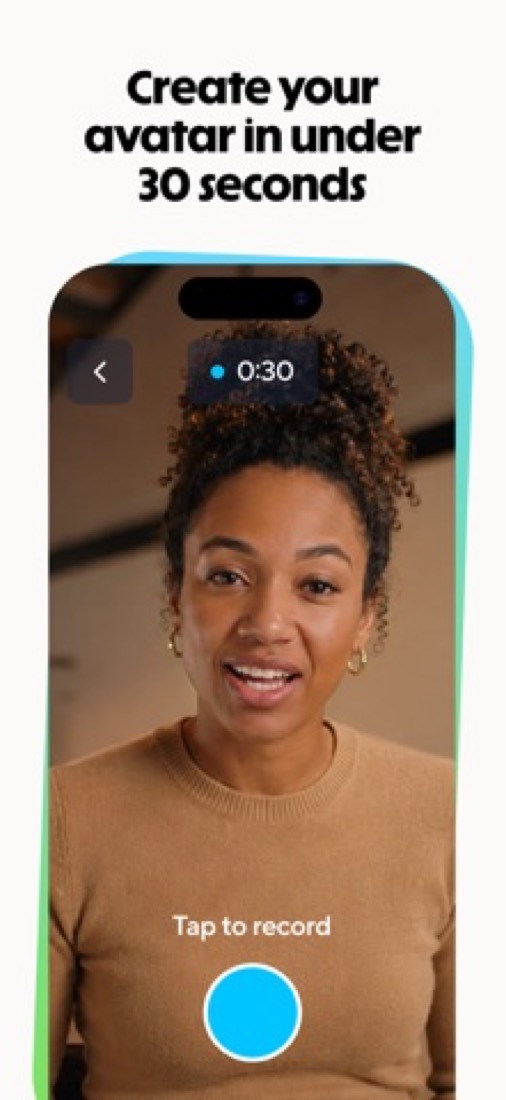
Pick one of the stock presenters, or record one short clip of yourself and get an avatar with your face. After that it's just typing. Write "welcome to week 2 of the course" and your avatar says it.
Translation: paste a YouTube link and the video comes back in another language, with a cloned voice and the lips moved to match.
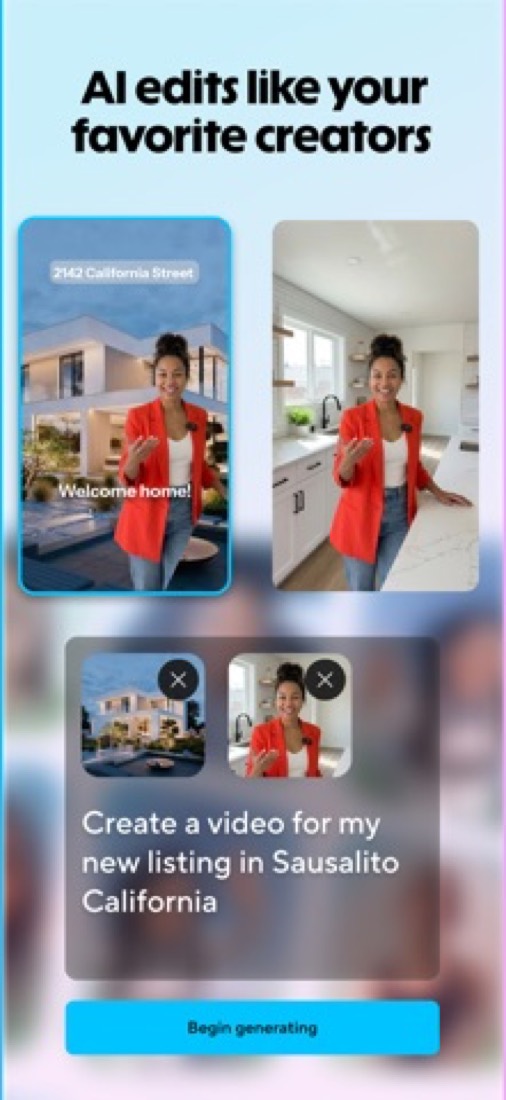
Then there's Video Agent. You type an idea, like "60 second explainer for our new pricing", and it builds the lot: presenter, graphics and B-roll. You can still change every piece afterwards.
There are iPhone and Android apps, and it plugs into Canva and ChatGPT.
The stuff that'll bug you
Credits. Nearly every unhappy reviewer is cross about them.
Here's how it works. Paid plans give you a pot of credits each month, and every feature drains it at its own rate. HeyGen's help page puts the newest avatar model at 48 credits a minute. So Creator's 600 credits is about 12 minutes of video.
Run out on Creator? You can't top up. The only way to get more is to move up to Pro.
There used to be unlimited plans. HeyGen stopped selling them in May 2026, and long-time subscribers are not happy about it.
Read the small print on leaving, too. The help center says payments are generally non-refundable. Unused credits vanish when you cancel, and pausing your plan wipes them as well. On monthly billing, leftovers only roll over for one month.
Teams pay extra for the admin features. SSO, SCORM export and learning-system links start on Business at $149 a month, and each extra seat is $20 with no extra credits.
The free plan is thin: 1 to 3 videos a month depending on your region, a minute each, watermarked.
And the avatars aren't magic. One Hacker News commenter says you can spot a HeyGen video by the handful of gestures it keeps repeating.
Money
Try the free plan first. It's 3 videos a month, a minute each, and you don't need a card.
Creator is $24 a month on yearly billing, or $29 month to month. You get 600 credits, 1080p, no watermark and voice cloning.
Pro starts at $41 on yearly billing, $49 monthly, with 1,000 credits and 4K. Bigger credit tiers cost more.
Business is $119 on yearly billing, $149 monthly, plus $20 for each extra seat. One thing to know: extra seats don't bring extra credits. Everyone shares the same 1,500.
Should you pay yearly? It costs less, and unused credits pile up all year instead of lasting one extra month. But a year is a long time to be tied in, so we'd do a month first.
What actual users say
HeyGen has 4.78 on the App Store from about 26,000 ratings, so most raters give it high marks.
What do they like? That it's quick to pick up. One parent who normally hands anything technical to their teenage son got videos made without him. Another reviewer liked that the free plan lets you finish a whole video before it asks for money.
The one-star reviews are a different mood, and most are from this year. Credits running out sooner than expected. Credits lost when a video failed. Emails to support going unanswered.
On Hacker News it's mostly builders. One solo developer made a first product demo with HeyGen's free plan doing the presenter. They also spotted the catch: that on-screen character lives in HeyGen, so switching services means a new face for your videos.
What this review rests on. Based on HeyGen's home, pricing, integrations and Video Agent pages and its help centre articles on credits, plans, refunds and cancelling as of 9 October 2026, its App Store reviews and Hacker News threads about it. Also tested with a demo account on 2026-02-10. How we review and grade.
Make HeyGen? Put this grade on your site

Paste this where you want the badge. It links here and follows the grade if it changes. About badges
<a href="https://toolgpa.com/tools/heygen#review"><img src="https://toolgpa.com/badge/heygen.svg" alt="HeyGen: 2.6 GPA on ToolGPA" width="196" height="56"></a>Where HeyGen stands among screen recording and video tools
HeyGen's GPA of 2.6 is higher than 89 of the 133 other screen recording and video tools we grade, and level with 14.
It stands best on ease of use (A, above 127 of 133) and worst on value for money (D, above 0).
Its paid plans start at $24 a month, against a middle price of $12.25 for the category: 72 of the 88 others that charge start lower.
On features, ease of use and platforms it scores 3.3 out of 4. Nothing scores higher for less, though at least one tool matches that score at a lower price.
Each grade against the category
Every bar is all 134 screen recording and video tools we grade, cut by the letter each got. HeyGen’s own letter is outlined.
- DValue for moneyAbove 0 of 133, level with 19
- CFree plan and trialAbove 24 of 133, level with 80
- BFeaturesAbove 78 of 133, level with 53
- AEase of useAbove 127 of 133, level with 6
- BPlatforms and integrationsAbove 67 of 133, level with 60
Price against what you get
Each dot is one of 102 screen recording and video tools. Further left costs less, and higher up scores better on features, ease of use and platforms. Point at a dot to see which tool it is.
Features, ease of use and platforms, averaged
What paid plans start at, a month (each step along is roughly double) →
- The best score at each price
- Has a free plan
- No free plan
Keep HeyGen, or make your own?
You could make this
There is no plain version of recording and editing video.
What HeyGen does at its core is templates, and that is the kind of thing an AI app builder makes well. You would give up 4 things, listed below, and little else. It costs $288 a year. An AI app builder starts at about $20 a month on our listings, and you only need it while you build.
What you could make
- Templates: an app builder makes this well.
What you could not
- A real app for iOS and Android. Something home-made would be a web page.
- It plugs into other products, ChatGPT, Canva and Adobe Express among them, and has an API.
- AI features, unless you pay a model provider for each request yourself.
- The depth: we grade its features B, which means it covers the whole job.
What this rests on. HeyGen’s listing: what it does, where it runs, what it plugs into and what it costs. It is a judgement about the kind of software this is. We have not built a replacement for it, and making your own means looking after it too. How we decide, and every tool’s verdict.
What is HeyGen?
HeyGen is an AI video platform that generates presenter-style videos from a script or a prompt, using stock avatars or a custom avatar of yourself. It also clones voices and translates existing videos into more than 175 languages and dialects with lip-sync. Paid plans are metered in monthly credits, and a free plan allows 3 short videos a month.
Worth knowing
- The Free plan allows up to 3 videos a month of 1 minute each, and the help centre says the quota is 1 to 3 depending on region. Watermark removal and 1080p export start on Creator.
- Paid plans are metered in credits, and the number a video uses varies with the AI model, its duration and its complexity.
- SAML/SSO, SCORM export, LMS integrations and workspace collaboration are listed from Business at $149 a month, plus $20 per extra seat.
- Unused credits roll over for one month on monthly billing and are lost when a subscription is cancelled.
Key features
- AI avatars
- Scripts are delivered by stock video avatars or a custom avatar of yourself, with lip-sync across more than 175 languages and dialects.
- Video Agent
- Type an idea and get a finished video with presenter footage, motion graphics and B-roll. Every element stays editable afterwards in AI Studio.
- AI Studio editor
- A text-based editor that directs words, gestures and emotion from the script, with Brand Kit, auto captions and comments for teams.
- Video translation
- Upload a file or paste a YouTube link to translate a video with cloned voice and lip-sync. Pro adds editing and proofreading of the translated script.
- Voice cloning
- Clone your voice so avatar and translated videos keep your tone and delivery. Voice cloning is listed from the Creator plan.
- API and integrations
- Developer APIs for video generation, translation and lip-sync, an MCP server, and direct integrations with tools such as Canva and Adobe Express.
HeyGen pricing
As of Oct 9, 2026, HeyGen has a free plan, and paid plans start at $24 per month, billed annually ($29 billed monthly).
- Starts at
- $24 per month, billed annually ($29 billed monthly)
- Free plan
- Up to 3 videos a month of up to 1 minute each (1 to 3 depending on region), with 500+ stock video avatars, 1 custom video avatar, 1 voice clone and 30+ languages. No credit card required.
- Free trial
- None listed
| Plan | Price | What you get |
|---|---|---|
| Free | $0 | Up to 3 videos a month (1 to 3 depending on region) of up to 1 minute each, 500+ stock video avatars, 1 custom video avatar, 1 voice clone and 30+ languages. |
| Creator | $24per month, billed annually ($288); $29 billed monthly | 600 credits a month, videos up to 30 minutes, 1080p export, watermark removal, voice cloning and 175+ languages and dialects. |
| Pro | $41per month, billed annually ($488); $49 billed monthly | From 1,000 credits a month, with larger credit tiers at higher prices, 4K export and access to all advanced AI models. |
| Business | $119per month, billed annually ($1,428); $149 billed monthly | 1,500 credits, videos up to 60 minutes, 5 or 10 custom video avatars depending on the account, SAML/SSO, SCORM export and collaboration. Extra seats are $20 a month each. |
| Enterprise | Custom | No maximum video duration, multi-workspace management, SCIM provisioning, invoice billing and a dedicated customer success manager. |
Read from heygen.com on Oct 9, 2026. Prices change, so confirm with HeyGen before you buy.
7 price changes on recordWhat the app costs in other countries
Ways to pay less
- Annual discountSave about 16% to 20% with annual billing
Creator is $24 a month billed annually ($288) against $29 billed monthly. Pro is $41 against $49, and Business is $119 against $149.
Stated on heygen.com
How people rate the HeyGen app
4.8
out of 5 for the iPhone and iPad app
- 5 stars88%
- 4 stars7%
- 3 stars2%
- 2 stars<1%
- 1 star2%
26,479 ratings on the App Store in the United States, read Oct 5, 2026. It rates the app, not everything the product does. See the listing
Works with
Jobs at HeyGen
HeyGen has 18 open roles, most in Engineering (8), Sales (5) and Marketing (4). Here are the newest; open one to read the whole job and apply on HeyGen’s own site.
- Sales Development RepresentativeView and apply
Sales and partnerships · Sales · Los Angeles, California, United States, San Francisco, California, United States · posted 2 weeks ago
- Creator In Residence (Instagram)View and apply
Marketing · Los Angeles, San Francisco · posted 2 weeks ago
- Software Engineer Intern (Winter 2027)View and apply
Engineering · Toronto, Los Angeles, San Francisco, Toronto, Singapore · posted 5 weeks ago
- AI Video CreatorView and apply
Data and AI research · Marketing · Los Angeles, San Francisco · posted 5 weeks ago
- Applied AI Engineer, Video AgentView and apply
Engineering · San Francisco, Palo Alto, Los Angeles, Toronto · posted 7 weeks ago
Read from HeyGen’s job board on Greenhouse on Nov 17, 2026 and checked every week. Applications go to HeyGen, not to us.
HeyGen alternatives
- HeyGen vs Synthesia
Free plan · from $14/mo
- HeyGen vs Captions
Free plan · from $4.99/mo
- HeyGen vs VEED
Free plan · from $25/mo
- HeyGen vs Descript
Free plan · from $16/mo
- HeyGen vs CapCut
Free plan · from $9.99/mo





Common questions
Does HeyGen have a Windows app?
No Windows app was listed when its pages were read on Oct 9, 2026. HeyGen is listed for Web, iOS and Android.
Does HeyGen have a macOS app?
No macOS app was listed when its pages were read on Oct 9, 2026. HeyGen is listed for Web, iOS and Android.
Is HeyGen open source?
HeyGen is not described as open source on its own site, as read on Oct 9, 2026.
Does HeyGen have an API?
Yes. HeyGen offers a public API, according to its own site.
Sources for this page
The prices, plans, platforms and features above were read from these pages on Oct 9, 2026. What people say is linked where it appears.
- heygen.com/en-in
- heygen.com/en-in/pricing
- heygen.com/en-in/integrations
- heygen.com/en-in/about
- help.heygen.com/en/articles/15125761-heygen-credit-based-pricing-plans-subscriptions-explained
- apps.apple.com/us/app/ai-avatar-generator-heygen/id6711356409
- play.google.com/store/apps/details?id=com.heygen.app&hl=en_US&gl=US