
Riverside
Remote recording studio for podcasts and video interviews
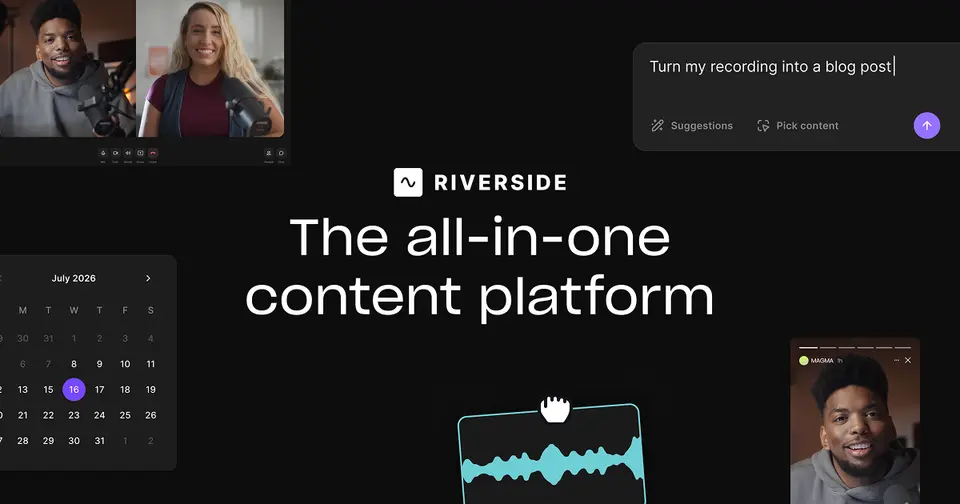
Riverside review
Very good · out of 4.0 · graded Oct 9, 2026
Best for recording remote podcasts and interviews
Recording a podcast with a guest in another city? Riverside is where we'd start. It records each person on their own device, so a wobbly connection doesn't ruin the picture or the sound, and then helps you edit, clip and publish. It isn't cheap, though. The real thing starts at $24 a month on yearly billing, and the free plan puts a watermark on everything.
Who Riverside is for
- Great if you interview guests remotely and want each person on their own track
- Handy when your guest isn't techy, since they join from a link with no account
- Good for cutting one long recording into short clips for social
- A treat if you want recording, editing and podcast hosting under one login
Who Riverside is not for
- Skip it if you only make quick screen recordings, where something lighter like Loom fits better
- Tight if you're staying free, with 720p, a watermark and 2 hours of multi-track recording
- Pricey if you want to go live, because streaming starts on Grow at $34 a month on yearly billing
- Not for you if two people need to edit together, which is kept for the Business plan
- Not for you if you want a desktop app on Windows, since there's only one for Mac
Why Riverside gets a 3.2
Five grades, each with its reason. The GPA is their average: an A is 4 points, an F is none.
- BValue for moneyPro is $24 a month on yearly billing or $29 month to month, for 4K recording, editing, transcripts and podcast hosting in one place. Fair for all that. But separate-track downloads stop at 15 hours a month, and going live needs Grow at $34.
- BFree plan and trialRecording and editing on a single track is unlimited and needs no card. But it's 720p with a watermark, and you get just 2 hours of the multi-track recording that's the whole point. Paid plans have a 14-day trial.
- AFeaturesEach person is recorded on their own track in up to 4K, and you edit by deleting words in the transcript. Magic Clips, show notes, live streaming, webinars and podcast hosting are all in the same app.
- BEase of useGuests join from a link with no account and nothing to install, which is the part that matters. 4.7 from about 20,100 App Store ratings. Reviewers do mention slow uploads and sync glitches, and one gave up on the phone app for the web version.
- BPlatforms and integrationsRuns in the browser, with a Mac app and apps for iPhone, iPad and Android. No Windows app, so that's browser only. Publishes to YouTube, Spotify and Apple Podcasts. API access is on the Business plan only.
The good
So what's the big deal with Riverside? It records on each person's own device, not over the call.
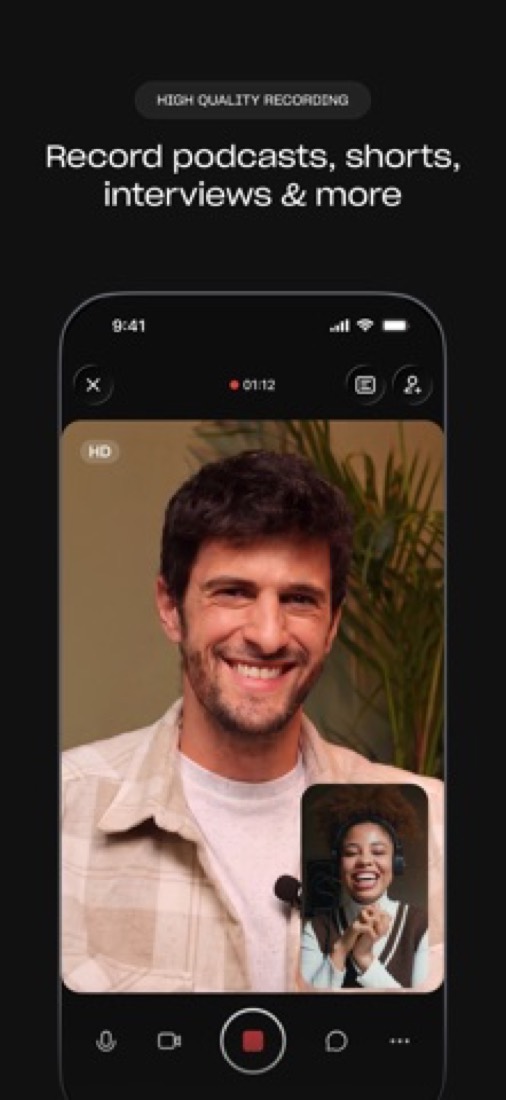
Why does that matter? You know how a video call goes blocky when someone's wifi dips. With Riverside the call can look rough while you're talking, but the recording is made on each person's own machine and uploaded in the background. The file you get afterwards is clean.
Everyone comes out as a separate track too, in up to 4K video. Your co-host laughs over the guest's best line? Turn their track down and keep the line.
Guests don't need an account. You send a link, they click it, they're in.
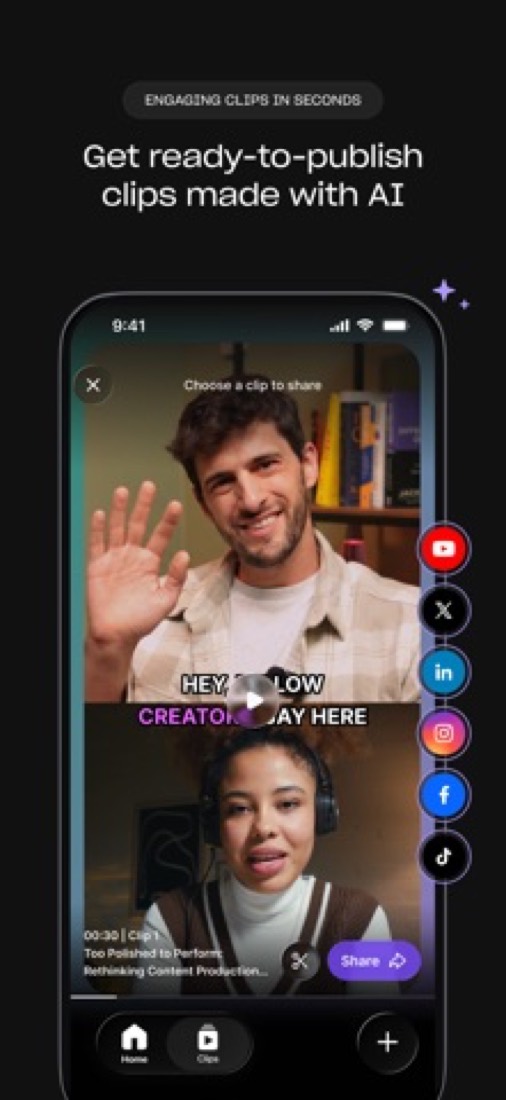
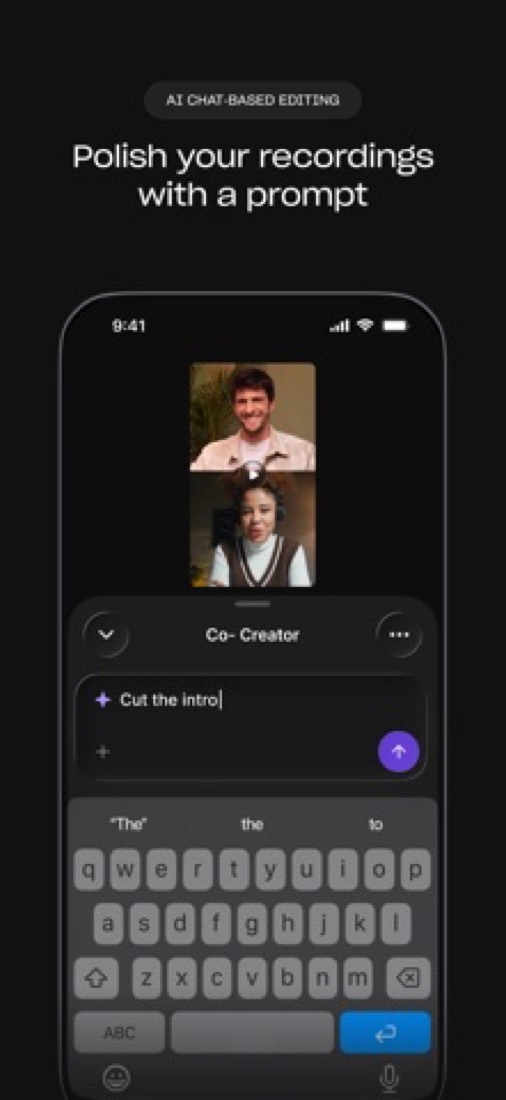
Editing is the other nice bit. Riverside writes out a transcript, and you cut the video by deleting words, like tidying a document. There are AI tools for chopping out silences and filler words, and Magic Clips picks short moments for social.
And it carries on after the edit. Podcast hosting, publishing to Spotify, Apple Podcasts and YouTube, live streaming and webinars are all in there, depending on your plan.
The stuff that'll bug you
The free plan is closer to a demo. Everything comes out at 720p with a Riverside watermark, and you get 2 hours of multi-track recording in total. Not per month. In total.
Paying doesn't make it unlimited either. You can record as much as you like, but downloading the separate tracks is capped: 15 hours a month on Pro, 20 on Grow, 25 on Webinar. Hit the cap and you wait for next month or upgrade.
Some things you'd expect on Pro sit higher up. Going live needs Grow. Webinars with sign-up forms, Q&A and polls need the Webinar plan. Two people editing together needs Business.
Some AI extras run on credits, too. The pricing page says Pro starts you with 2,000 for things like AI translation and B-roll, and after that you buy more.
There's no Windows app. Only a Mac one, so on Windows you record in the browser.
And the phone app has its critics. App Store reviewers complain about features moving or disappearing after updates, and about how video looks when it's shot on mobile.
Money
Start free to hear and see what the recording is like. Just don't judge the finished look by it, because of the watermark.
Pro is the one most podcasters will want. It's $24 a month on yearly billing, which is $288 up front, or $29 month to month. You get 4K video, 48 kHz audio, no watermark, 15 hours of separate-track downloads and one studio. A studio is Riverside's word for one show.
Grow is $34 a month on yearly billing, or $39 monthly. It adds Full HD live streaming to several places at once, a second studio and 20 hours.
Webinar is $79 on yearly billing or $99 monthly, for webinars with up to 100 people signed up. We'd skip it unless webinars are how you find customers.
Only ever record on your phone? Mobile Plus is $9.99 a month. It removes the watermark and exports up to 4K, but it's for the mobile apps only.
Pro, Grow and Webinar all have a 14-day free trial, and yearly billing saves up to 20%, going by the pricing page.
What actual users say
Riverside has 4.7 on the App Store from about 20,100 ratings. Keep in mind that's the phone app. The main product runs in a browser.
What do the fans say? That it cut the time and cost of making a show. One team says filming and editing takes them a fraction of what it did before, and they lean on Magic Clips for ideas for social posts.
A long-time user made a point we thought was worth passing on. If the picture looks bad while you're recording, check the actual file before you panic. What you see live is only the call. The recording is made on your device and usually looks much better.
The unhappy reviews are mostly about things going wrong at a bad moment. Tracks that took hours to upload. Audio drifting out of sync. Both of those are from 2023, so they may well be fixed by now.
Billing comes up too. One reviewer from 2023 says they were charged after they thought they'd cancelled, and were told monthly plans are only refunded in the first 48 hours. So cancel early and check it went through.
Hacker News gave us nothing on this one. The only matches for its name were about other Riversides.
What this review rests on. Based on Riverside's home, pricing, mobile, Mac app, FAQ and about pages as of 9 October 2026, and its App Store listing and reviews. Hacker News had nothing about it. Not based on using the product: this is a read of everything that's public, not a test. How we review and grade.
What is Riverside?
Riverside is a recording platform for podcasts, interviews and other video content. Each participant is recorded locally on their own device in up to 4K video and 48 kHz audio, and the result can be edited by transcript, cut into clips with AI, live streamed or published through built-in podcast hosting. It runs in the browser, with a Mac app and iOS and Android apps.
Riverside has a free plan. Paid plans start at $9.99 per month for Mobile Plus; web plans from $24 per month, billed annually. See every plan
Good for
- Podcasters and interviewers recording remote guests in high quality
- Marketing teams turning long recordings into social clips
- Hosts who want recording, editing, hosting and live streaming in one tool
Worth knowing
- The Free plan allows 2 hours of multi-track recording, tops out at 720p and puts a Riverside watermark on exports.
- Separate-track downloads are capped each month: 15 hours on Pro, 20 on Grow and 25 on Webinar.
- Live streaming starts on Grow, and registration, Q&A and polls for webinars need the Webinar plan.
- Collaborative editing, custom roles, SSO and API access are limited to Business; the desktop app is listed for Mac only.
Key features
- Local multi-track recording
- Audio and video are recorded on each participant's own device and uploaded in the background, giving a separate track per person in up to 4K.
- Text-based editor
- Edit a recording through its transcript, with AI tools that remove silences and filler words. Paid web plans include unlimited transcriptions.
- Magic Clips and AI show notes
- AI selects short clips for social media and drafts show notes. Magic Clips is also listed on the Free plan.
- Live streaming and webinars
- Grow adds Full HD live streaming to multiple destinations. The Webinar plan adds registration, Q&A, polls, email reminders and analytics.
- Podcast hosting and publishing
- Each studio has its own podcast hosting, analytics and website, and can publish to YouTube, Spotify, Apple Podcasts, Instagram and LinkedIn.
- Mac and mobile apps
- The Mac app records a shared screen locally as its own track. The iOS and Android apps can record, invite guests and serve as a second webcam.
Riverside pricing
- Starts at
- $9.99 per month for Mobile Plus; web plans from $24 per month, billed annually
- Free plan
- 2 hours of multi-track recording, unlimited single-track recording and editing, up to 720p video, 44.1 kHz audio and a Riverside watermark.
- Free trial
- 14-day free trial on the Pro, Grow and Webinar plans
| Plan | Price | What you get |
|---|---|---|
| Free | $0 | 2 hours of multi-track recording, unlimited single-track recording, 720p video and a Riverside watermark. |
| Mobile Plus | $9.99per month | For the mobile apps only: removes watermarks and exports up to 4K video and WAV audio. |
| Pro | $24per month, billed annually at $288 ($29 monthly) | Up to 4K video and 48 kHz audio, no watermark, 15 hours of separate-track downloads a month and 1 studio. |
| Grow | $34per month, billed annually at $408 ($39 monthly) | 20 hours of separate-track downloads a month, 2 studios, and Full HD live streaming with multistreaming. |
| Webinar | $79per month, billed annually ($99 monthly) | 25 hours of separate-track downloads, 3 studios, and webinars with up to 100 registrants, Q&A, polls and analytics. |
| Business | Custom | Unlimited studios and separate-track downloads, up to 10,000 webinar registrants, API access, SSO and a dedicated CSM. |
Read from riverside.com on Oct 4, 2026. Prices change, so confirm with Riverside before you buy.
Ways to pay less
- Annual discountSave up to 20% with yearly billing
Annual billing drops Pro from $29 to $24 per month, Grow from $39 to $34 and Webinar from $99 to $79, which Riverside describes as saving up to 20%.
Stated on riverside.com
How people rate the Riverside app
4.7
out of 5 for the iPhone and iPad app
- 5 stars88%
- 4 stars6%
- 3 stars2%
- 2 stars<1%
- 1 star3%
20,064 ratings on the App Store in the United States, read Oct 5, 2026. It rates the app, not everything the product does. See the listing
Works with
Riverside alternatives
- Riverside vs Descript
Free plan · from $16/mo
- Riverside vs Loom
Free plan · from $18/mo
- Riverside vs Tella
Free trial · from $13/mo



Featured in
- The best Loom alternatives in 2026Alternatives
- The best screen recording software in 2026Best of
Common questions
Is Riverside free?
Riverside has a free plan. 2 hours of multi-track recording, unlimited single-track recording and editing, up to 720p video, 44.1 kHz audio and a Riverside watermark. Paid plans start at $9.99 per month for Mobile Plus; web plans from $24 per month, billed annually.
How much does Riverside cost?
Riverside lists 6 plans. Free: $0. Mobile Plus: $9.99 per month. Pro: $24 per month, billed annually at $288 ($29 monthly). Grow: $34 per month, billed annually at $408 ($39 monthly). Webinar: $79 per month, billed annually ($99 monthly). Business: custom pricing. Prices were read from riverside.com on Oct 4, 2026.
What platforms does Riverside work on?
Riverside is available on Web, macOS, iOS and Android.
Does Riverside offer any discounts?
Riverside publicly lists the following: Save up to 20% with yearly billing.
How is Riverside rated?
Riverside's iPhone and iPad app averages 4.7 out of 5 from 20,064 ratings on the App Store in the United States, as read on Oct 5, 2026. That is the store's rating of the app, not a score from us.
Does Riverside have a Windows app?
No Windows app was listed when its pages were read on Oct 4, 2026. Riverside is listed for Web, macOS, iOS and Android.
Does Riverside have a Linux app?
No Linux app was listed when its pages were read on Oct 4, 2026. Riverside is listed for Web, macOS, iOS and Android.
Is Riverside open source?
Riverside is not described as open source on its own site, as read on Oct 4, 2026.
What does Riverside integrate with?
Riverside's listing names YouTube, Spotify, Apple Podcasts, LinkedIn, Instagram, Twitch, HubSpot and Salesforce. A listing names up to eight integrations, so it may connect to more.
Does Riverside have a free trial?
Yes. 14-day free trial on the Pro, Grow and Webinar plans.
Who makes Riverside?
Riverside is made by RiversideFM, Inc. It dates from 2020.
What are the alternatives to Riverside?
The closest alternatives to Riverside in our directory are Descript, Loom and Tella. Each one has a side-by-side comparison with Riverside.
Sources for this page
The prices, plans, platforms and features above were read from these pages on Oct 4, 2026. What people say is linked where it appears.