
Wondershare Filmora
Desktop and mobile video editor with AI tools and a stock library
Wondershare Filmora review
Good · out of 4.0 · graded Oct 9, 2026
Best for beginners making YouTube and social videos
Never edited a video and don't fancy learning Premiere? Filmora is built for you. It's a proper editor with templates, effects and captions close to hand, for $49.99 a year or $79.99 once. Watch the extras, though. The free edition watermarks everything, and AI credits and the phone apps cost more.
Who Wondershare Filmora is for
- Great if you're new to editing and want templates and effects ready to go
- Handy when you make tutorials, since it records your screen and edits it too
- Good for people who'd rather pay once, with a licence at $79.99
- A treat if you hate typing captions, with speech-to-text in 27 languages
Who Wondershare Filmora is not for
- Skip it if you want a free editor with no watermark on your videos
- Too light for people who edit for a living and already know Premiere
- Pricey if you lean on the AI tools, as Basic doesn't include any credits
- Tight if you swap between a PC and a Mac on the pay-once licence
- Not for you if you want one purchase to cover laptop and phone
Why Wondershare Filmora gets a 2.8
Five grades, each with its reason. The GPA is their average: an A is 4 points, an F is none.
- BValue for money$49.99 a year, or $79.99 once, is cheap for an editor that does this much. But AI credits, the stock library and the phone apps are all extra.
- CFree plan and trialUse it for as long as you like, but every video you export carries a Filmora watermark. Fine for learning. No good for posting.
- AFeaturesMulti-camera editing, motion tracking, colour curves, a screen recorder, captions in 27 languages and a pile of AI tools. More than most beginners will touch.
- BEase of useBuilt to be simple, and one reviewer who never learned Premiere says it's easy. But the phone app's reviews mention freezes, and the plans take some decoding.
- CPlatforms and integrationsWindows and Mac, plus separate apps for iPhone, iPad and Android. But a desktop licence doesn't cover the phone apps, and there's no web or Linux version.
The good
Who's Filmora for? People who want a video that looks edited, without a film course first.
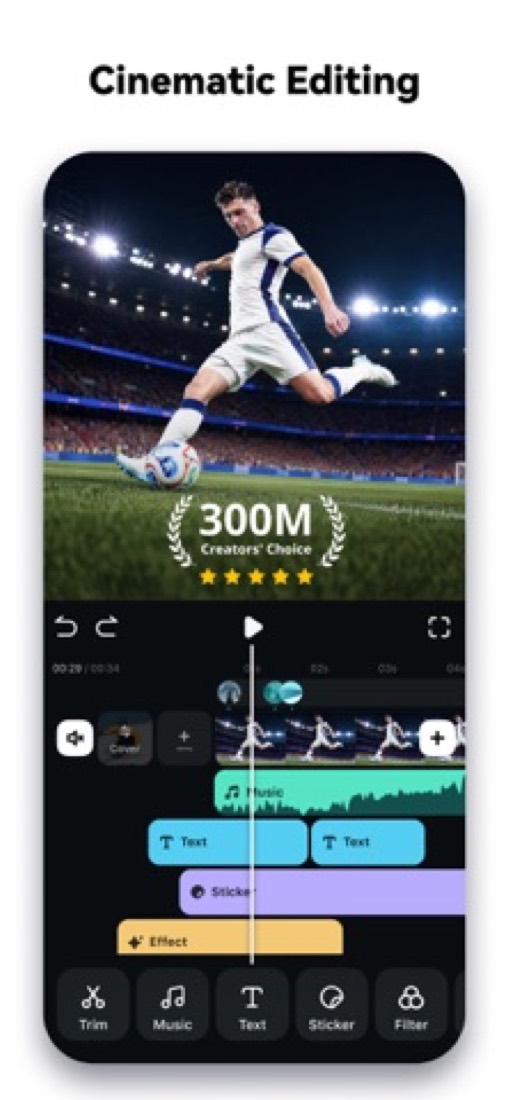
You drag clips onto a timeline and they snap into place. Titles, transitions, music and effects sit in panels beside it. Pick one, drop it on, done.
It's not a toy, though. There's multi-camera editing, keyframes, motion tracking and proper colour tools. So there's room to grow.
Tutorial makers get a bonus. The built-in recorder captures your screen, camera, mic and computer sound together, and keeps each one separate so you can fix them afterwards.
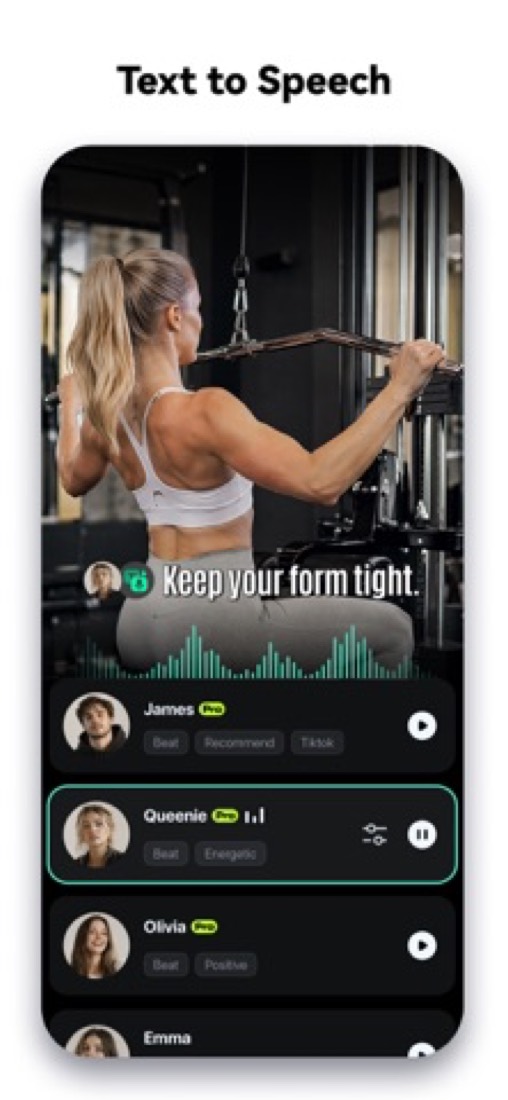
Captions are handled for you as well. It turns speech into text in 27 languages.
And you don't have to subscribe. There's a pay-once licence, which is getting rare.
The stuff that'll bug you
The watermark. The free edition lets you do the editing, then stamps Filmora on the video when you export. So it's really a long test drive.
Then there's what the price leaves out. On Basic, the AI tools run on credits you buy separately. The full stock library is its own add-on, free for 7 days and then $19.99 a month.
Watch the checkout as well. The buy page offers money off if you add that 7-day trial, which then renews every month.
The pay-once licence has strings. It covers Windows or Mac, not both, and the next big version costs extra.
Your desktop licence doesn't cover the phone apps either. And the iPhone app has a rough patch in its reviews, with freezes and crashes when a project gets heavy.
One for anyone who sells their videos: Filmora's own FAQ says its AI-made images, stickers and text-to-video clips are for non-commercial use.
Money
Three ways to pay, and it's worth a minute to pick the right one.
Basic is $49.99 a year. No watermark, 4K export, and it works on both Windows and Mac. AI tools are pay-as-you-go.
Advanced is $59.99 a year. For ten dollars more you get 1,000 AI credits a month and 10 GB of cloud storage. Filmora shows that as marked down from $69.99, so it may not stay there.
Perpetual is $79.99, once. You keep Filmora 16 for good. But it's Windows or Mac, not both, and the next major version is a new purchase.
So which? We'd take Advanced if you edit every week, and Perpetual if you edit a few times a year and can't stand subscriptions.
Students and teachers get a discount once they've verified.
What actual users say
A caveat first. The ratings we could read are for the phone app, not the desktop editor: 4.7 on the App Store from about 90,000 ratings.
The fans say it's easy. One wrote that it stopped them feeling bad about never learning Premiere.
The unhappy ones talk about two things. Stability, with freezes and crashes once a project gets busy. And money, with people annoyed at how much sits behind Pro.
Our favourite review is from someone who gave up twice, then had ChatGPT walk them through it step by step, and ended up with their best video yet. So there's a learning curve, just a short one.
Hacker News hardly mentions it. One commenter says Filmora is kept simple on purpose, for people new to editing.
What this review rests on. Based on Filmora's home, pricing, education, tech specs and user guide pages as of 9 October 2026, the App Store reviews of its iPhone app and the one Hacker News comment about it. Not based on using the product: this is a read of everything that's public, not a test. How we review and grade.
Make Wondershare Filmora? Put this grade on your site

Paste this where you want the badge. It links here and follows the grade if it changes. About badges
<a href="https://toolgpa.com/tools/filmora#review"><img src="https://toolgpa.com/badge/filmora.svg" alt="Wondershare Filmora: 2.8 GPA on ToolGPA" width="196" height="56"></a>What is Wondershare Filmora?
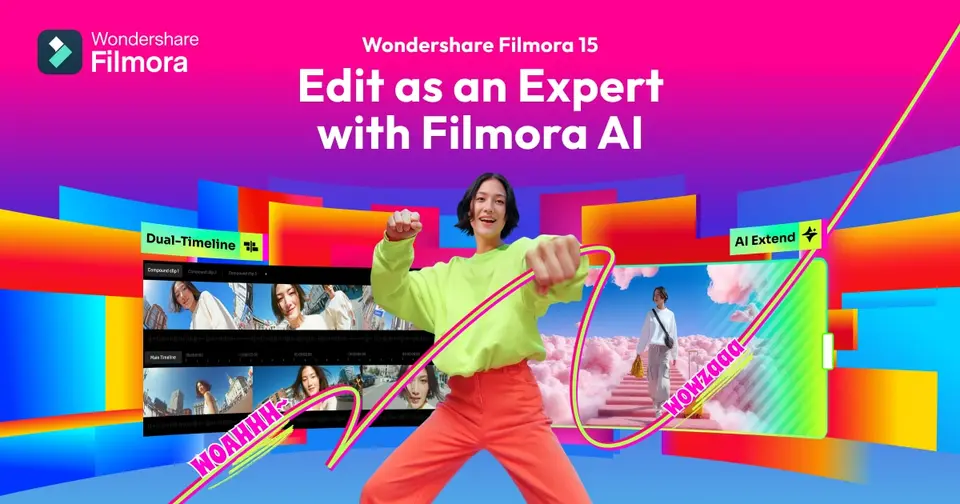
Wondershare Filmora is a video editor for Windows and Mac with separate apps for iPhone, iPad and Android. It combines a timeline editor, a screen recorder, color and audio tools, and a library of templates, effects and stock media. AI features such as text-to-video and automatic captions run on credits. It is sold as a yearly subscription or as a one-time perpetual license, and a free edition exports with a watermark.
Wondershare Filmora has a free plan. Paid plans start at $49.99 per year (Basic), or $79.99 one-time for a perpetual license. See every plan
Good for
- Hobbyists and YouTube creators who want a desktop editor with built-in templates
- Buyers who prefer a one-time license to a subscription
- Tutorial makers who record the screen and edit in the same app
Worth knowing
- The free edition adds a watermark to every exported video.
- Individual plans are single-user, and Wondershare directs business use to its Team & Business plan.
- A Perpetual license covers one platform and only updates within Filmora 16; later major versions cost extra.
- The full Creative Assets library is a separate add-on (7 days free, then $19.99 a month), and desktop licenses do not cover the mobile apps.
Key features
- Timeline editing
- A magnetic timeline with multi-camera editing, keyframe animation, motion and planar tracking, and rough-cut tools that remove pauses or cut from the transcript.
- AI generation and analysis
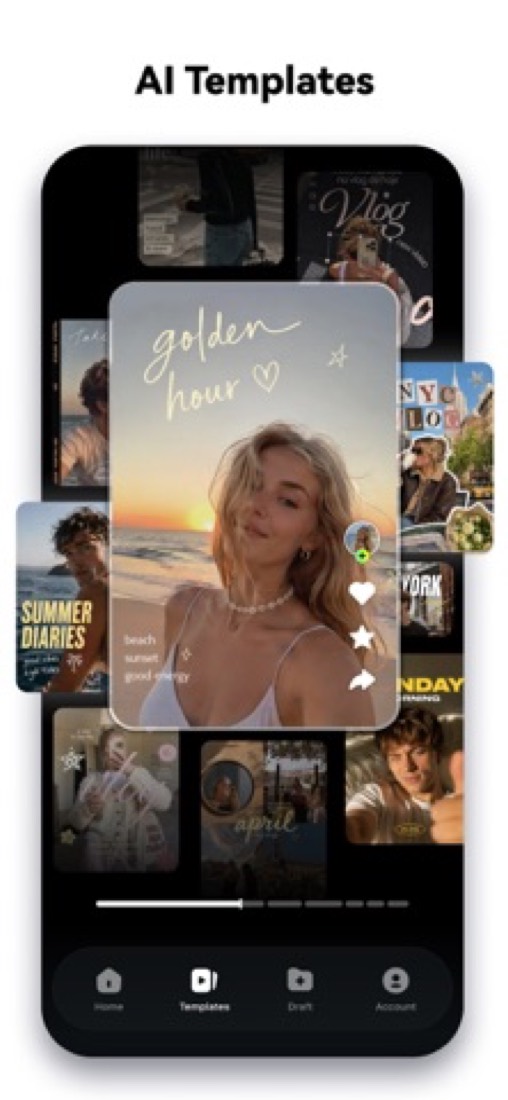
- Generate video from text, images or audio, extend clips, and let AI Media Analysis tag people, scenes and speech so shots are easier to find. Most AI tools spend Filmora AI credits.
- Captions and voice tools
- Speech-to-text covers 27 languages and text-to-speech 28. Captions sit on dedicated subtitle tracks with dynamic styles, and audio tools reduce background noise.
- Screen recorder
- Captures the screen, camera, microphones and system audio at the same time and keeps each source separate for editing afterwards.
- Color correction and cleanup
- Color tools include HSL, RGB curves, 3D LUTs and a Color Mask for grading selected areas. Cleanup tools stabilize shaky shots and reduce noise.
- Creative assets
- Templates, effects, titles, transitions, music and stock media. The free edition lists 1,500+ effects and filters against 18K+ on paid plans.
Wondershare Filmora pricing
- Starts at
- $49.99 per year (Basic), or $79.99 one-time for a perpetual license
- Free plan
- Free edition: all basic editing features and export, but exported videos carry a watermark. AI Mate is limited to 15 uses a day and the asset library is a small subset of the paid one.
- Free trial
- None listed
| Plan | Price | What you get |
|---|---|---|
| Free | $0 | Basic editing features and export with a watermark, 15 AI Mate uses a day and a smaller set of effects, titles and stock media. |
| Basic | $49.99per year, billed yearly | One user on Windows and Mac: watermark-free 4K export, 1 GB of cloud storage and version upgrades. AI features are paid for with credits bought separately. |
| Advanced | $59.99per year, billed yearly | Everything in Basic plus 1,000 Filmora AI credits a month and 10 GB of cloud storage. Shown as a discount from a crossed-out $69.99. |
| Perpetual | $79.99one-time payment, for Windows or Mac | One platform only, updates within Filmora 16, a one-time grant of 1,000 AI credits and 1 GB of cloud storage. |
Read from filmora.wondershare.com on Oct 6, 2026. Prices change, so confirm with Wondershare Filmora before you buy.
Ways to pay less
- Lifetime licensePerpetual license for a one-time $79.99
A single payment buys a license for Windows or Mac with all updates to Filmora 16. Upgrades to future major versions are not included.
Stated on filmora.wondershare.com - EducationDiscounted plans for students and teachers
Filmora's education store offers student plans at an educational discount to students and teachers who verify with an education email address or academic documents.
Stated on filmora.wondershare.com
How people rate the Wondershare Filmora app
4.7
out of 5 for the iPhone and iPad app
- 5 stars84%
- 4 stars8%
- 3 stars3%
- 2 stars1%
- 1 star4%
89,913 ratings on the App Store in the United States, read Oct 6, 2026. It rates the app, not everything the product does. See the listing
Works with
- Boris FX
- NewBlue FX
Wondershare Filmora alternatives
- Wondershare Filmora vs CapCut
Free plan · from $9.99/mo
- Wondershare Filmora vs Camtasia
Free plan · from $39/yr
- Wondershare Filmora vs DaVinci Resolve
Free plan · from $94.99
- Wondershare Filmora vs Adobe Premiere
Free plan · from $22.99/mo
- Wondershare Filmora vs Clipchamp
Free plan · from $9.99/mo





Common questions
Is Wondershare Filmora free?
Wondershare Filmora has a free plan. Free edition: all basic editing features and export, but exported videos carry a watermark. AI Mate is limited to 15 uses a day and the asset library is a small subset of the paid one. Paid plans start at $49.99 per year (Basic), or $79.99 one-time for a perpetual license.
How much does Wondershare Filmora cost?
Wondershare Filmora lists 4 plans. Free: $0. Basic: $49.99 per year, billed yearly. Advanced: $59.99 per year, billed yearly. Perpetual: $79.99 one-time payment, for Windows or Mac. Prices were read from filmora.wondershare.com on Oct 6, 2026.
What platforms does Wondershare Filmora work on?
Wondershare Filmora is available on Windows, macOS, iOS and Android.
Does Wondershare Filmora offer any discounts?
Wondershare Filmora publicly lists the following: Perpetual license for a one-time $79.99; Discounted plans for students and teachers.
How is Wondershare Filmora rated?
Wondershare Filmora's iPhone and iPad app averages 4.7 out of 5 from 89,913 ratings on the App Store in the United States, as read on Oct 6, 2026. That is the store's rating of the app, not a score from us.
Does Wondershare Filmora have a Linux app?
No Linux app was listed when its pages were read on Oct 6, 2026. Wondershare Filmora is listed for Windows, macOS, iOS and Android.
Is Wondershare Filmora open source?
Wondershare Filmora is not described as open source on its own site, as read on Oct 6, 2026.
What does Wondershare Filmora integrate with?
Wondershare Filmora's listing names Boris FX and NewBlue FX. A listing names up to eight integrations, so it may connect to more.
Does Wondershare Filmora have a student discount?
Discounted plans for students and teachers. Filmora's education store offers student plans at an educational discount to students and teachers who verify with an education email address or academic documents.
Who makes Wondershare Filmora?
Wondershare Filmora is made by Wondershare. It dates from 2010.
What are the alternatives to Wondershare Filmora?
The closest alternatives to Wondershare Filmora in our directory are CapCut, Camtasia, DaVinci Resolve, Adobe Premiere and Clipchamp. Each one has a side-by-side comparison with Wondershare Filmora.
Sources for this page
The prices, plans, platforms and features above were read from these pages on Oct 6, 2026. What people say is linked where it appears.
- filmora.wondershare.com
- filmora.wondershare.com/shop/buy/buy-video-editor.html
- filmora.wondershare.com/shop/buy/buy-mac-video-editor.html
- filmora.wondershare.com/store/buy-education.html
- filmora.wondershare.com/store/buy-business.html
- filmora.wondershare.com/tech-spec.html
- wondershare.com/about/our-story.html