
Granola
AI notepad that transcribes meetings from device audio, no bot
Our verdict
Third of our top three AI meeting note takers
For: People who want notes without a bot in the call
Granola transcribes from your device's microphone and system audio, so no bot joins, and it works with Zoom, Google Meet, Microsoft Teams or other call software. Type rough notes during the call and it expands them into a full write-up. It runs on Mac, Windows, iPhone and Android, and its iPhone and iPad app averages 5.0 from about 14,000 ratings. The free Basic plan has no daily transcription limit. It is third because Basic shows only the last 30 days of notes, where Fathom's Free plan lists unlimited storage, and there is no web app or browser extension. Business, at $14 per user a month, is billed monthly only, and the Mac app needs macOS 14 or later.
See all three and how we rankGranola review
Very good · out of 4.0 · graded Oct 8, 2026
Best for meeting notes without a bot in the call
Hate it when a recording bot joins your call? Granola is the fix. It listens through your own laptop, you jot a few words, and it writes the notes up properly afterwards. People who have it really love it. The one to watch is the free plan, where you can only see your last 30 days of notes.
Who Granola is for
- Great if you don't want a bot showing up in your meetings
- Handy when you're in back-to-back calls on Zoom, Meet and Teams
- Good for people who like jotting their own points and having them filled out
- A treat for walking meetings and coffee catch-ups, with the phone and watch apps
Who Granola is not for
- Skip it if you want to look back at old notes without paying
- Not for you if you want it in a browser, since there's no web app
- Pricey if you need the Notion, HubSpot or Zapier hook-ups, which start on Business
- Not for you if your Mac can't run macOS 14 or later
Why Granola gets a 3.0
Five grades, each with its reason. The GPA is their average: an A is 4 points, an F is none.
- BValue for money$14 a person a month is fair for how good the notes are. But it's monthly only, so there's no cheaper yearly price like most apps offer.
- BFree plan and trialNo daily limit on transcription, which is generous. But you only get to see the last 30 days of notes.
- BFeaturesNo bot, notes built around what you typed, and you can ask questions across all your meetings. The app hook-ups and the API sit on the paid plan.
- AEase of use4.96 from about 14,000 App Store ratings. Sign in with Google or Microsoft, connect your calendar and it just starts working.
- CPlatforms and integrationsMac, Windows, iPhone, Android and Apple Watch. But no web app, no Linux, and the Mac app needs macOS 14 or later.
The good
So what's different about Granola? No bot. Most AI note-takers join your call as an extra guest, and everyone can see it sitting there.
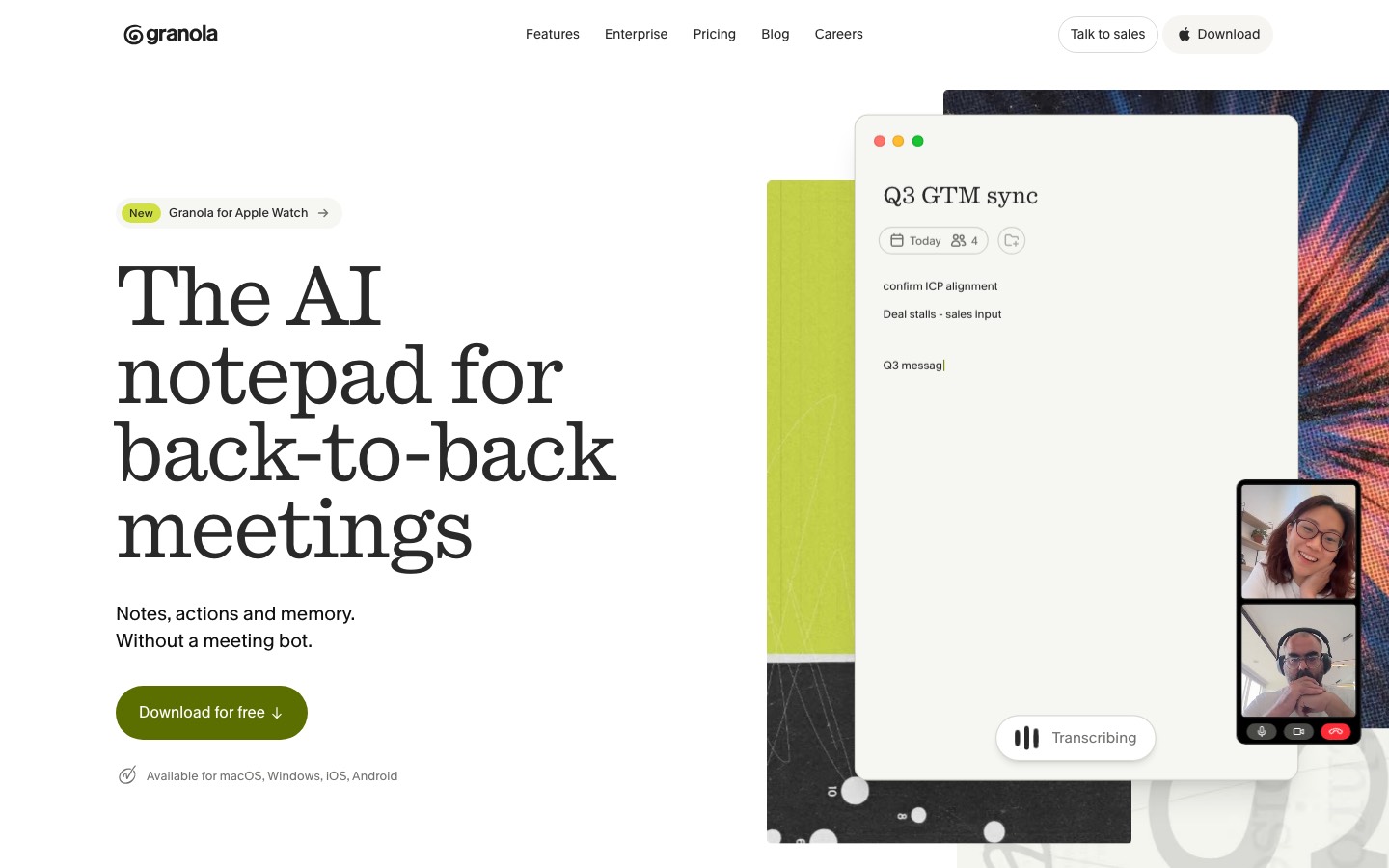
Granola doesn't join anything. It listens through your own laptop's mic and speakers, so it works with Zoom, Meet, Teams, whatever you're on.
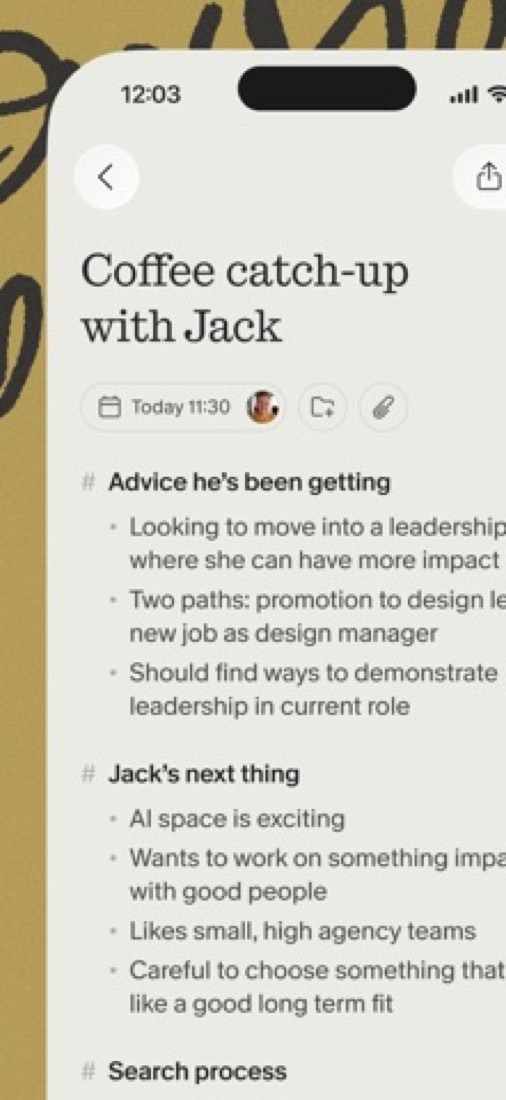
The other nice bit is how the notes get made. You type a few rough words during the call, like "pricing pushback" or "send deck friday", and afterwards it fills them out from the transcript. So the notes follow what you cared about, not just whatever was said.
You can ask it things later, too. "What did I promise to do this week?" and it digs through your meetings.
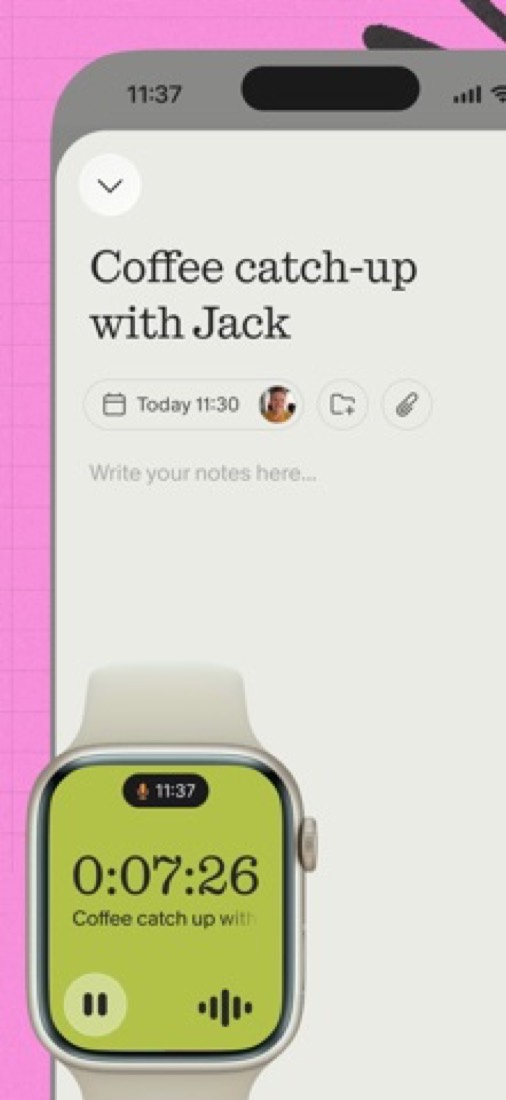
And it's not stuck at your desk. There are iPhone and Android apps for in-person chats, plus an Apple Watch app.
The stuff that'll bug you
The free plan has a sneaky wall. You can record as much as you like, but you can only see the last 30 days of notes. Older ones aren't deleted, they're just locked until you pay.
Honestly, that's the one to know about before you start. Three months in, your early notes are behind a paywall.
A few other things came up in the App Store reviews. One person wanted to edit the raw notes and couldn't, and said the AI write-up sometimes changed what was meant. Another found the Watch app stops recording the moment you check a text.
There's no web app either, and the Mac app needs macOS 14 or later. You also have to sign in with a Google or Microsoft account.
And some people are just uneasy about it. On Hacker News you'll find folks asking what it means to give an app your mic, your calendar and your private meeting notes. A reasonable thing to ask of any tool like this.
Money
Start free. There's no daily limit on transcription, and the phone apps are free too.
The paid plan is Business, at $14 a person a month. That unlocks your full history, the Notion, HubSpot and Zapier hook-ups, a brief before each meeting, and API access.
One odd thing: Business is billed monthly only. There's no cheaper yearly price unless you're on an Enterprise contract, and those start at $35 a person.
It's worth checking if you qualify for a freebie, though. Startups can get 12 months of Business free (under 30 people, pre-seed or seed). So can students at universities in the US, UK and Canada. Registered nonprofits get 50% off.
What actual users say
Granola has 4.96 on the App Store from about 14,000 ratings. That's about as high as scores go.
What do the happy ones say? Mostly that the notes are simply better than what they got from other tools, and that it clicked straight away.
The grumbles are smaller and more specific. Losing the formatting when you copy notes out on the free plan. The Watch app. Not being able to fix the raw notes.
We also noticed people building their own stuff on top of it, like turning action items into a to-do board. That tends to happen with tools people really rely on.
What this review rests on. Based on Granola's home, pricing and help centre pages as of 8 October 2026, its App Store reviews and Hacker News threads about it. Not based on using the product: this is a read of everything that's public, not a test. How we review and grade.
What is Granola?
Granola is a meeting notepad that transcribes calls from the microphone and system audio of your own device, so no recording bot joins the meeting. You jot down as much or as little as you like and it writes up structured notes from the transcript, then lets you ask questions across past meetings. Desktop apps cover Mac and Windows, and the phone apps handle in-person conversations.
Granola has a free plan. Paid plans start at $14 per user / month, billed monthly. See every plan
Good for
- People who do not want a recording bot visible in their calls
- Note-takers who like to type their own points and have them filled out afterwards
- Back-to-back meeting schedules across Zoom, Google Meet and Teams
Worth knowing
- The free Basic plan shows only the last 30 days of notes; older notes need a Business subscription to view.
- Notion, HubSpot, Attio, Affinity and Zapier integrations start on Business; Salesforce, SSO and SCIM are Enterprise only.
- Basic and Business are billed monthly only; annual billing is offered on Enterprise contracts.
- There is no web app or browser extension, and the Mac app needs macOS 14 or later.
Key features
- Bot-free capture
- Transcribes from your device's microphone and system audio, so it works with Zoom, Google Meet, Microsoft Teams or other call software without adding a participant to the meeting.
- Notes built on what you type
- Type rough notes during the call and Granola expands them into a full write-up using the transcript. Custom templates control the structure of the result.
- Chat across meetings
- Ask questions about one meeting or your whole history, such as what you agreed to do this week. Basic uses automatic model choice; paid plans let you pick the model.
- Shared folders
- Notes are private until you share them. Shared folders give a team a common place for meeting notes and are included on every plan.
- MCP and API access
- An MCP connection lets assistants such as Claude and ChatGPT read your meeting notes. Basic exposes personal notes from the last 30 days; API access starts on Business.
- Phone apps for in-person meetings
- The iPhone and Android apps take notes away from the desk, for walking meetings, conferences or coffee catch-ups, and there is an Apple Watch app.
Granola pricing
- Starts at
- $14 per user / month, billed monthly
- Free plan
- Basic plan: AI meeting notes with no daily transcription limit, chat, shared folders and templates. Only the last 30 days of notes are viewable in the app, and Slack is the only integration.
- Free trial
- None listed
| Plan | Price | What you get |
|---|---|---|
| Basic | $0 | AI meeting notes, chat across meetings, shared folders and note templates, with 30 days of meeting history. |
| Business | $14per user / month, billed monthly | Unlimited history, model selection in chat, pre-meeting briefs, API access and integrations such as Notion, HubSpot and Zapier. |
| Enterprise | $35per user / month, monthly or annual contract | Starting price. Adds SSO, SCIM, workspace-wide admin policies, usage analytics, HIPAA-compliant workspaces and Salesforce. |
Read from granola.ai on Oct 4, 2026. Prices change, so confirm with Granola before you buy.
Ways to pay less
- Startups1 year of Business free for startups
Granola's startup program gives accepted companies 12 months of the Business plan at no cost. It is open to startups with fewer than 30 employees that have raised a pre-seed or seed round.
Stated on granola.ai - Education12 months free for students
Currently enrolled students at accredited universities in the US, UK and Canada can apply for 12 months of Granola Business free.
Stated on granola.ai - Nonprofit50% off Business for nonprofits
Registered nonprofits get 50% off the Business plan after verifying their status through Goodstack. Approval is at Granola's discretion.
Stated on granola.ai
How people rate the Granola app
5.0
out of 5 for the iPhone and iPad app
- 5 stars97%
- 4 stars2%
- 3 stars<1%
- 2 stars<1%
- 1 star<1%
14,089 ratings on the App Store in the United States, read Oct 5, 2026. It rates the app, not everything the product does. See the listing
Works with
Granola alternatives
- Granola vs Fathom
Free plan · from $15/mo
- Granola vs Jamie
Free plan · from €21/mo
- Granola vs Fireflies.ai
Free plan · from $10/mo
- Granola vs Otter.ai
Free plan · from $8.33/mo
- Granola vs Krisp
Free trial · from $8/mo




Featured in
Common questions
Is Granola free?
Granola has a free plan. Basic plan: AI meeting notes with no daily transcription limit, chat, shared folders and templates. Only the last 30 days of notes are viewable in the app, and Slack is the only integration. Paid plans start at $14 per user / month, billed monthly.
How much does Granola cost?
Granola lists 3 plans. Basic: $0. Business: $14 per user / month, billed monthly. Enterprise: $35 per user / month, monthly or annual contract. Prices were read from granola.ai on Oct 4, 2026.
What platforms does Granola work on?
Granola is available on macOS, Windows, iOS and Android.
Does Granola offer any discounts?
Granola publicly lists the following: 1 year of Business free for startups; 12 months free for students; 50% off Business for nonprofits.
How is Granola rated?
Granola's iPhone and iPad app averages 5.0 out of 5 from 14,089 ratings on the App Store in the United States, as read on Oct 5, 2026. That is the store's rating of the app, not a score from us.
Does Granola have a Linux app?
No Linux app was listed when its pages were read on Oct 4, 2026. Granola is listed for macOS, Windows, iOS and Android.
Is Granola open source?
Granola is not described as open source on its own site, as read on Oct 4, 2026.
Does Granola have an API?
Yes. Granola offers a public API, according to its own site.
What does Granola integrate with?
Granola's listing names Slack, Notion, HubSpot, Attio, Affinity, Zapier, Salesforce and Claude. A listing names up to eight integrations, so it may connect to more.
Does Granola have a student discount?
12 months free for students. Currently enrolled students at accredited universities in the US, UK and Canada can apply for 12 months of Granola Business free.
Who makes Granola?
Granola is made by Granola, Inc.
What are the alternatives to Granola?
The closest alternatives to Granola in our directory are Fathom, Jamie, Fireflies.ai, Otter.ai and Krisp. Each one has a side-by-side comparison with Granola.
Sources for this page
The prices, plans, platforms and features above were read from these pages on Oct 4, 2026. What people say is linked where it appears.