
Jotform review (2026): is the free plan enough?
No-code form builder with payments, e-signatures and workflows
Black Friday: is there a Jotform sale?
Jotform review
Very good · out of 4.0 · graded Oct 10, 2026
Best for forms that take payments and signatures
Jotform builds forms that can also take payments, collect signatures and send answers for approval, with a phone app that works with no signal. Free stops at 5 forms and 100 responses a month with Jotform's logo on every form, paid plans start at $34 a month for one person, a second builder means Enterprise at an unpublished price, there's no trial, and full storage deletes your oldest responses. For a quick survey, look elsewhere.
Who Jotform is for
- Fits if you want forms, payments and signatures in one account, not three
- Works for field teams collecting answers with no signal, like on a building site
Who Jotform is not for
- Skip it if all you need is a quick survey, because Google Forms is free
- Tight if you want to stay on free, with 5 forms, 100 responses a month, 500 kept and Jotform's logo on each form
- Pricey if two of you build forms, since only Enterprise takes more than one user and its price isn't published
- Not for you if you need HIPAA features on a budget, as they start on Gold at $99
- Watch out: there's no trial, full storage deletes your oldest responses, and sale prices renew at full price
Why Jotform gets a 3.0
Five grades, each with its reason. The GPA is their average: an A is 4 points, an F is none.
- CValue for money$34 a month on yearly billing lands between this category's $24 middle and its dearer quarter at $39, and that's 25 forms for one person. Fair if it replaces a signing tool too. Steep if you only need forms, and a second builder means Enterprise.
- CFree plan and trialNearly every feature is in the free plan, and it never expires, but the caps are ones you'll hit: 5 forms, 100 responses a month, 500 responses kept, and Jotform's logo on every form.
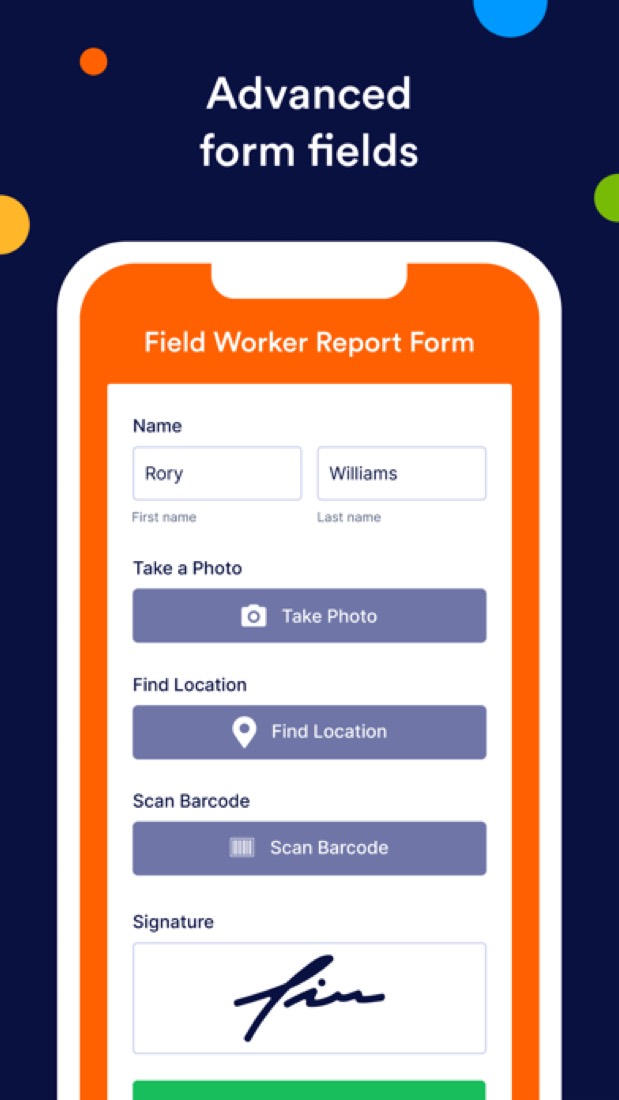
- AFeaturesForms, payments, e-signatures, approvals, tables, reports, an app builder and AI agents, from more than 20,000 templates. Two things the rest of this category hasn't got: a phone app that collects answers with no signal, and agents that run a form over chat, phone or WhatsApp.
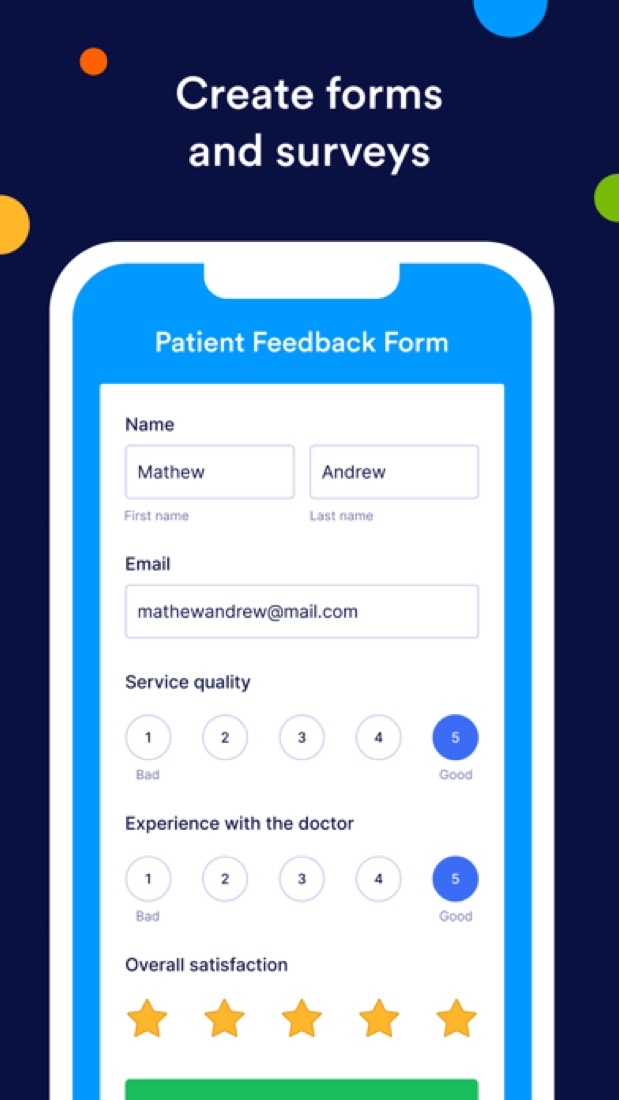
- AEase of use4.9 from about 44,600 App Store ratings, the highest score in this category. Pick a template, drag the fields around, send the link. One reviewer's car club, run by volunteers with little tech experience, got on fine.
- BPlatforms and integrationsWeb plus iPhone and Android, with the phone app working offline, and it hooks into PayPal, Stripe, Google Sheets, Slack and Zapier, with an API key even on free. No desktop app, which is the one thing short of top marks.
The good
So what's different about Jotform? It doesn't stop at the form.
Say you run a dance school. Parents fill in the sign-up form, pay the term fee and sign the waiver in one go, and then it lands with you to approve. With most form tools that's three or four apps stuck together.
Payments go through PayPal, Stripe or Square. The answers drop into a table you can sort, and a report builder turns them into charts.
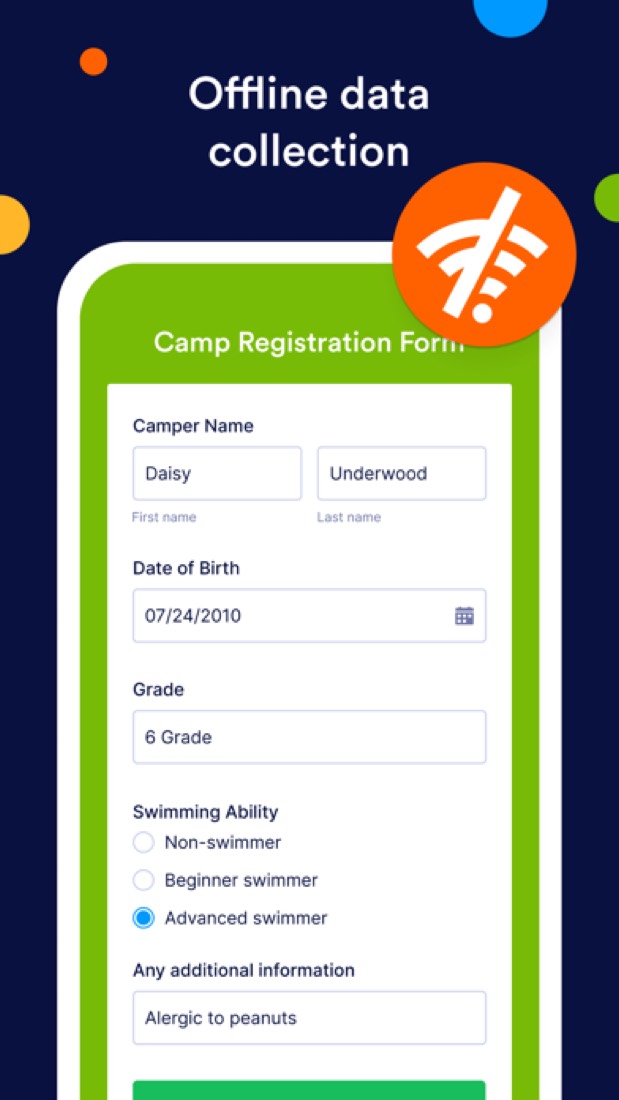
The phone app collects answers with no signal and uploads them when you're back online. There's a kiosk mode too, for leaving a tablet on the desk at an event.
There are more than 20,000 templates, so someone has probably built your "camp registration" form already.
The stuff that'll bug you
Limits. Jotform has one for nearly everything!
Forms and responses, sure. But Jotform also counts form views, payments, signed documents, upload space and how many responses it keeps. On the free plan that's 10 payments and 10 signed documents a month, 100 MB of space and 500 stored responses, and every form carries Jotform's logo.
What happens when you go over? Hit a monthly limit and your forms get switched off until it resets or you upgrade. Fill the storage and Jotform deletes your oldest responses to make room. That's from its own help page, so download anything you can't lose.
Then there's the one-user thing. Bronze, Silver and Gold are each for a single person. Need a colleague building forms too? That's Enterprise, and the price is "contact us".
The HIPAA features start on Gold, at $99 a month. And yearly sale prices renew at full price, its pricing page says.
You can't trial the paid plans either. There's a 30-day money-back guarantee instead. And there's no desktop app, just the website and the phone apps.
Money
The free plan has no time limit, and nearly every feature is in it. Run a real form on it for a month before you pay for anything.
Bronze is $34 a month if you pay for the year, or $39 month to month. That's 25 forms and 1,000 responses a month.
Silver is $39 on yearly billing, $49 monthly, for 50 forms and 2,500 responses. That's only $5 more than Bronze, so we'd look at Silver first.
Gold jumps to $99, or $129 monthly. You get 100 forms, 10,000 responses and the HIPAA features, which is the main reason to buy it.
Run a charity, or teach? Ask for the discount. It's 50% off Bronze, Silver and Gold.
One thing to watch: Jotform runs sales on yearly plans, and its pricing page says they renew at full price.
What actual users say
Jotform has 4.9 on the App Store from about 44,600 ratings.
Who writes the happy reviews? Small outfits, mostly. A car club run by volunteers, taking registrations and money. A nonprofit that swapped its paper records for two forms. A tattoo artist who says the free version is all they need.
The word that keeps coming up is paper. As in, no more of it.
The unhappy ones are about limits and lockouts. One person with two small forms felt pushed into a paid plan they didn't want. Another was banned on suspicion of phishing and couldn't find anyone to contact, though Jotform fixed it once she'd posted her review.
On Hacker News, nobody argues about Jotform. It just turns up as the link at the bottom of a post, the "apply here" form. People use it and move on.
What this review rests on. Based on Jotform's pricing, features, mobile forms, AI agents, help and API pages as of 9 October 2026, its App Store reviews and Hacker News posts that mention it. Also tested with a demo account on 2026-03-16. How we review and grade.
Make Jotform? Put this grade on your site

Paste this where you want the badge. It links here and follows the grade if it changes. About badges
<a href="https://toolgpa.com/tools/jotform#review"><img src="https://toolgpa.com/badge/jotform.svg" alt="Jotform: 3.0 GPA on ToolGPA" width="196" height="56"></a>Where Jotform stands among form and survey tools
Jotform's GPA of 3.0 is higher than 142 of the 148 other form and survey tools we grade, and level with 3.
It stands best on ease of use (A, above 148 of 148) and worst on free plan and trial (C, above 32).
Its paid plans start at $34 a month, against a middle price of $20 for the category: 76 of the 114 others that charge start lower.
On features, ease of use and platforms it scores 3.7 out of 4, and no tool on the category's chart scores higher without costing more.
Each grade against the category
Every bar is all 149 form and survey tools we grade, cut by the letter each got. Jotform’s own letter is outlined.
- CValue for moneyAbove 35 of 148, level with 72
- CFree plan and trialAbove 32 of 148, level with 79
- AFeaturesAbove 145 of 148, level with 3
- AEase of useAbove 148 of 148
- BPlatforms and integrationsAbove 46 of 148, level with 101
Price against what you get
Each dot is one of 121 form and survey tools. Further left costs less, and higher up scores better on features, ease of use and platforms. Point at a dot to see which tool it is.
Features, ease of use and platforms, averaged
What paid plans start at, a month (each step along is roughly double) →
- The best score at each price
- Has a free plan
- No free plan
Keep Jotform, or make your own?
Keep it
To replace Jotform you would be making connections to other products, each kept working as those products change. That is not a weekend's work, with an AI app builder or without one.
It is one of the better ones too: its GPA of 3.0 is higher than 142 of the 148 other form and survey tools we grade. It costs $408 a year.
What you could make
- Forms and templates: an app builder makes these well.
What you could not
- Connections to other products, each kept working as those products change.
- A tool that builds and hosts other apps.
- An AI agent on a rented model, with the safeguards you build around it.
- A real app for iOS and Android. Something home-made would be a web page.
- Hooks into the device itself: widgets.
- The depth: we grade its features A, which means it covers the whole job.
What this rests on. Jotform’s listing: what it does, where it runs, what it plugs into and what it costs. It is a judgement about the kind of software this is. We have not built a replacement for it, and making your own means looking after it too. How we decide, and every tool’s verdict.
What is Jotform?
Jotform is a no-code form builder that has grown into a suite for collecting data and acting on it. Beyond forms it includes tables, reports, e-signatures, approval workflows, an app builder, a store builder and AI agents, plus iOS and Android apps that collect data offline. Plans are tiered by usage limits such as forms, monthly submissions and upload space, and only Enterprise supports multiple users.
Worth knowing
- Bronze, Silver and Gold are single-user plans; Enterprise is the only multiuser plan.
- The free Starter plan allows 5 forms and 100 submissions a month, and its forms show Jotform branding.
- HIPAA compliance features are limited to the Gold and Enterprise plans.
- Paid plans have no trial period, only a 30-day money-back guarantee; once submission storage is full, the oldest responses are deleted.
Key features
- Drag-and-drop Form Builder
- Build forms without code, starting from more than 20,000 premade templates, with conditional logic to show or hide fields and widgets that extend what a form can do.
- Online payments
- Collect one-time payments and recurring subscriptions through gateways such as PayPal, Stripe and Square. Monthly payment submissions are capped by plan, from 10 on Starter to 1,000 on Gold.
- Jotform Sign
- Create, share and e-sign documents. Signed documents count against a monthly limit that runs from 10 on Starter to 1,000 on Gold.
- Workflows, Tables and reports
- Jotform Workflows automates approval steps, Jotform Tables organizes submissions in a workspace, and Report Builder turns responses into charts and grids.
- Mobile app with offline collection
- The free iOS and Android app collects submissions without an internet connection and has a kiosk mode for gathering many responses on one device.
- AI Agents
- Agents trained on URLs, uploaded documents or custom Q&As answer questions and guide people through a form over chat, phone, SMS, WhatsApp and email.
Jotform pricing
As of Oct 5, 2026, Jotform has a free plan, and paid plans start at $34 per month, billed annually ($39 billed monthly).
- Starts at
- $34 per month, billed annually ($39 billed monthly)
- Free plan
- Starter plan: 5 forms, 100 monthly submissions, 100 MB of upload space, 10,000 monthly form views and 500 stored submissions for one user. Forms and signed documents carry Jotform branding.
- Free trial
- None listed
| Plan | Price | What you get |
|---|---|---|
| Starter | $0 | 5 forms, 100 monthly submissions, 100 MB of space and 10 payment submissions a month, with Jotform branding. |
| Bronze | $34per month, billed annually ($39 billed monthly) | 25 forms, 1,000 monthly submissions, 1 GB of space and 100 payment submissions a month for one user. |
| Silver | $39per month, billed annually ($49 billed monthly) | 50 forms, 2,500 monthly submissions, 10 GB of space and 250 payment submissions a month for one user. |
| Gold | $99per month, billed annually ($129 billed monthly) | 100 forms, 10,000 monthly submissions, 100 GB of space and optional HIPAA compliance features, for one user. |
| Enterprise | Custom | The only multiuser plan: unlimited forms and submissions, SSO, user management, data residency and a custom domain. |
Read from jotform.com on Oct 5, 2026. Prices change, so confirm with Jotform before you buy.
Ways to pay less
- Annual discountSave up to 20% with yearly billing
The pricing page advertises up to 20% off for yearly payment. Bronze is $34 per month billed annually versus $39 monthly, Silver $39 versus $49 and Gold $99 versus $129.
Stated on jotform.com - Nonprofit50% off for nonprofits
Approved nonprofits get 50% off the Bronze, Silver and Gold plans and 30% off the Enterprise plan.
Stated on jotform.com - Education50% off for educators and schools
Verified teachers and academic institutions get 50% off Bronze, Silver and Gold and 30% off Enterprise. Fees for HIPAA, SSO and other add-ons are excluded.
Stated on jotform.com
Jotform refunds and cancellation
Good · checked Oct 18, 2026
Thirty days from any payment, for any reason, and the terms say renewals count too, which is better than most of this category manages. You downgrade yourself from the Billing page and keep the paid plan until the next billing date. It is a B rather than an A because the money comes through a refund request that Jotform then approves or denies, and because no page we could find says what happens to your forms and submissions once the account lands back on Starter.
- Refund window
- 30 days
- How you cancel
- Yourself, in settings
- Getting your money back
Jotform's terms set out a 30 Day Money Back Policy: cancel your account within 30 days of a payment made directly to Jotform, for any reason, and you may request and receive a refund from the support team. Refunds for other reasons inside those 30 days are at Jotform's sole discretion, and add-ons such as AI agent phone numbers are excluded. Purchases through the App Store or Google Play are refunded by those stores.
Stated on jotform.com- How to cancel Jotform
A paid plan is cancelled by downgrading to the Starter (Free) plan from the Billing section of Account Settings. Jotform says you keep your current plan's features until the plan actually changes. A subscription bought through the Jotform mobile app on Google Play or the App Store has to be cancelled in that store instead, and a PayPal automatic payment is stopped from the PayPal account.
- On the Workspace page, click your avatar at the top right
- Click Settings to open Account Settings
- In the menu on the left, click Billing
- In the My Plan section, click Change Plan
- At the bottom of the Starter (Free) plan, click Downgrade
- Review the changes listed in the window that opens and confirm the downgrade
- What you keep afterwards
Jotform's pricing FAQ says that when you cancel a paid plan you stay on it until the next billing date and are then moved to Starter, and that downgrading to a plan with lower limits takes effect immediately, with the unused time added to the account as a balance against the next invoice. The pages read do not say what becomes of forms and submissions that sit above the Starter limits afterwards.
Stated on jotform.com- Renewals
The terms say a Jotform subscription is billed in advance on a recurring basis and renews automatically at the end of each billing cycle until you cancel or downgrade to the free Starter plan, and that turning off auto-renew stops the next charge or invoice. No reminder before a renewal is mentioned, though the 30-day refund window runs from each payment rather than only the first.
Stated on jotform.com
In your favour
- Thirty days from any payment, including a renewal you forgot about, not just your first purchase.
- The refund is for any reason: the terms do not ask you to justify cancelling.
- You downgrade yourself from the Billing page, with nobody to talk you out of it.
- Cancel and you keep the paid plan until the next billing date rather than losing it that day.
Watch out for
- You submit a refund request and Jotform approves or denies it; there is no button that just returns the money.
- Add-ons such as AI agent phone numbers are carved out of the refund policy.
- Bought it in the app stores? Google or Apple handles the refund, not Jotform.
- No page we read says what happens to forms and submissions that exceed the Starter limits after you drop back.
Jotform customer support
Good · checked Oct 18, 2026
Jotform states more than most: the support team is there 24 hours a day, every day, and the contact page shows a running average reply time of about an hour and a half. Anyone can raise a ticket, free plans included, and the help centre is large. It stops short of an A because the only instant options are an AI agent, and nothing on the page says a person answers live. Note too that tickets are posted publicly unless you tick the private box.
Ways to get help
Contact form or ticket
A support ticket raised from the contact page, with space for a link and a screenshot. Jotform warns that what you submit is posted to its public Jotform Answers page unless you tick Make private. The same page also offers an AI agent by chat, WhatsApp, Messenger and voice.
Stated on jotform.comHelp centre
Jotform's help centre, open without signing in, with user guides grouped into chapters including a billing chapter covering invoices, cancelling a subscription and requesting a refund.
Stated on jotform.comCommunity or forum
The public Jotform Answers pages, where tickets submitted without the private box ticked are published together with the support team's replies, so other users can read them.
Stated on jotform.com
Not listed on Jotform’s pages: live chat, phone.
- When people answer
The contact page states that the customer support team is available 24/7. The pricing page repeats it, saying the support team is available to help any time you need them.
Stated on jotform.com- How fast it says it replies
The contact page displays an average response time of 1 hour 30 minutes beside the question box. It is shown as an average rather than promised as a target, and no plan is named against it.
Stated on jotform.com- What depends on your plan
Jotform's pages do not split ordinary support by plan: the same ticket form and the same 24/7 claim are offered to everyone, Starter included. The one difference named is Enterprise, which Jotform's pricing page says comes with a dedicated support team.
Stated on jotform.com
In your favour
- Jotform states 24/7 cover and shows a running average reply time, which most tools never put in writing.
- Free Starter users get the same ticket form as paying customers.
- The help centre has step-by-step guides on cancelling, invoices and requesting a refund.
- Answered tickets are published, so you can often find your question already dealt with.
Watch out for
- Your ticket is posted publicly unless you tick Make private, so strip out anything personal.
- The only instant options are an AI agent; no page says a person answers live.
- The hour-and-a-half figure is an average on display, not a promise, and no plan is attached to it.
- A dedicated support team is an Enterprise thing, and Enterprise has no public price.
What these two grades rest on. Read on 18 October 2026: Jotform's terms of use with their payments and 30 Day Money Back sections, the help centre's billing chapter, its articles on cancelling a subscription and on requesting a refund, the article on the form over quota error, the pricing page and its FAQ, the contact page and the public answers pages. Nobody here cancelled a plan or contacted its support. They are graded apart from the five that make the GPA. How we grade refunds and support.
How people rate the Jotform app
4.9
out of 5 for the iPhone and iPad app
44,550 ratings on the App Store in the United States, read Oct 5, 2026. It rates the app, not everything the product does. See the listing
Works with
Jobs at Jotform
Any open roles at Jotform are on its own careers page. We can’t read a count from there, so have a look.
Applications go to Jotform, not to us.
Jotform alternatives
- Jotform vs Typeform
Free plan · from $28/mo
- Jotform vs Google Forms
Free plan · from $7/mo
- Jotform vs Cognito Forms
Free plan · from $19/mo
- Jotform vs Formstack
Free trial · from $83/mo
- Jotform vs Zoho Forms
Free plan · from $10/mo




Common questions
Does Jotform have a Windows app?
No Windows app was listed when its pages were read on Oct 5, 2026. Jotform is listed for Web, iOS and Android.
Does Jotform have a macOS app?
No macOS app was listed when its pages were read on Oct 5, 2026. Jotform is listed for Web, iOS and Android.
Is Jotform open source?
Jotform is not described as open source on its own site, as read on Oct 5, 2026.
Does Jotform work offline?
Yes, according to its own site. What works without a connection differs by plan and platform, so check the vendor's page for the detail.
Does Jotform have an API?
Yes. Jotform offers a public API, according to its own site.
Sources for this page
The prices, plans, platforms and features above were read from these pages on Oct 5, 2026. What people say is linked where it appears.